STEAMDB NEXUS

Steam app 382110 · updated 12 Sep 2026, 20:50 UTC

Virtual Desktop Classic

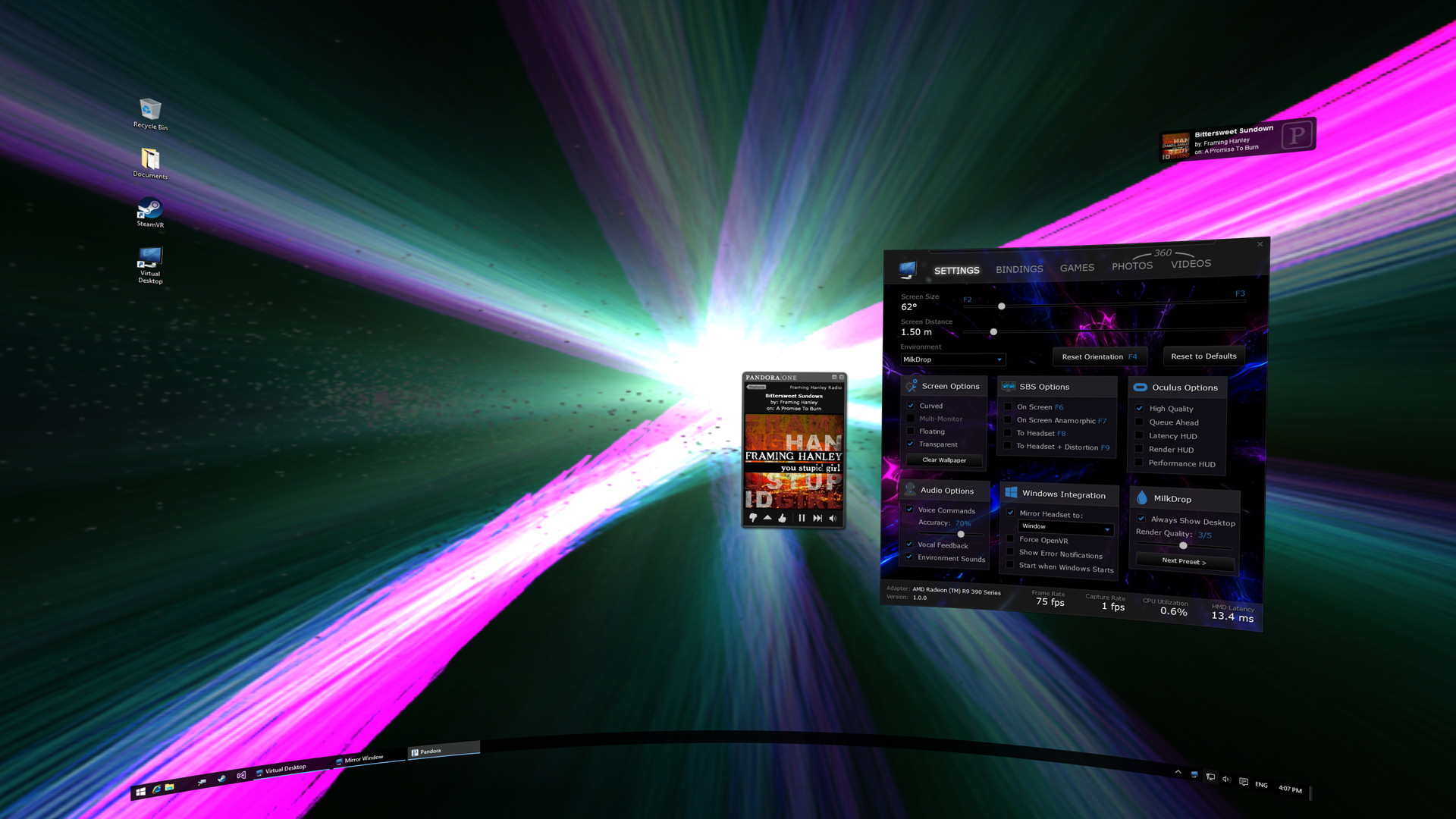
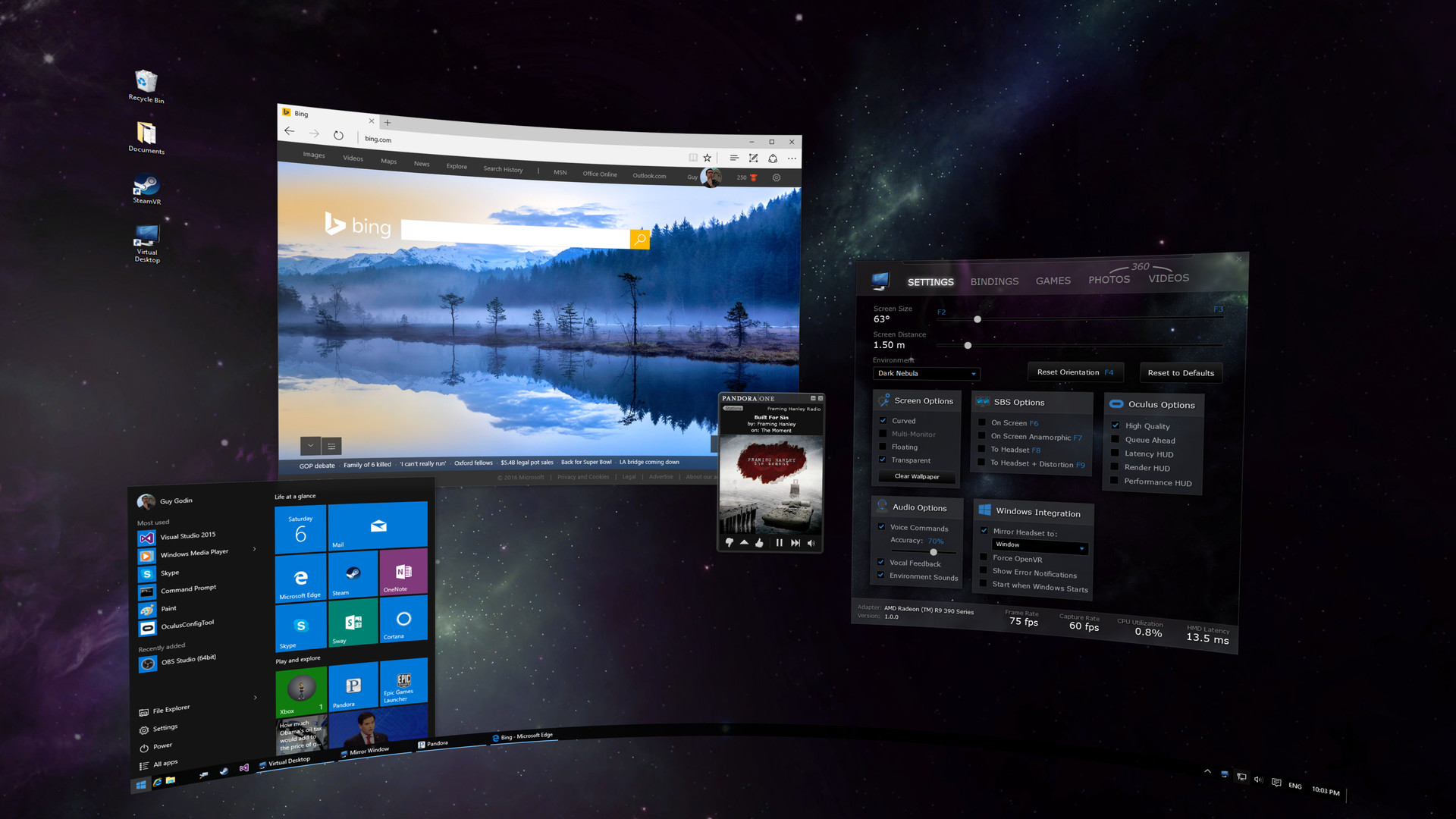
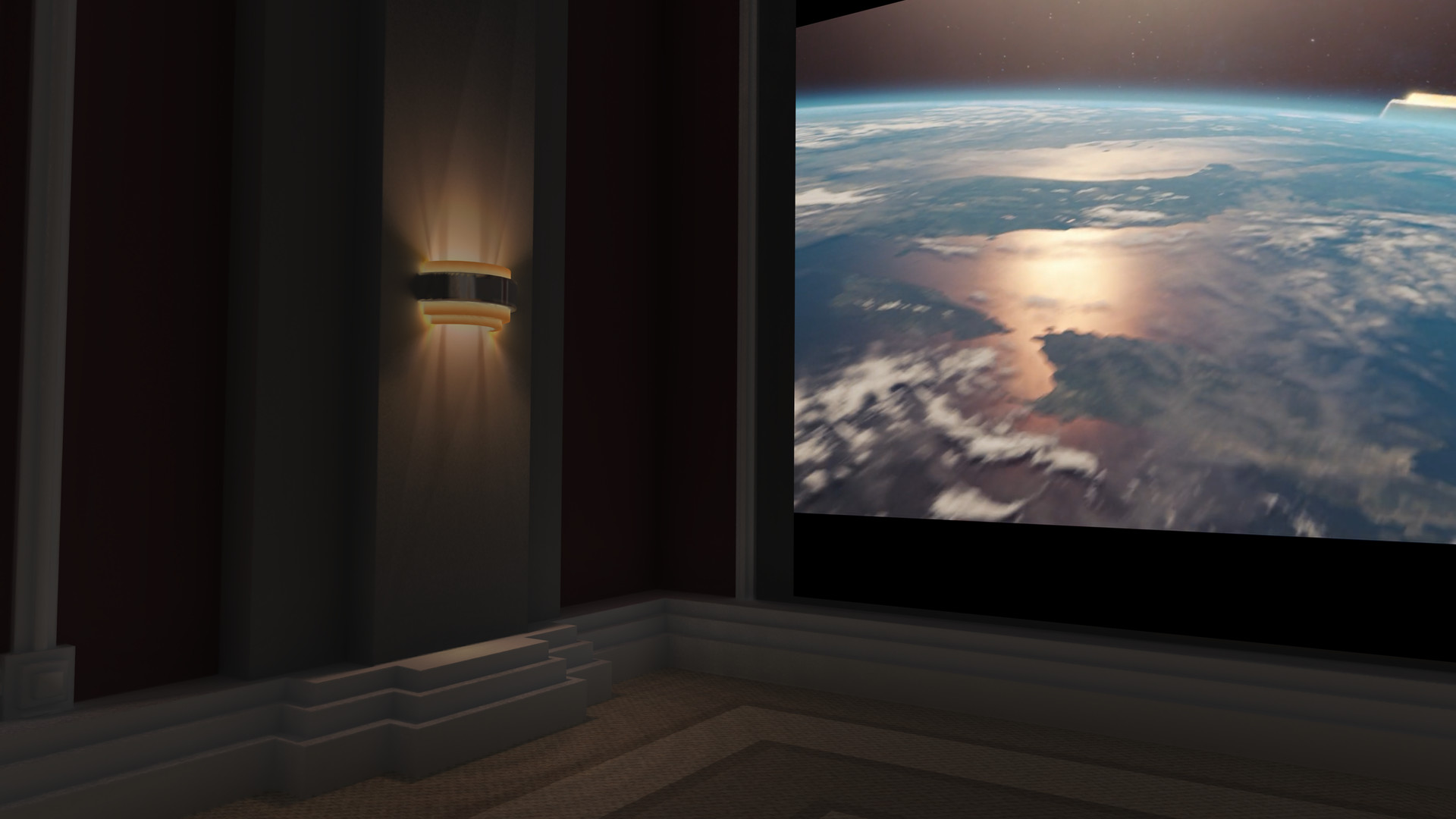
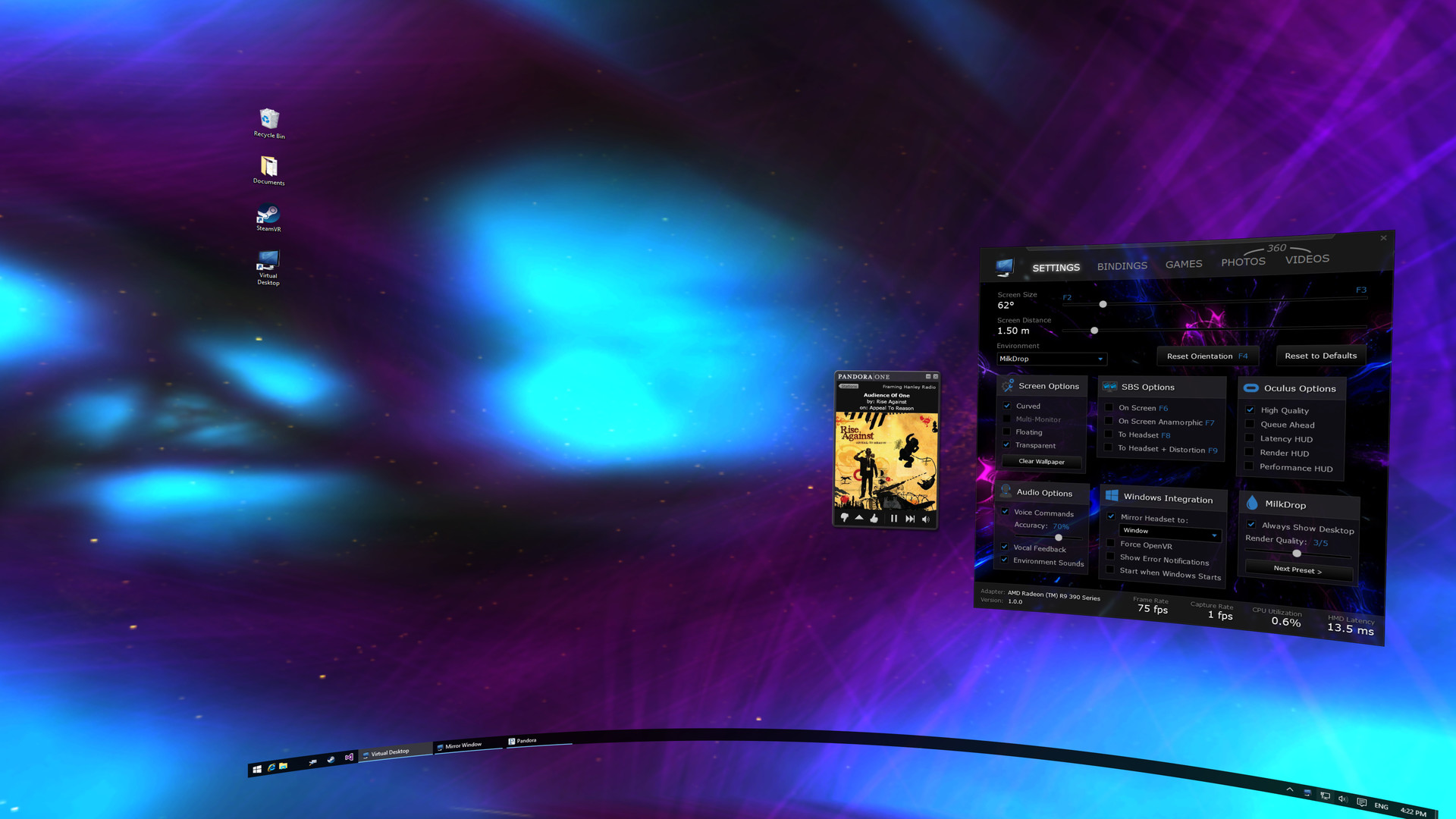
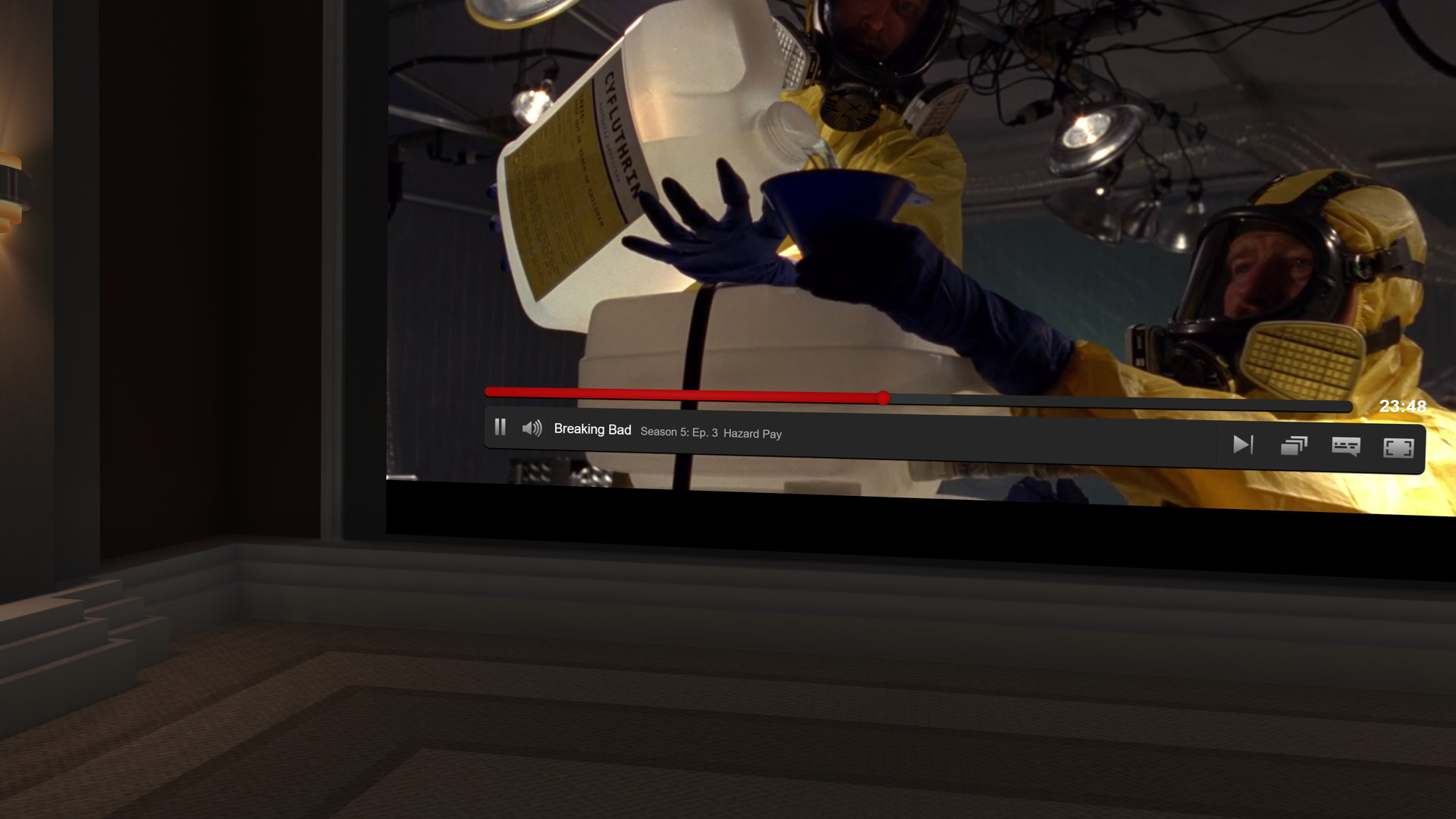
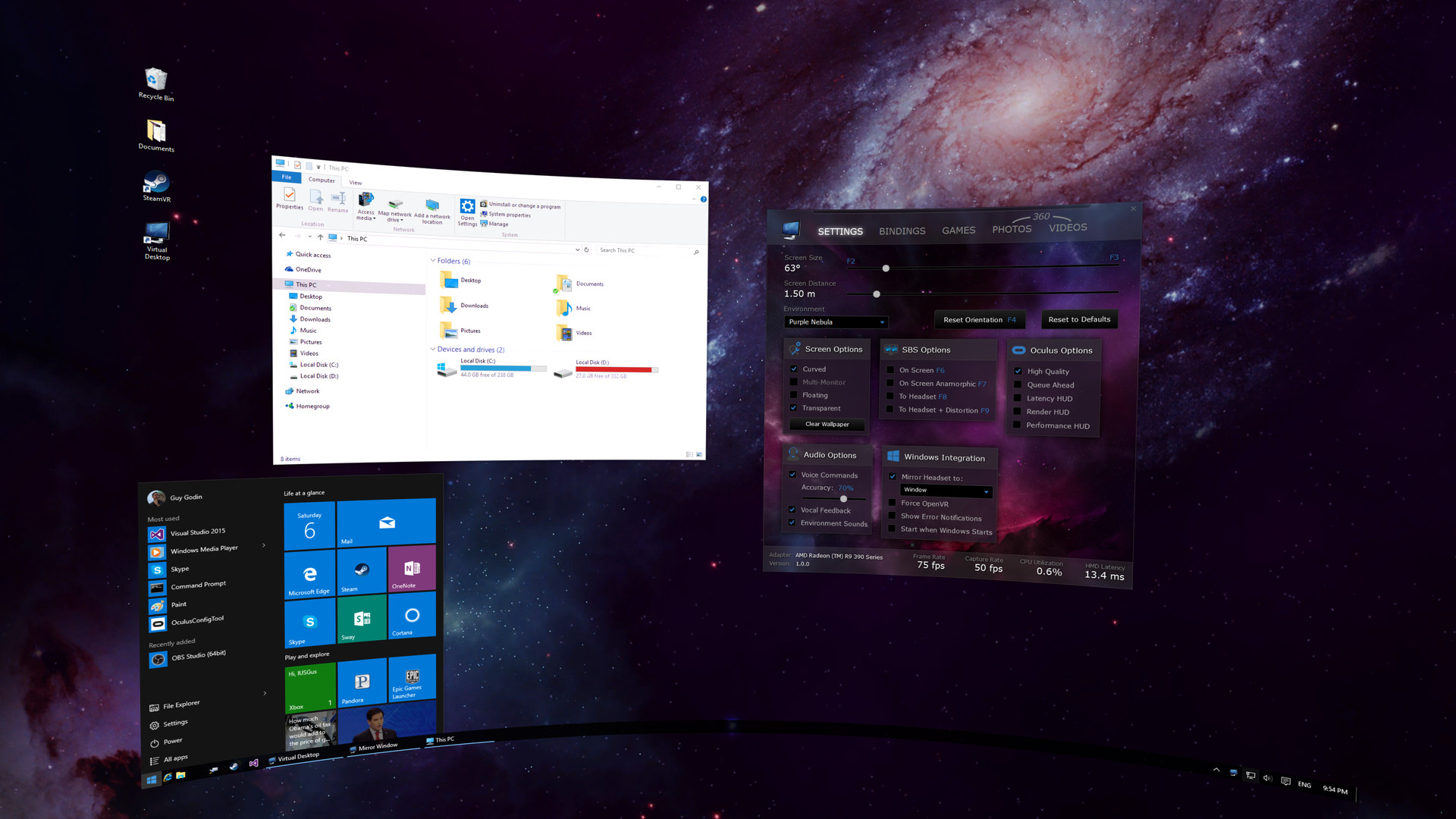
Virtual Desktop is an application developed for the Oculus Rift / Rift S, HTC Vive, Valve Index and WMR headsets that lets you use your computer in VR. This app is NOT for the Oculus Quest or Pico headsets. You can browse the web, watch movies, Netflix or even play games on a giant virtual screen.

Virtual Desktop Classic Steam header artwork
Virtual Desktop, Inc.Virtual Desktop, Inc.
47playing now
5624-hour peak
2,508all-time peak
41average, last 30 days

The last 30 days

−0.7Gain−1.57%% gain66Peak

719 hourly samples, with the daily peak drawn over them. Weekends are shaded.

01836537113 Aug18 Aug23 Aug28 Aug02 Sep07 Sep12 SepThursday 13 August 202643 peakFriday 14 August 202656 peakSaturday 15 August 202666 peakSunday 16 August 202666 peakMonday 17 August 202652 peakTuesday 18 August 202650 peakWednesday 19 August 202646 peakThursday 20 August 202648 peakFriday 21 August 202649 peakSaturday 22 August 202663 peakSunday 23 August 202663 peakMonday 24 August 202658 peakTuesday 25 August 202659 peakWednesday 26 August 202643 peakThursday 27 August 202657 peakFriday 28 August 202658 peakSaturday 29 August 202666 peakSunday 30 August 202661 peakMonday 31 August 202649 peakTuesday 01 September 202650 peakWednesday 02 September 202643 peakThursday 03 September 202646 peakFriday 04 September 202645 peakSaturday 05 September 202655 peakSunday 06 September 202660 peakMonday 07 September 202645 peakTuesday 08 September 202642 peakWednesday 09 September 202645 peakThursday 10 September 202642 peakFriday 11 September 202658 peakSaturday 12 September 202656 peak
Daily peakEvery hourly sample

All time

128 months, February 2016 to September 2026. The highest number of people in the game at once, each month, on a time axis -- a gap in the record stays a gap.

06771k2k3k2016201720192021202320242026February 20161 monthly peakMarch 20163 monthly peakApril 2016240 monthly peakMay 2016366 monthly peakJune 2016425 monthly peakJuly 2016420 monthly peakAugust 2016385 monthly peakSeptember 2016353 monthly peakOctober 2016351 monthly peakNovember 2016322 monthly peakDecember 2016334 monthly peakJanuary 2017350 monthly peakFebruary 2017312 monthly peakMarch 2017303 monthly peakApril 2017304 monthly peakMay 2017230 monthly peakJune 2017278 monthly peakJuly 2017204 monthly peakAugust 2017223 monthly peakSeptember 2017231 monthly peakOctober 2017221 monthly peakNovember 2017222 monthly peakDecember 2017239 monthly peakJanuary 2018247 monthly peakFebruary 2018190 monthly peakMarch 2018173 monthly peakApril 2018185 monthly peakMay 2018172 monthly peakJune 2018178 monthly peakJuly 2018166 monthly peakAugust 2018173 monthly peakSeptember 2018182 monthly peakOctober 2018164 monthly peakNovember 2018184 monthly peakDecember 2018192 monthly peakJanuary 2019204 monthly peakFebruary 2019170 monthly peakMarch 2019181 monthly peakApril 2019175 monthly peakMay 2019167 monthly peakJune 2019160 monthly peakJuly 20192,508 monthly peakAugust 2019171 monthly peakSeptember 2019164 monthly peakOctober 2019166 monthly peakNovember 2019160 monthly peakDecember 2019179 monthly peakJanuary 2020179 monthly peakFebruary 2020164 monthly peakMarch 2020182 monthly peakApril 2020186 monthly peakMay 2020173 monthly peakJune 2020169 monthly peakJuly 2020171 monthly peakAugust 2020177 monthly peakSeptember 2020188 monthly peakOctober 2020192 monthly peakNovember 2020177 monthly peakDecember 2020183 monthly peakJanuary 2021192 monthly peakFebruary 2021189 monthly peakMarch 2021191 monthly peakApril 2021176 monthly peakMay 2021168 monthly peakJune 2021152 monthly peakJuly 2021147 monthly peakAugust 2021143 monthly peakSeptember 2021150 monthly peakOctober 2021151 monthly peakNovember 2021164 monthly peakDecember 2021169 monthly peakJanuary 2022178 monthly peakFebruary 2022158 monthly peakMarch 2022149 monthly peakApril 2022160 monthly peakMay 2022142 monthly peakJune 2022149 monthly peakJuly 2022160 monthly peakAugust 2022150 monthly peakSeptember 2022149 monthly peakOctober 2022157 monthly peakNovember 2022144 monthly peakDecember 2022146 monthly peakJanuary 2023158 monthly peakFebruary 2023146 monthly peakMarch 2023160 monthly peakApril 2023151 monthly peakMay 2023149 monthly peakJune 2023138 monthly peakJuly 2023144 monthly peakAugust 2023132 monthly peakSeptember 2023150 monthly peakOctober 2023164 monthly peakNovember 2023150 monthly peakDecember 2023141 monthly peakJanuary 2024134 monthly peakFebruary 2024128 monthly peakMarch 2024133 monthly peakApril 2024121 monthly peakMay 2024112 monthly peakJune 2024119 monthly peakJuly 2024118 monthly peakAugust 2024107 monthly peakSeptember 2024110 monthly peakOctober 2024115 monthly peakNovember 2024104 monthly peakDecember 2024126 monthly peakJanuary 2025122 monthly peakFebruary 2025111 monthly peakMarch 2025114 monthly peakApril 2025108 monthly peakMay 202597 monthly peakJune 202598 monthly peakJuly 202598 monthly peakAugust 202589 monthly peakSeptember 202589 monthly peakOctober 202594 monthly peakNovember 202597 monthly peakDecember 202599 monthly peakJanuary 202692 monthly peakFebruary 202692 monthly peakMarch 202684 monthly peakApril 202674 monthly peakMay 202674 monthly peakJune 202674 monthly peakJuly 202670 monthly peakAugust 202666 monthly peakSeptember 202660 monthly peak
Monthly peak

The last four months

Show:

The highest number of people in the game at once, each month. Four, because four is as far back as the source keeps anything finer than one figure a month.

019385776July 2026August 2026September 2026October 2026July 202670 peak — daily detail belowAugust 202666 peak — hourly detail belowSeptember 202660 peak — hourly detail below
Monthly peakHas finer data

July 2026

31 days, each one the highest figure that day. The source keeps no hourly detail this far back. Weekends are shaded.

01938577601 Jul06 Jul11 Jul16 Jul21 Jul26 Jul31 JulWednesday 01 July 202659 peakThursday 02 July 202655 peakFriday 03 July 202670 peakSaturday 04 July 202663 peakSunday 05 July 202664 peakMonday 06 July 202646 peakTuesday 07 July 202656 peakWednesday 08 July 202650 peakThursday 09 July 202650 peakFriday 10 July 202651 peakSaturday 11 July 202660 peakSunday 12 July 202663 peakMonday 13 July 202653 peakTuesday 14 July 202647 peakWednesday 15 July 202646 peakThursday 16 July 202646 peakFriday 17 July 202655 peakSaturday 18 July 202656 peakSunday 19 July 202653 peakMonday 20 July 202652 peakTuesday 21 July 202653 peakWednesday 22 July 202645 peakThursday 23 July 202645 peakFriday 24 July 202653 peakSaturday 25 July 202662 peakSunday 26 July 202667 peakMonday 27 July 202660 peakTuesday 28 July 202654 peakWednesday 29 July 202657 peakThursday 30 July 202651 peakFriday 31 July 202662 peak

August 2026

31 days as the curve, each the highest figure that day. Behind it, 435 hourly samples from 13 Aug, which is as far back as the source keeps every hour. Weekends are shaded.

01836537101 Aug06 Aug11 Aug16 Aug21 Aug26 Aug31 AugSaturday 01 August 202660 peakSunday 02 August 202659 peakMonday 03 August 202654 peakTuesday 04 August 202648 peakWednesday 05 August 202651 peakThursday 06 August 202648 peakFriday 07 August 202648 peakSaturday 08 August 202651 peakSunday 09 August 202653 peakMonday 10 August 202651 peakTuesday 11 August 202646 peakWednesday 12 August 202646 peakThursday 13 August 202649 peakFriday 14 August 202656 peakSaturday 15 August 202666 peakSunday 16 August 202666 peakMonday 17 August 202652 peakTuesday 18 August 202650 peakWednesday 19 August 202646 peakThursday 20 August 202648 peakFriday 21 August 202649 peakSaturday 22 August 202663 peakSunday 23 August 202663 peakMonday 24 August 202658 peakTuesday 25 August 202659 peakWednesday 26 August 202643 peakThursday 27 August 202657 peakFriday 28 August 202658 peakSaturday 29 August 202666 peakSunday 30 August 202661 peakMonday 31 August 202649 peak

September 2026

12 days as the curve, each the highest figure that day. Behind it, 284 hourly samples. Each dip is a night. Weekends are shaded.

01632496501 Sep03 Sep05 Sep07 Sep09 Sep11 SepTuesday 01 September 202650 peakWednesday 02 September 202643 peakThursday 03 September 202646 peakFriday 04 September 202645 peakSaturday 05 September 202655 peakSunday 06 September 202660 peakMonday 07 September 202645 peakTuesday 08 September 202642 peakWednesday 09 September 202645 peakThursday 10 September 202642 peakFriday 11 September 202658 peakSaturday 12 September 202656 peak

October 2026

Virtual Desktop Classic was released on 31 Mar, 2016.

Not out yet.There is nothing to draw for this month.
Nothing here is interpolated or estimated; where a sample is missing the line is broken.

Game information

Updated 12 Sep 2026, 20:50 UTC
App ID
382110
Last updated
25 Aug 2026 build 24934662
Developer
Virtual Desktop, Inc.
Publisher
Virtual Desktop, Inc.
Release date
31 Mar, 2016
Platforms
Windows
Download size
519 MB
Install size
717 MB
Genres
Utilities
Game modes
Controller support
Partial

Features & support

Steam features

VR OnlyVR SupportSteam Workshop

Controllers & input

Tracked Controller SupportPartial Controller Support

Accessibility

Popular tags

VRUtilitiesSoftware
About this gameFull description from Steam
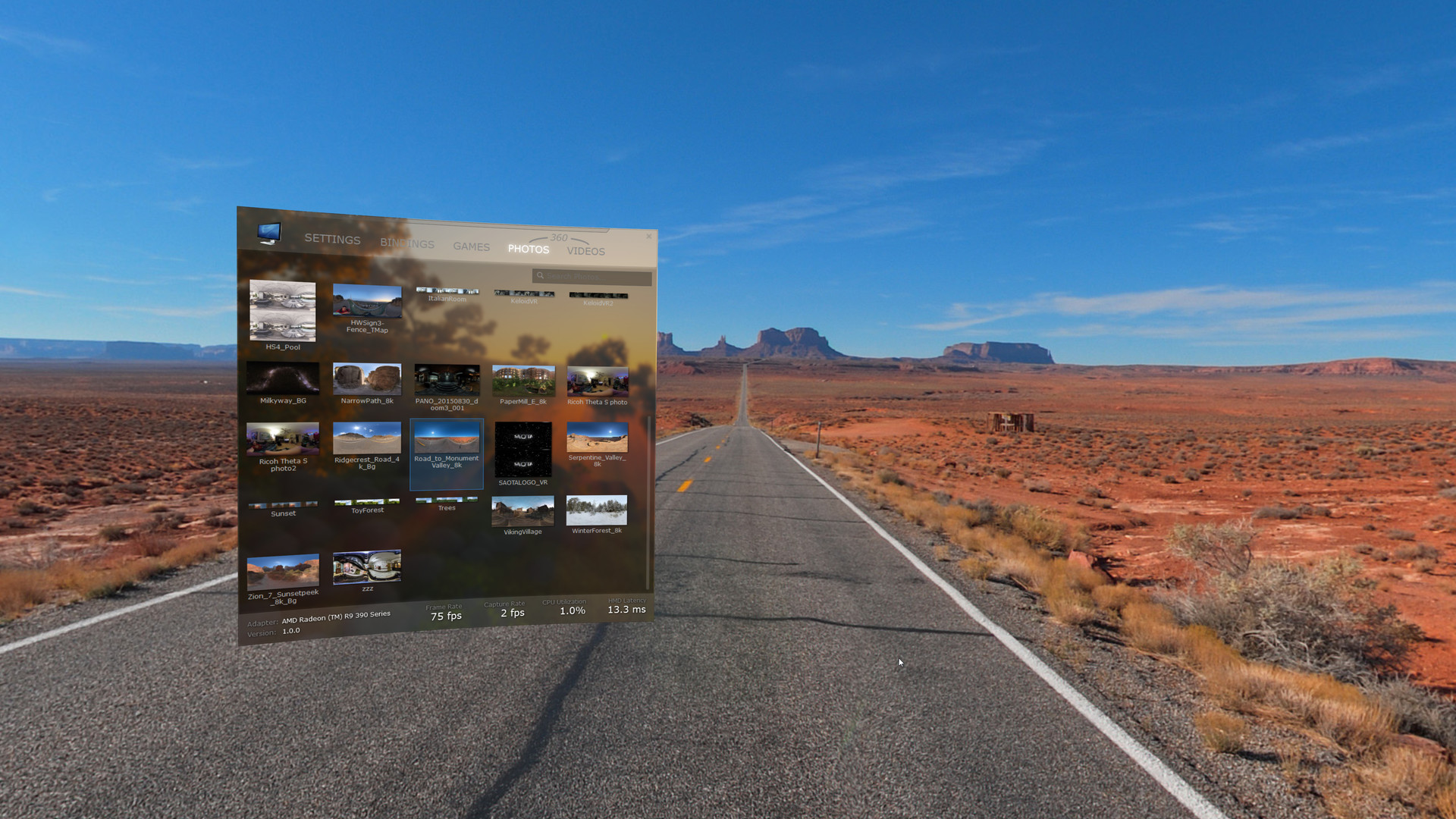
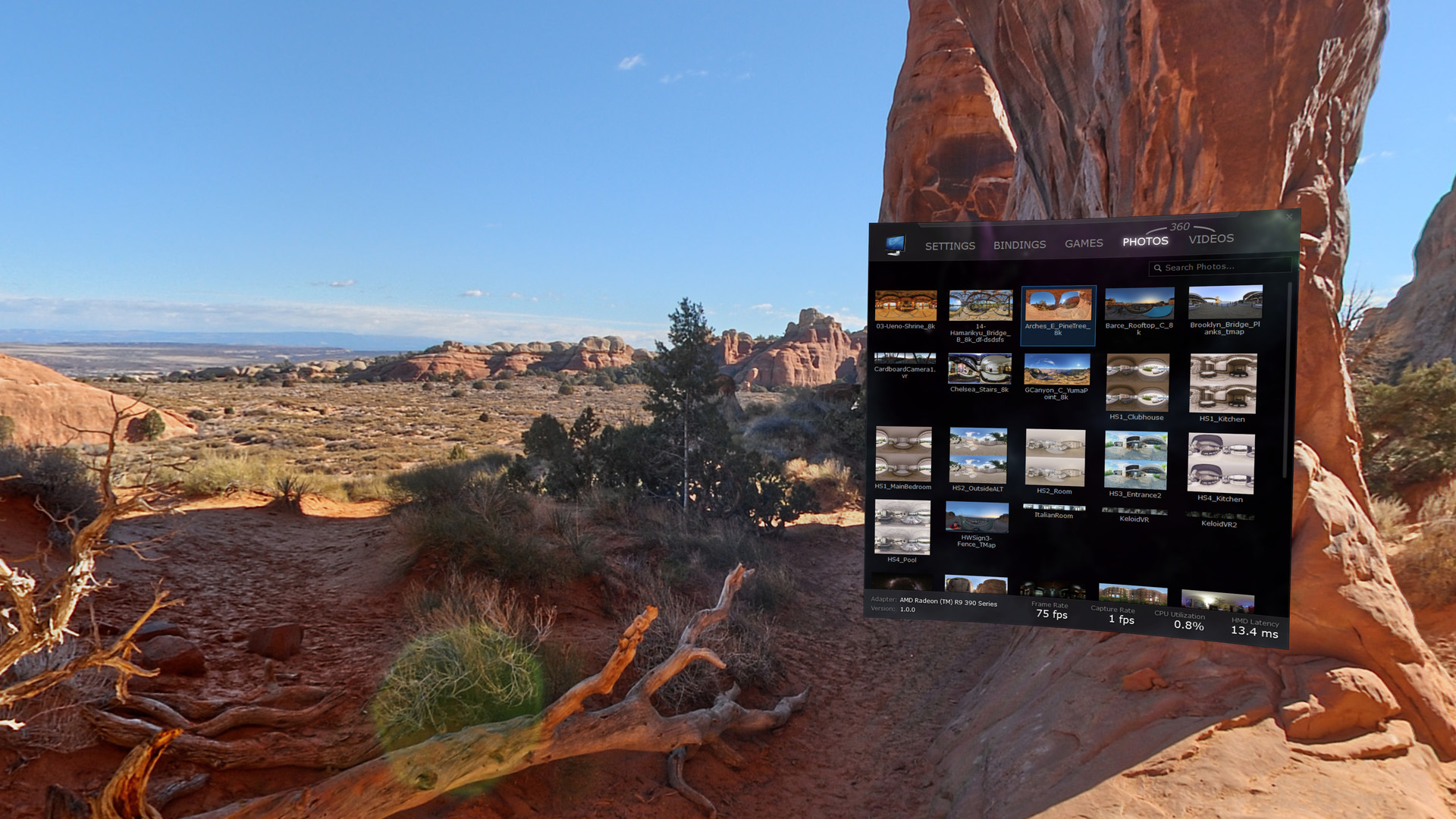
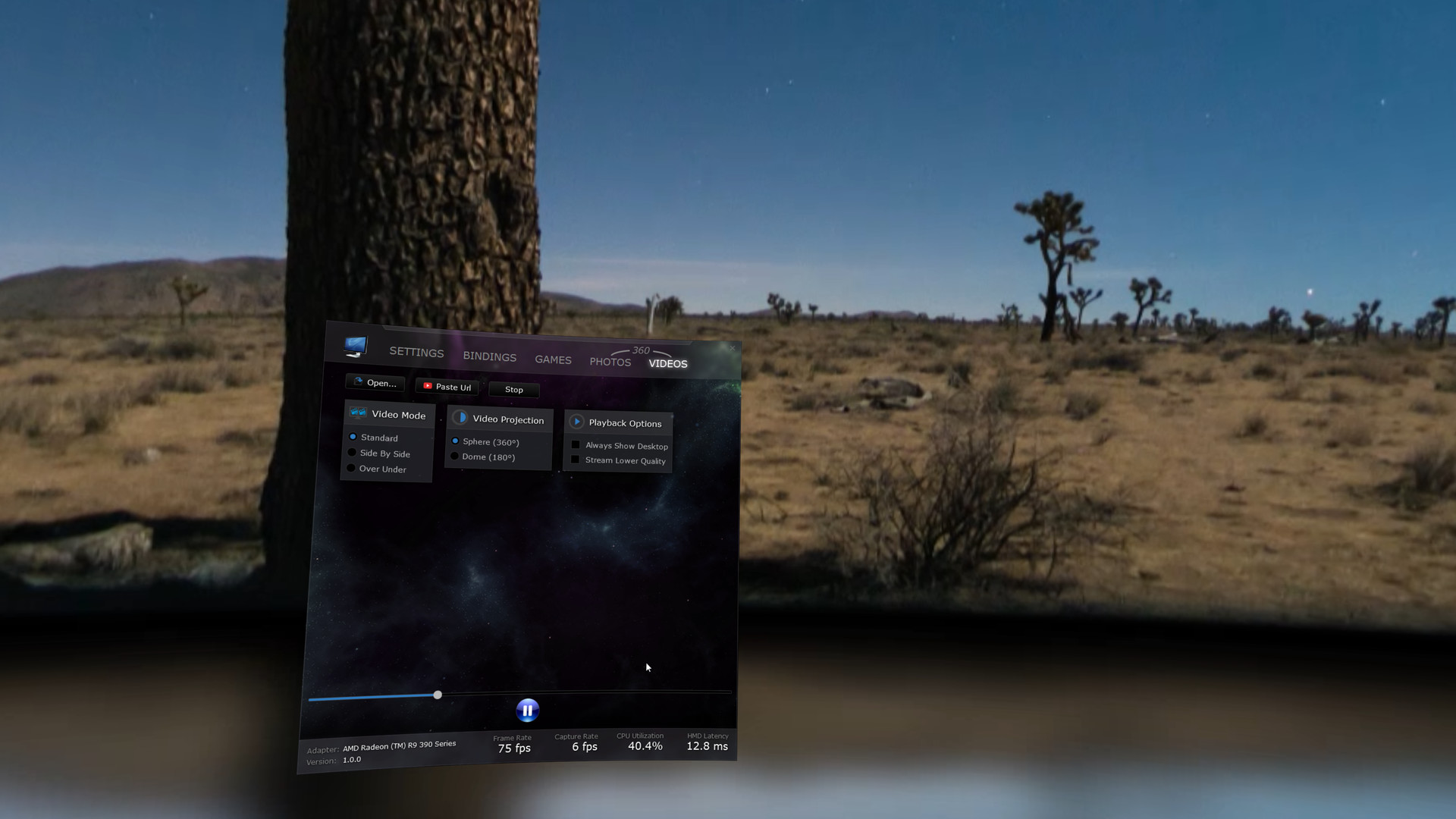
Virtual Desktop is an application for the Oculus Rift / Rift S, HTC Vive, Valve Index and Windows Mixed Reality headsets that lets you use your computer in VR. This app is NOT for the Meta Quest or Pico headsets. You can browse the web, watch movies, Netflix or even play games on a giant virtual screen. Other features include: Hardware accelerated 360 video playback Ability to play/stream YouTube 360 videos Browse and view 360 photos MilkDrop support for music visualization 3D Side-By-Side video support Game launcher with voice commands Multi-monitor Environment Editor to create custom environments Steam Workshop integration for environments Dashboard integration
System requirementsMinimum and recommended hardware

Minimum

Minimum: OS *: Windows 7 SP1, Windows 8.1 or Windows 10 Processor: i5-2500k Memory: 4 GB RAM Graphics: NVidia GTX 640 or 980M or ATI HD 7000/Rx 200 DirectX: Version 11 Storage: 700 MB available space VR Support: SteamVR or Oculus PC Additional Notes: If you are using a Windows 'N' edition, you will need to install the Media Feature Pack.

Recommended

Recommended: OS: Windows 10 Processor: i5-2500k Memory: 4 GB RAM Graphics: NVidia GTX 760 or 980M or ATI Rx 200 DirectX: Version 11 Storage: 700 MB available space Additional Notes: Windows 10 is highly recommended as it provides better performance. The Anniversary and Creators Update add 8K video and some H.265 support.
Supported languages4 languages
LanguageFull audio
English●
French●
German●
Japanese●

A blank audio cell means full audio was not marked in the returned language list.

Screenshots & trailersScreenshots and trailers

Trailers

AchievementsTotal count and selected achievements

50 developer announcements, Apr 2017 to Mar 2022 · times in UTC

March

  1. Update 1.18.14 - Improved game capture performance

    Hi folks, small update today that will improve the performance when playing some games that hog the GPU. Enjoy!

    Patch notes

January

  1. Update 1.18.13 - Video download improvements

    Small update today that fixes the slow downloads of videos when pasting a URL. VR 180 videos should now download correctly in 180 SBS mode rather than pancake mode. Enjoy!

    Patch notes

August

  1. Update 1.18 - Improved HDR monitor support, capture rate

    Today's update improves compatibility with HDR monitors and improves the capture rate to better match your monitor`s refresh rate on the latest version of Windows 10 (2004)

    Patch notes

March

  1. Patch 1.17.9 - Fixed multi-monitor with WMR headsets

    Small update that removes the black monitors that have appeared with a recent update to Windows Mixed Reality

    Patch notes

October

  1. Patch 1.17.5 - Multi-monitor brightness and easier clicks with trigger

    Hi folks, this is a small update that fixes the screen brightness slider when multi-monitor is enabled. The threshold for trigger presses has also been changed to make it easier to click and double-click on the desktop. This update also…

    Patch notes

July

  1. Patch 1.17.3 - Fixed error when pasting video URL

    Hi folks, small update today that fixes an error message when pasting YouTube video links.

    Patch notes

June

  1. Patch 1.17.1 - Rift S Touch controllers, small change to screen grab/resize

    Oculus Rift S owners will now see the correct controller models. Grabbing the screen using the grip to move/resize now only works when pointing at the screen. This is to prevent accidental movement when picking up the controllers.

    Patch notes

May

  1. Update 1.17 - Rift S support, Zoom with 360 videos

    Hi, today's update adds Oculus Rift S support and brings the zoom slider to the Sphere (360°) projection which was previously only available with the Dome (180°) projection. Enjoy!

    Patch notes

April

  1. Patch 1.16.1 - Added Snap to Horizon option, Fixed Head Lock

    Today's update adds a Snap to Horizon screen option after some users reported wanting to use the Reset Orientation more precisely to tilt the screen only by a few degrees. The option is enabled by default so simply unchecking it will solve…

    Patch notes

March

  1. Update 1.16 - Improved screen manipulation

    Today's update improves screen manipulation when holding one controller grip to feel more natural. It also solves a rare BSOD issue with the virtual audio driver. Enjoy!

    Patch notes

February

  1. Patch 1.15.1 - Super sampling tweaks and Vive controller orientation fix

    This is a small patch that fixes super sampling to no longer be applied on top of SteamVR's super sampling; the amount you choose in Virtual Desktop will now override whatever is set in SteamVR. This patch also fixes the Vive controller…

    Patch notes
  2. Update 1.15 - New Auditorium environment, Knuckles controllers support

    Today's update adds a new free model environment which is perfect for watching movies. It is called the Auditorium and is a revamped version of the Cinema Screen which was previously available on the item store. This update also adds…

    Patch notes

December

  1. Update 1.14.5 - Touch keyboard option

    This update adds a checkbox to allow the Windows touch keyboard to automatically show up or not on Windows 10. In recent updates of Windows, the touch keyboard is a bit buggy and can cause explorer to restart so the option was added to…

    Patch notes
  2. Patch 1.14.4 - Fixed issue with Google Chrome

    This is a small patch to fix an issue with clicks in Google Chrome. It also solves an issue where the Windows Touch Keyboard would not always appear correctly.

    Patch notes

November

  1. Patch 1.14.3 - Controller Input fixes

    This is a small patch to fix an issue with clicks sometimes not registering in browser windows. Google Chrome still has issues with touch input so if this update doesn't solve your issue, unchecking "Use Touch Input" in Virtual Desktop's…

    Patch notes
  2. Update 1.14 - Screen Brightness slider and bug fixes

    This is a small update which adds a screen brightness slider and fixes a number of issues that were reported by users. Bug Fixes Fixed crash after playing multiple 180/360 videos in a row Fixed HDR monitors sometimes appearing black Fixed…

    ggodin

August

  1. Patch 1.13.7

    Bug Fixes -Fixed repeated UAC prompts on launch for some users -Fixed crash when rendering specific cursors on Windows 10 April update -Fixed issue with Virtual Desktop being stuck running in Steam after closing the app through the SteamVR…

    ggodin

July

  1. Patch 1.13.6

    User Requests - Added a "Use Virtual Audio Driver" option (enabled by default). Uncheck this if you don't want Virtual Desktop to mess with the audio playback device. Unchecking the option might prevent you from using Positional Audio…

    ggodin
  2. Patch 1.13.3

    Bug Fixes - Fixed performance problems introduced in 1.13 with hybrid laptops and multi-GPU configurations - Fixed darker colors issue on rotated monitors - Now preventing Supersampling from exceeding 8K x 8K (if users also supersample in…

    ggodin

June

  1. Update 1.13 - Audio tab, Improved Positional Audio, VR180 Photos Support

    Audio Tab Virtual Desktop now features an Audio tab where you can easily toggle Positional Audio and select the desired speaker configuration through a drop-down (Stereo, Quadraphonic, 5.1 Surround or 7.1 Surround); you no longer need to…

    ggodin

April

  1. Update 1.12 - Improved HEVC Support & Bug fixes

    Hardware Decoding Improvements The video player now has 3 decoding options: DXVA 2.0 (the old method), Direct3D 11 (the new option) and Software (which forces the use of installed codecs). If you have a powerful GPU, you can select the…

    ggodin

February

  1. Update 1.11 - Video player improvements

    Today's beta update adds functionality to the Photos and Videos tab as well as a few requested features and bug fixes. Videos Tab The Videos tab now displays thumbnails of the files in your 360 Videos folder and lets you play them with a…

    Patch notes
  2. Update 1.11 - Video player improvements

    Today's beta update adds functionality to the Photos and Videos tab as well as a few requested features and bug fixes. Videos Tab The Videos tab now displays thumbnails of the files in your 360 Videos folder and lets you play them with a…

    ggodin
  3. Update 1.10 - Timewarp Layers in Model environments, Monitor Orientation support

    Timewarp Layers in Model Environments Model environments such as the Home Theater and Home Cinema now support cylindrical and quad layers (with Rift) to render the desktop. This provides the maximum image quality even when Supersampling…

    Patch notes
  4. Update 1.10 - Timewarp Layers in Model environments, Monitor Orientation support

    Timewarp Layers in Model Environments Model environments such as the Home Theater and Home Cinema now support cylindrical and quad layers (with Rift) to render the desktop. This provides the maximum image quality even when Supersampling…

    ggodin
  5. Update 1.9.5 - Bug Fixes

    This update focuses on stability improvements and a few user requests. Video Player A new option called Allow Custom Orientation will let you position 360 videos with the Reset Orientation command (like it used to work in prior versions).…

    Patch notes
  6. Update 1.9.5 - Bug Fixes

    This update focuses on stability improvements and a few user requests. Video Player A new option called Allow Custom Orientation will let you position 360 videos with the Reset Orientation command (like it used to work in prior versions).…

    ggodin

January

  1. Update 1.9 - Moveable Screen, Positional Audio, YouTube 360 Cube projection, Improved controller support

    Today’s update is huge. Probably one of the biggest to date. Let’s go into the details! Moveable Screen You can now grab the screen and move it around by holding one grip. Holding both grips will let you resize it as it did in the past.…

    Patch notes
  2. Update 1.9 - Moveable Screen, Positional Audio, YouTube 360 Cube projection, Improved controller support

    Today’s update is huge. Probably one of the biggest to date. Let’s go into the details! Moveable Screen You can now grab the screen and move it around by holding one grip. Holding both grips will let you resize it as it did in the past.…

    ggodin
  3. Update 1.8.5 - Separate Dashboard App, Performance Improvements

    Today's update separates the Dashboard functionality into a separate app (called Virtual Desktop Dashboard) which will now appear under Tools in Steam. This will solve the issue of Virtual Desktop always appearing as running in Steam…

    Patch notes
  4. Update 1.8.5 - Separate Dashboard App, Performance Improvements

    Today's update separates the Dashboard functionality into a separate app (called Virtual Desktop Dashboard) which will now appear under Tools in Steam. This will solve the issue of Virtual Desktop always appearing as running in Steam…

    ggodin

December

  1. Update 1.8 - Cylindrical layers, WMR Support, video player compact mode, additional languages, 3D Anaglyph support

    Starting with version 1.8, new updates will now be announced and pushed to the Beta branch for a few days before making it to the public branch. This will allow you to revert to a working state in case something isn't working as expected…

    Patch notes
  2. Update 1.8 - Cylindrical layers, WMR Support, video player compact mode, additional languages, 3D Anaglyph support

    Starting with version 1.8, new updates will now be announced and pushed to the Beta branch for a few days before making it to the public branch. This will allow you to revert to a working state in case something isn't working as expected…

    ggodin
  3. Windows Mixed Reality (WMR) Support

    There are a couple issues with the new WMR headsets that prevent Virtual Desktop from being a worthwhile experience. Mainly controller interaction with the desktop and stability. This announcement is to let you know that those issues are…

    ggodin
  4. Windows Mixed Reality (WMR) Support

    There are a couple issues with the new WMR headsets that prevent Virtual Desktop from being a worthwhile experience. Mainly controller interaction with the desktop and stability. This announcement is to let you know that those issues are…

    ggodin

November

  1. Update 1.7 - Controller bindings, Stereo Panoramas and Oculus Dash support

    Controller Bindings You can now remap controller buttons in the Bindings tab. With Rift you can also remap Xbox controller bindings; just make sure to enable Xbox Controller in the headset options and ensure you Xbox controller is paired.…

    Patch notes
  2. Update 1.7 - Controller bindings, Stereo Panoramas and Oculus Dash support

    Controller Bindings You can now remap controller buttons in the Bindings tab. With Rift you can also remap Xbox controller bindings; just make sure to enable Xbox Controller in the headset options and ensure you Xbox controller is paired.…

    ggodin
  3. Update 1.6 - New SteamVR Dashboard, Google Cardboard Photos and more!

    New SteamVR Dashboard The Virtual Desktop Dashboard replaces the original SteamVR Desktop Dashboard. It renders your monitors at full framerate, allows interaction with Touch gestures (swipe to scroll, pinch to zoom, etc.) and lets you to…

    Patch notes
  4. Update 1.6 - New SteamVR Dashboard, Google Cardboard Photos and more!

    New SteamVR Dashboard The Virtual Desktop Dashboard replaces the original SteamVR Desktop Dashboard. It renders your monitors at full framerate, allows interaction with Touch gestures (swipe to scroll, pinch to zoom, etc.) and lets you to…

    ggodin

September

  1. Update 1.5.1 - Screen Curve slider, Controller improvements

    Today's update adds a long awaited feature; a screen curve slider as well as improvements to the controller models with SteamVR. The Oculus Touch button mapping was reverted back to use face buttons (A and X) for left clicks and now button…

    Patch notes
  2. Update 1.5.1 - Screen Curve slider, Controller improvements

    Today's update adds a long awaited feature; a screen curve slider as well as improvements to the controller models with SteamVR. The Oculus Touch button mapping was reverted back to use face buttons (A and X) for left clicks and now button…

    ggodin

July

  1. Update 1.5 - Windows 7 support, Motion controls improvements and more

    Today's update is a big one! Windows 7 is now officially supported. The performance on Windows 7 will not be as good as Windows 10; 360 videos require the installation of 3rd party codecs (such as the K-Lite Codec Pack) and the motion…

    Patch notes
  2. Update 1.5 - Windows 7 support, Motion controls improvements and more

    Today's update is a big one! Windows 7 is now officially supported. The performance on Windows 7 will not be as good as Windows 10; 360 videos require the installation of 3rd party codecs (such as the K-Lite Codec Pack) and the motion…

    ggodin
  3. Update 1.4.1 - Bug fixes

    Today's update fixes a number of small issues: - Error when opening some 360 photos - Screen vertical offset with multi-monitor option checked - Collapsing window when opening a second video - Injection with DirectX 9 games on Windows 10…

    Patch notes
  4. Update 1.4.1 - Bug fixes

    Today's update fixes a number of small issues: - Error when opening some 360 photos - Screen vertical offset with multi-monitor option checked - Collapsing window when opening a second video - Injection with DirectX 9 games on Windows 10…

    ggodin

June

  1. Update 1.4 - Video Player improvements, bug fixes

    Today's update adds software decoding fallback in the video player. Software decoding means Virtual Desktop will now be able to play non-standard resolutions and formats as long as a software codec installed on your computer is able to…

    Patch notes
  2. Update 1.4 - Video Player improvements, bug fixes

    Today's update adds software decoding fallback in the video player. Software decoding means Virtual Desktop will now be able to play non-standard resolutions and formats as long as a software codec installed on your computer is able to…

    ggodin

May

  1. Update 1.3.2 - Head Lock option, Bug fixes

    Today's update contains a head lock option for the screen, a few additional keyboard shortcuts for the video player and some bug fixes. The new Head Lock option will make the screen follow your head's position and orientation; this is…

    Patch notes
  2. Update 1.3.2 - Head Lock option, Bug fixes

    Today's update contains a head lock option for the screen, a few additional keyboard shortcuts for the video player and some bug fixes. The new Head Lock option will make the screen follow your head's position and orientation; this is…

    ggodin

April

  1. Update 1.3 - HDR Support + 2 new free environments

    Today's update adds support for HDR (High-Dynamic-Range) environments and enhances the image quality for both Rift and Vive users through improvements to the SRGB pipeline. This update adds 2 free HDR environments: Space Sky which is a high…

    Patch notes

All games on this site