STEAMDB NEXUS

Steam app 458750 · updated 26 Sep 2026, 06:20 UTC

FireAlpaca SE

FireAlpaca SE is painting software for Windows/Mac that has evolved as a higher brand of the regular version of FireAlpaca. We provide a professional creative environment where your creativity can be visualized immediately.

FireAlpaca SE Steam header artwork
PGN IncPGN Inc
431playing now
56724-hour peak
765all-time peak
485average, last 30 days

The last 30 days

−10.9Gain−2.19%% gain619Peak

718 hourly samples, with the daily peak drawn over them. Weekends are shaded.

016733450166927 Aug01 Sep06 Sep11 Sep16 Sep21 Sep26 SepThursday 27 August 2026574 peakFriday 28 August 2026594 peakSaturday 29 August 2026597 peakSunday 30 August 2026601 peakMonday 31 August 2026591 peakTuesday 01 September 2026603 peakWednesday 02 September 2026578 peakThursday 03 September 2026576 peakFriday 04 September 2026591 peakSaturday 05 September 2026615 peakSunday 06 September 2026611 peakMonday 07 September 2026619 peakTuesday 08 September 2026610 peakWednesday 09 September 2026591 peakThursday 10 September 2026567 peakFriday 11 September 2026549 peakSaturday 12 September 2026561 peakSunday 13 September 2026610 peakMonday 14 September 2026606 peakTuesday 15 September 2026560 peakWednesday 16 September 2026541 peakThursday 17 September 2026563 peakFriday 18 September 2026575 peakSaturday 19 September 2026577 peakSunday 20 September 2026616 peakMonday 21 September 2026584 peakTuesday 22 September 2026601 peakWednesday 23 September 2026616 peakThursday 24 September 2026568 peakFriday 25 September 2026564 peakSaturday 26 September 2026567 peak
Daily peakEvery hourly sample

All time

125 months, May 2016 to September 2026. The highest number of people in the game at once, each month, on a time axis -- a gap in the record stays a gap.

02074136208262016201820192021202320242026May 20163 monthly peakJune 20164 monthly peakJuly 20165 monthly peakAugust 20168 monthly peakSeptember 20167 monthly peakOctober 20168 monthly peakNovember 20168 monthly peakDecember 201611 monthly peakJanuary 201714 monthly peakFebruary 201716 monthly peakMarch 201717 monthly peakApril 201715 monthly peakMay 201715 monthly peakJune 201720 monthly peakJuly 201724 monthly peakAugust 201721 monthly peakSeptember 201723 monthly peakOctober 201720 monthly peakNovember 201723 monthly peakDecember 201723 monthly peakJanuary 201829 monthly peakFebruary 201827 monthly peakMarch 201829 monthly peakApril 201828 monthly peakMay 201825 monthly peakJune 201833 monthly peakJuly 201832 monthly peakAugust 201834 monthly peakSeptember 201829 monthly peakOctober 201832 monthly peakNovember 201831 monthly peakDecember 201835 monthly peakJanuary 201937 monthly peakFebruary 201940 monthly peakMarch 201939 monthly peakApril 201933 monthly peakMay 201939 monthly peakJune 201941 monthly peakJuly 201934 monthly peakAugust 201935 monthly peakSeptember 201932 monthly peakOctober 201935 monthly peakNovember 201933 monthly peakDecember 201933 monthly peakJanuary 202034 monthly peakFebruary 202035 monthly peakMarch 202037 monthly peakApril 202040 monthly peakMay 202038 monthly peakJune 202037 monthly peakJuly 202038 monthly peakAugust 202034 monthly peakSeptember 202032 monthly peakOctober 202032 monthly peakNovember 202034 monthly peakDecember 202035 monthly peakJanuary 202139 monthly peakFebruary 202137 monthly peakMarch 202136 monthly peakApril 202138 monthly peakMay 202138 monthly peakJune 202136 monthly peakJuly 202136 monthly peakAugust 202134 monthly peakSeptember 202132 monthly peakOctober 202135 monthly peakNovember 202134 monthly peakDecember 202133 monthly peakJanuary 202241 monthly peakFebruary 202242 monthly peakMarch 202239 monthly peakApril 202243 monthly peakMay 202238 monthly peakJune 202241 monthly peakJuly 202238 monthly peakAugust 202241 monthly peakSeptember 202243 monthly peakOctober 202259 monthly peakNovember 202267 monthly peakDecember 202299 monthly peakJanuary 2023113 monthly peakFebruary 2023119 monthly peakMarch 2023129 monthly peakApril 2023134 monthly peakMay 2023137 monthly peakJune 2023144 monthly peakJuly 2023176 monthly peakAugust 2023167 monthly peakSeptember 2023190 monthly peakOctober 2023194 monthly peakNovember 2023230 monthly peakDecember 2023272 monthly peakJanuary 2024282 monthly peakFebruary 2024302 monthly peakMarch 2024323 monthly peakApril 2024330 monthly peakMay 2024325 monthly peakJune 2024350 monthly peakJuly 2024373 monthly peakAugust 2024365 monthly peakSeptember 2024381 monthly peakOctober 2024401 monthly peakNovember 2024398 monthly peakDecember 2024403 monthly peakJanuary 2025445 monthly peakFebruary 2025457 monthly peakMarch 2025458 monthly peakApril 2025470 monthly peakMay 2025476 monthly peakJune 2025519 monthly peakJuly 2025596 monthly peakAugust 2025559 monthly peakSeptember 2025529 monthly peakOctober 2025549 monthly peakNovember 2025553 monthly peakDecember 2025561 monthly peakJanuary 2026604 monthly peakFebruary 2026595 monthly peakMarch 2026623 monthly peakApril 2026611 monthly peakMay 2026601 monthly peakJune 2026674 monthly peakJuly 2026765 monthly peakAugust 2026618 monthly peakSeptember 2026619 monthly peak
Monthly peak

The last four months

Show:

The highest number of people in the game at once, each month. Four, because four is as far back as the source keeps anything finer than one figure a month.

0207413620826July 2026August 2026September 2026October 2026July 2026765 peak — daily detail belowAugust 2026618 peak — hourly detail belowSeptember 2026619 peak — hourly detail below
Monthly peakHas finer data

July 2026

31 days, each one the highest figure that day. The source keeps no hourly detail this far back. Weekends are shaded.

020741362082601 Jul06 Jul11 Jul16 Jul21 Jul26 Jul31 JulWednesday 01 July 2026765 peakThursday 02 July 2026733 peakFriday 03 July 2026708 peakSaturday 04 July 2026709 peakSunday 05 July 2026679 peakMonday 06 July 2026682 peakTuesday 07 July 2026697 peakWednesday 08 July 2026698 peakThursday 09 July 2026684 peakFriday 10 July 2026672 peakSaturday 11 July 2026639 peakSunday 12 July 2026663 peakMonday 13 July 2026663 peakTuesday 14 July 2026677 peakWednesday 15 July 2026642 peakThursday 16 July 2026590 peakFriday 17 July 2026621 peakSaturday 18 July 2026626 peakSunday 19 July 2026606 peakMonday 20 July 2026625 peakTuesday 21 July 2026636 peakWednesday 22 July 2026627 peakThursday 23 July 2026619 peakFriday 24 July 2026630 peakSaturday 25 July 2026624 peakSunday 26 July 2026643 peakMonday 27 July 2026658 peakTuesday 28 July 2026643 peakWednesday 29 July 2026633 peakThursday 30 July 2026653 peakFriday 31 July 2026617 peak

August 2026

31 days as the curve, each the highest figure that day. Behind it, 108 hourly samples from 27 Aug, which is as far back as the source keeps every hour. Weekends are shaded.

016733450166701 Aug06 Aug11 Aug16 Aug21 Aug26 Aug31 AugSaturday 01 August 2026601 peakSunday 02 August 2026595 peakMonday 03 August 2026594 peakTuesday 04 August 2026618 peakWednesday 05 August 2026608 peakThursday 06 August 2026605 peakFriday 07 August 2026614 peakSaturday 08 August 2026605 peakSunday 09 August 2026606 peakMonday 10 August 2026593 peakTuesday 11 August 2026618 peakWednesday 12 August 2026584 peakThursday 13 August 2026560 peakFriday 14 August 2026582 peakSaturday 15 August 2026578 peakSunday 16 August 2026572 peakMonday 17 August 2026582 peakTuesday 18 August 2026601 peakWednesday 19 August 2026580 peakThursday 20 August 2026595 peakFriday 21 August 2026581 peakSaturday 22 August 2026577 peakSunday 23 August 2026599 peakMonday 24 August 2026589 peakTuesday 25 August 2026593 peakWednesday 26 August 2026586 peakThursday 27 August 2026576 peakFriday 28 August 2026594 peakSaturday 29 August 2026597 peakSunday 30 August 2026601 peakMonday 31 August 2026591 peak

September 2026

26 days as the curve, each the highest figure that day. Behind it, 610 hourly samples. Each dip is a night. Weekends are shaded.

016733450166901 Sep05 Sep09 Sep13 Sep17 Sep21 Sep25 SepTuesday 01 September 2026603 peakWednesday 02 September 2026578 peakThursday 03 September 2026576 peakFriday 04 September 2026591 peakSaturday 05 September 2026615 peakSunday 06 September 2026611 peakMonday 07 September 2026619 peakTuesday 08 September 2026610 peakWednesday 09 September 2026591 peakThursday 10 September 2026567 peakFriday 11 September 2026549 peakSaturday 12 September 2026561 peakSunday 13 September 2026610 peakMonday 14 September 2026606 peakTuesday 15 September 2026560 peakWednesday 16 September 2026541 peakThursday 17 September 2026563 peakFriday 18 September 2026575 peakSaturday 19 September 2026577 peakSunday 20 September 2026616 peakMonday 21 September 2026584 peakTuesday 22 September 2026601 peakWednesday 23 September 2026616 peakThursday 24 September 2026568 peakFriday 25 September 2026564 peakSaturday 26 September 2026567 peak

October 2026

FireAlpaca SE was released on May 22, 2016.

Not out yet.There is nothing to draw for this month.
Nothing here is interpolated or estimated; where a sample is missing the line is broken.

Game information

Updated 26 Sep 2026, 06:20 UTC
App ID
458750
Last updated
16 Sep 2026 build 25342316
Developer
PGN Inc
Publisher
PGN Inc
Release date
May 22, 2016
Platforms
WindowsmacOS
Download size
220 MB254 MB
Install size
469 MB674 MB
Genres
Design & Illustration, Photo Editing
Game modes
Controller support
Unknown

Features & support

Steam features

Steam Trading Cards

Controllers & input

Accessibility

Popular tags

Design & IllustrationPhoto Editing2DSoftware
About this gameFull description from Steam
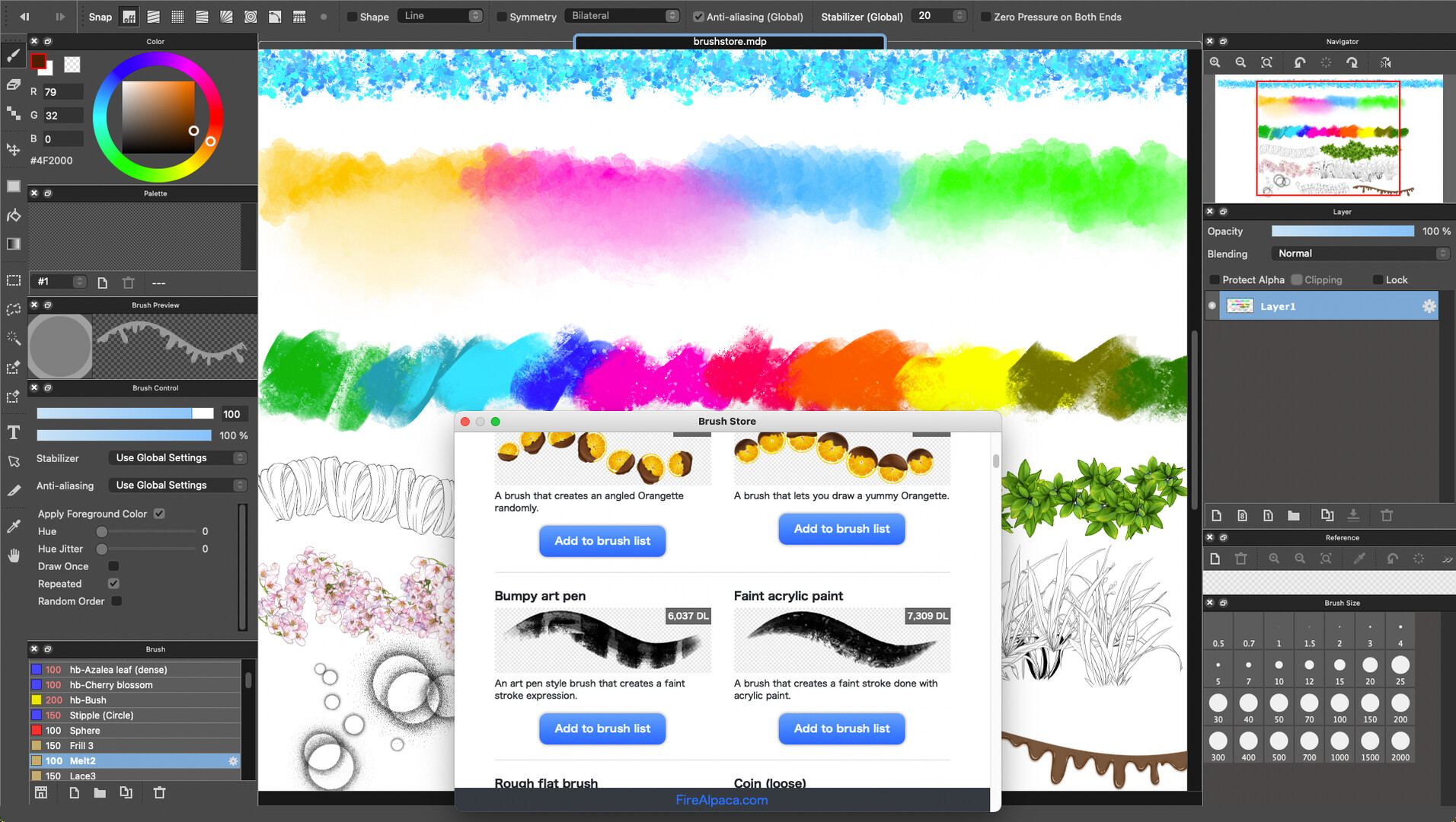
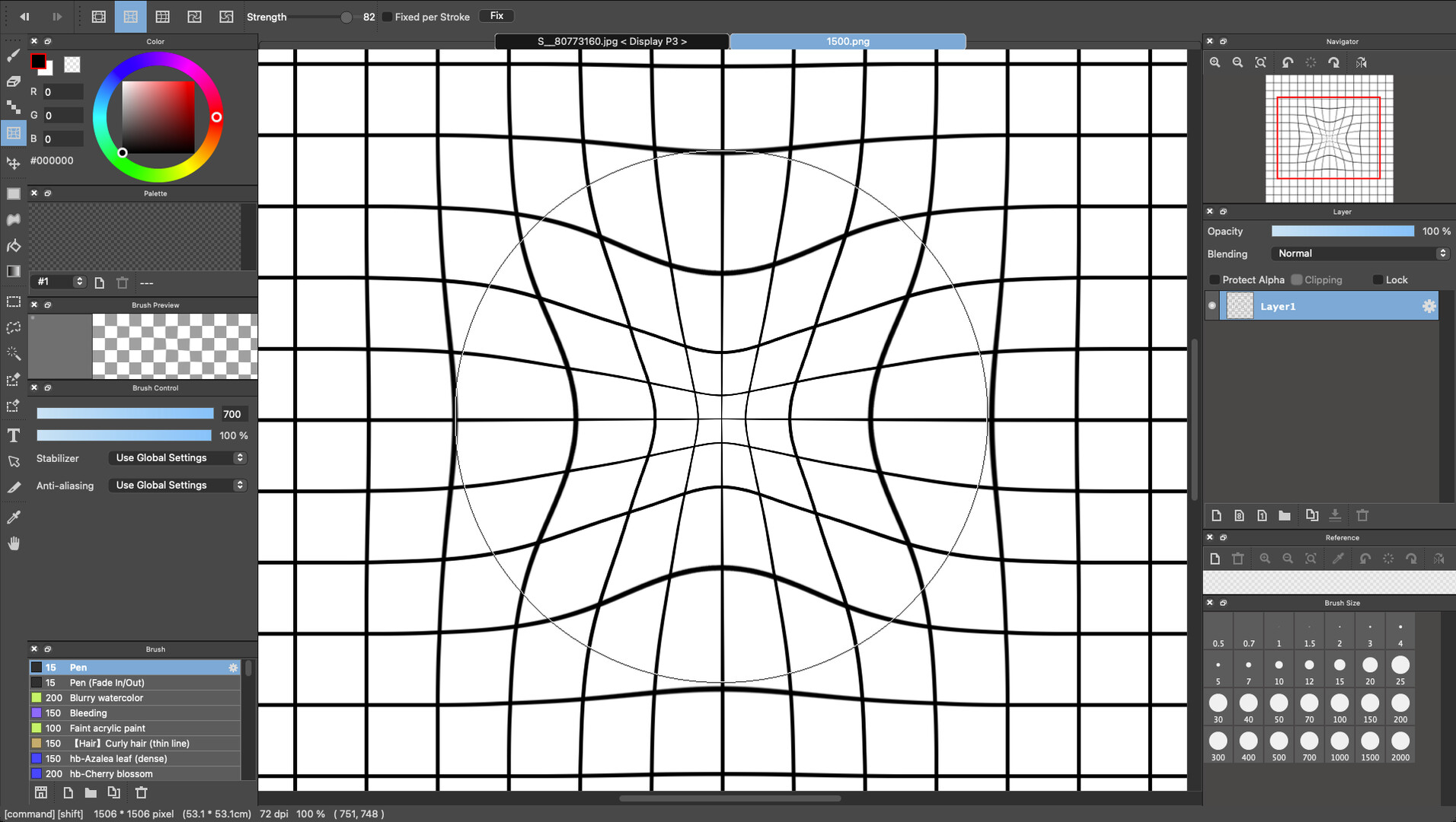
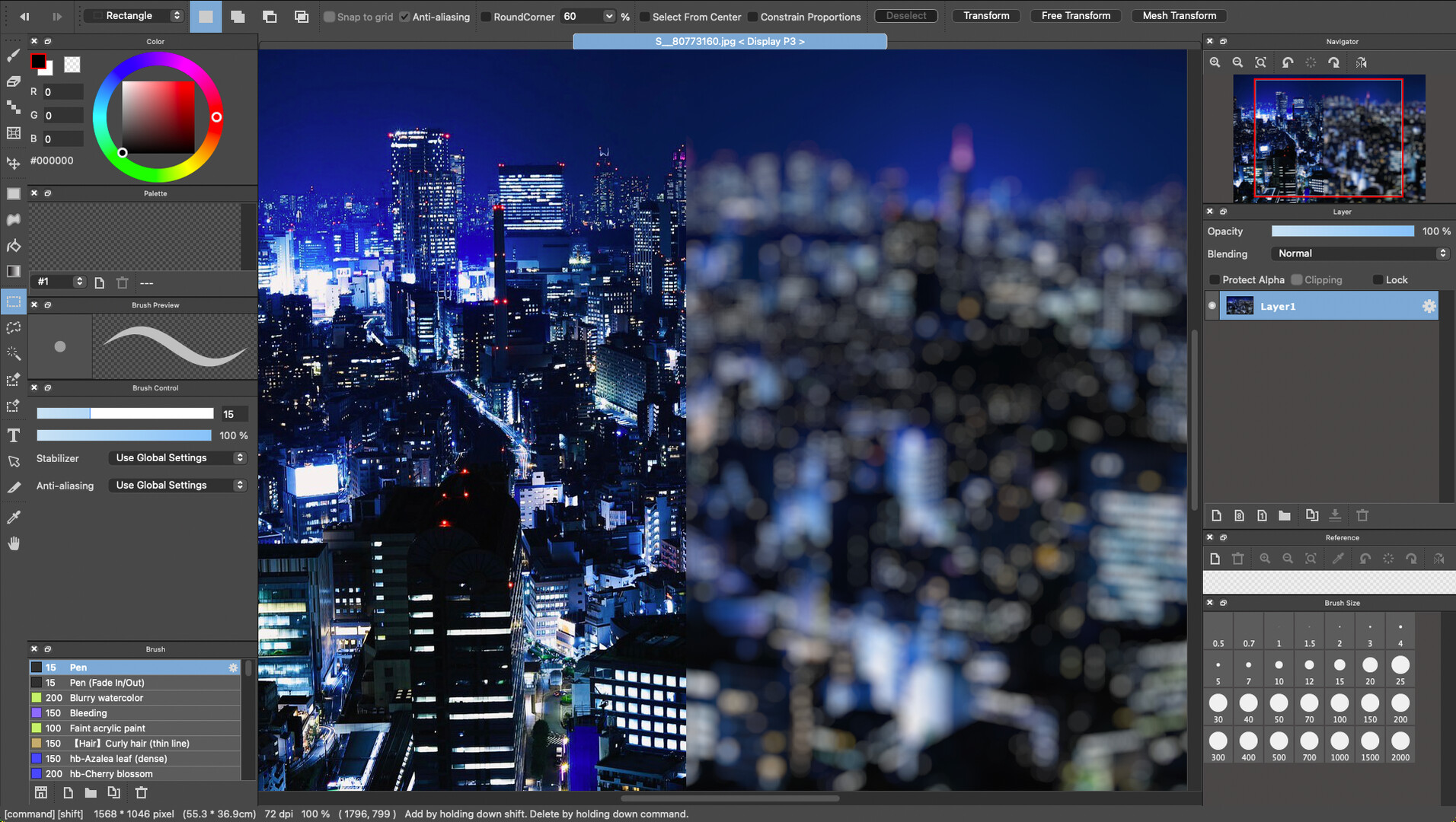
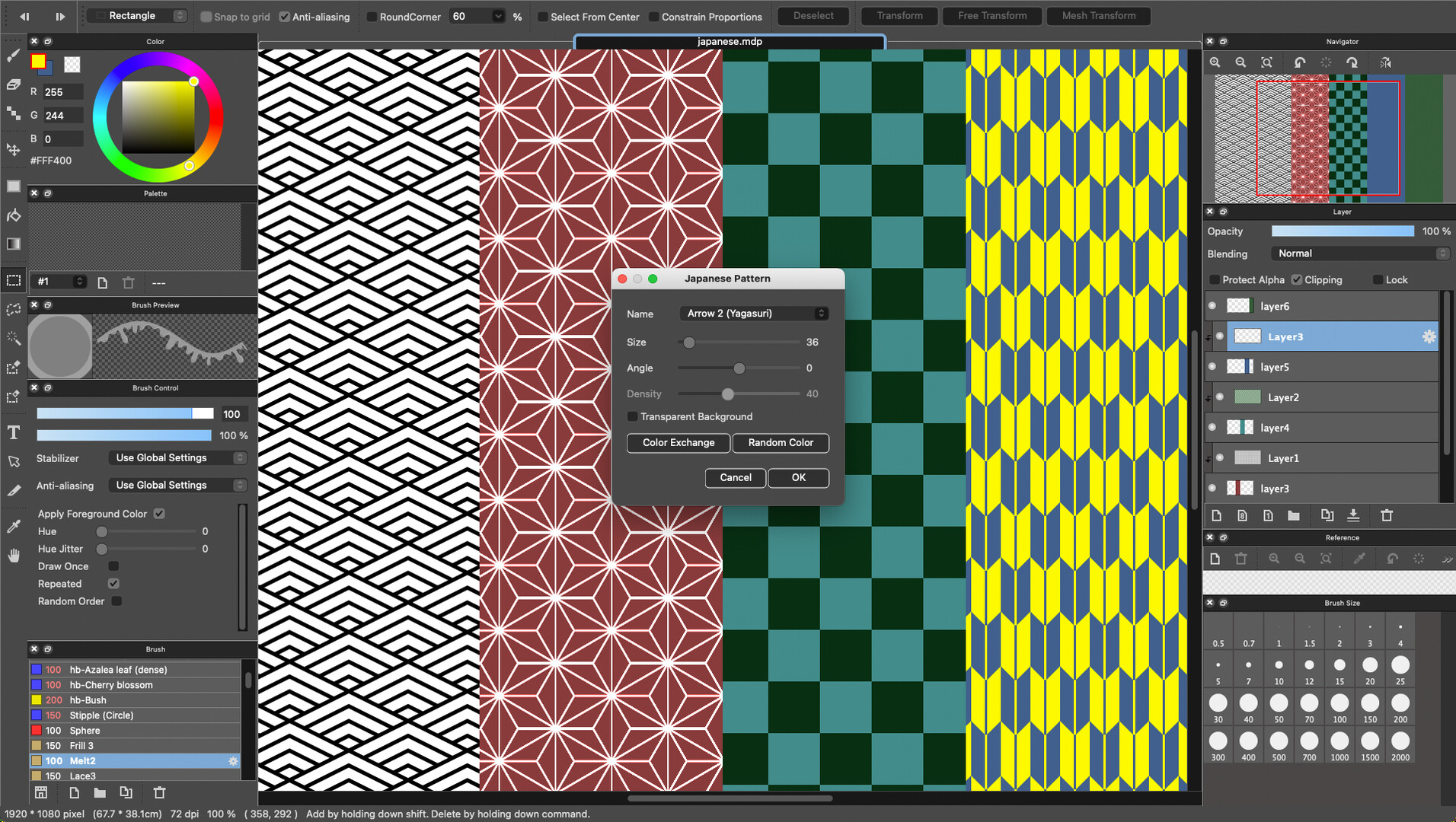
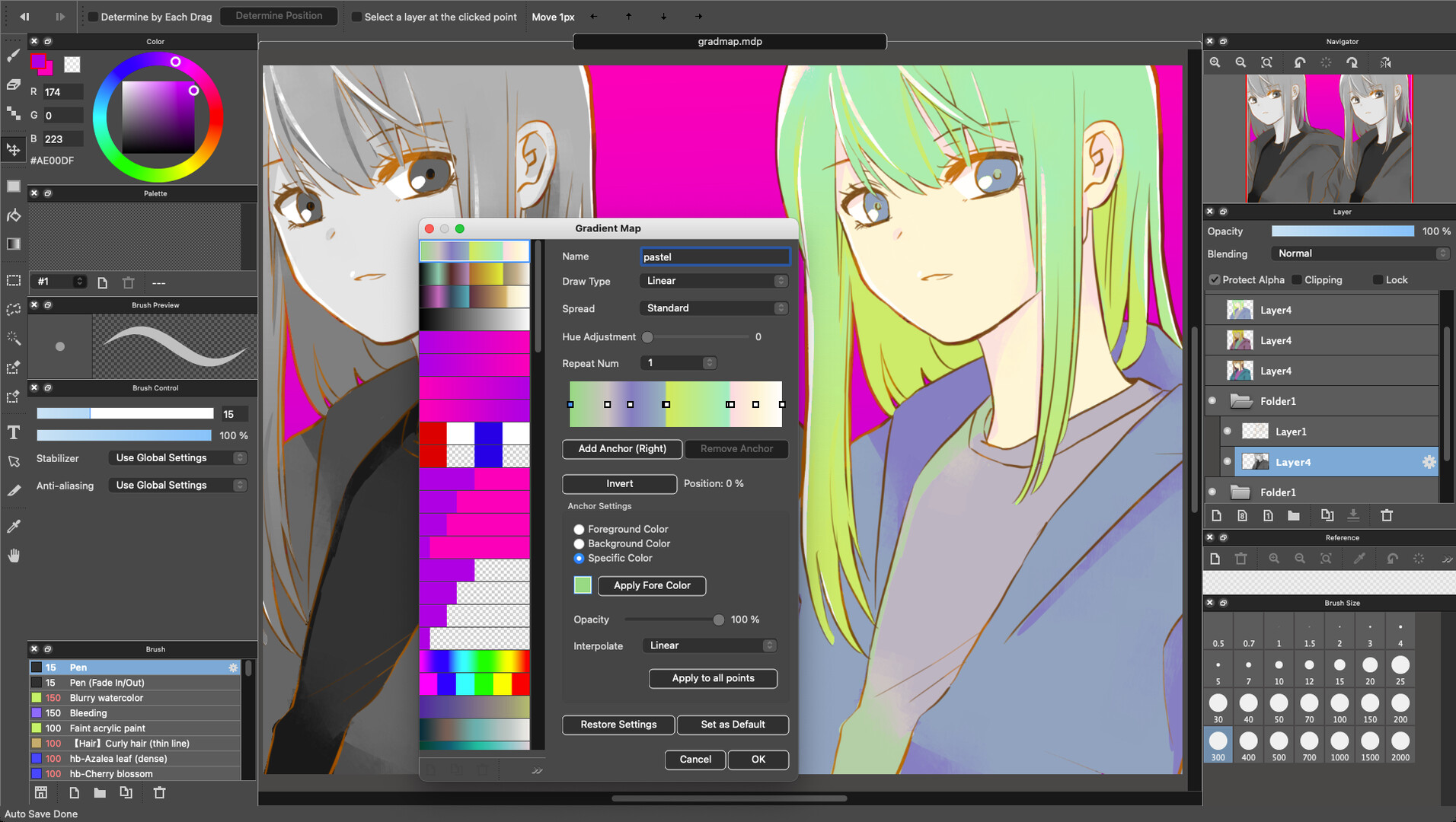
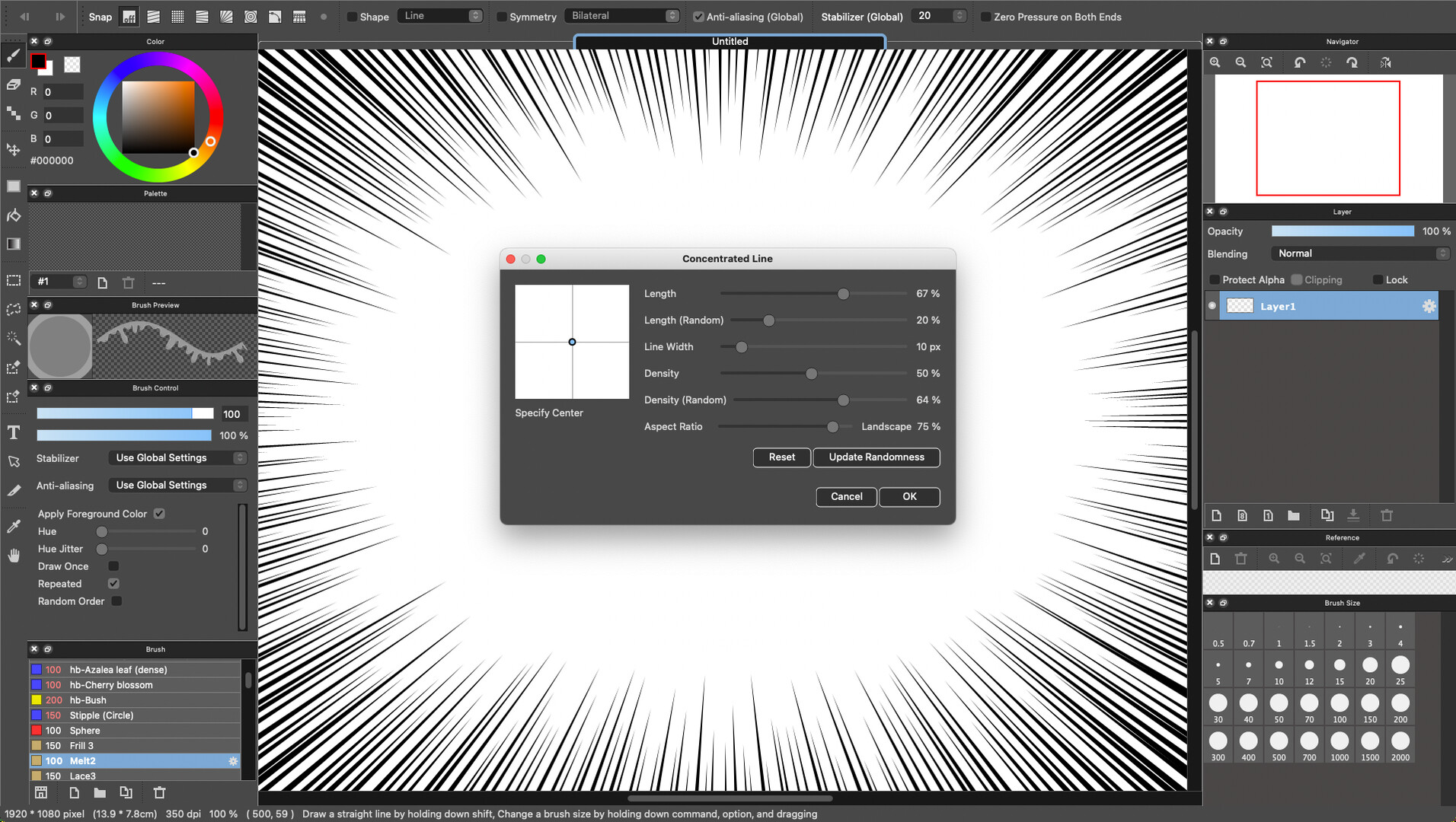
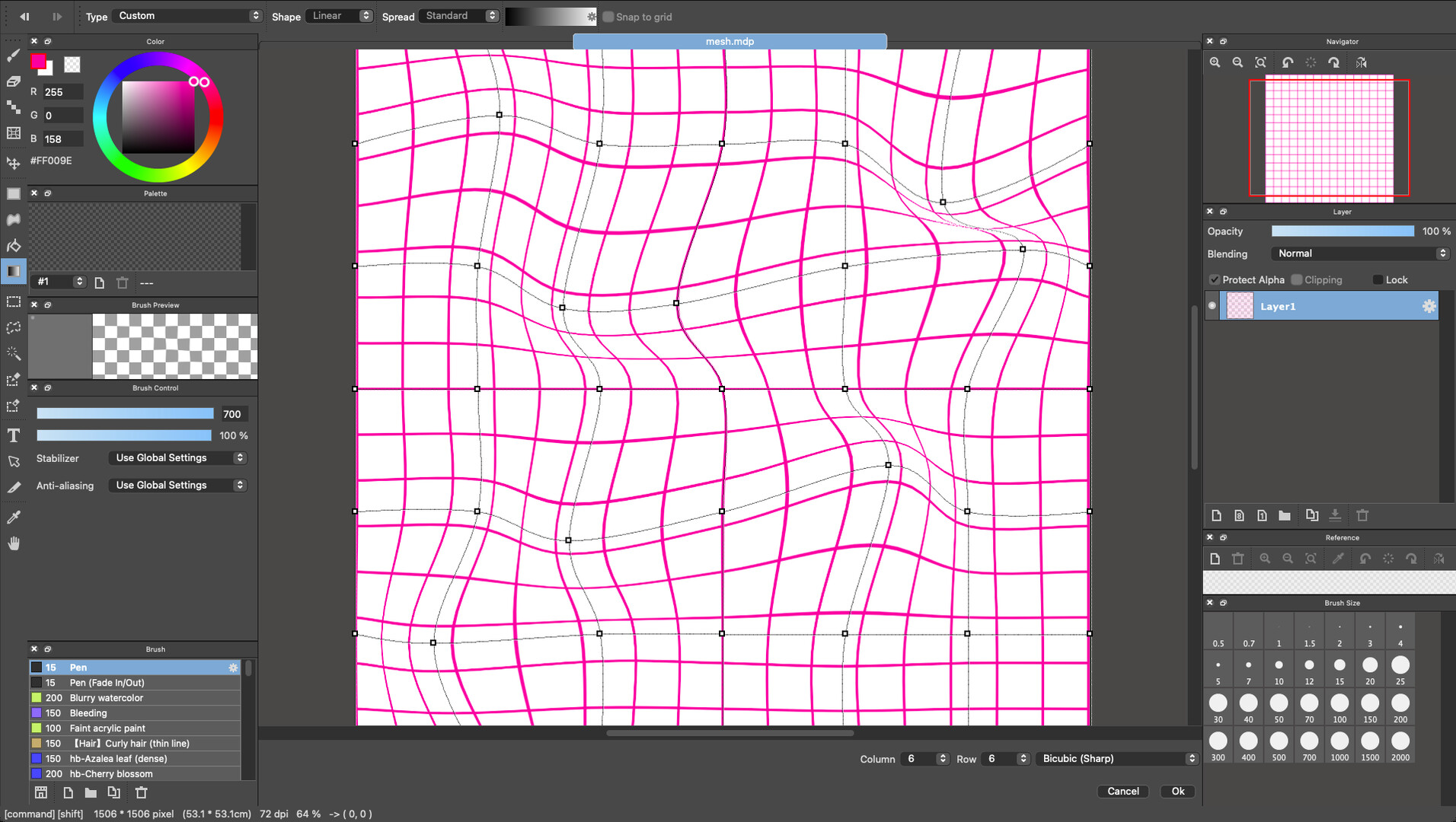
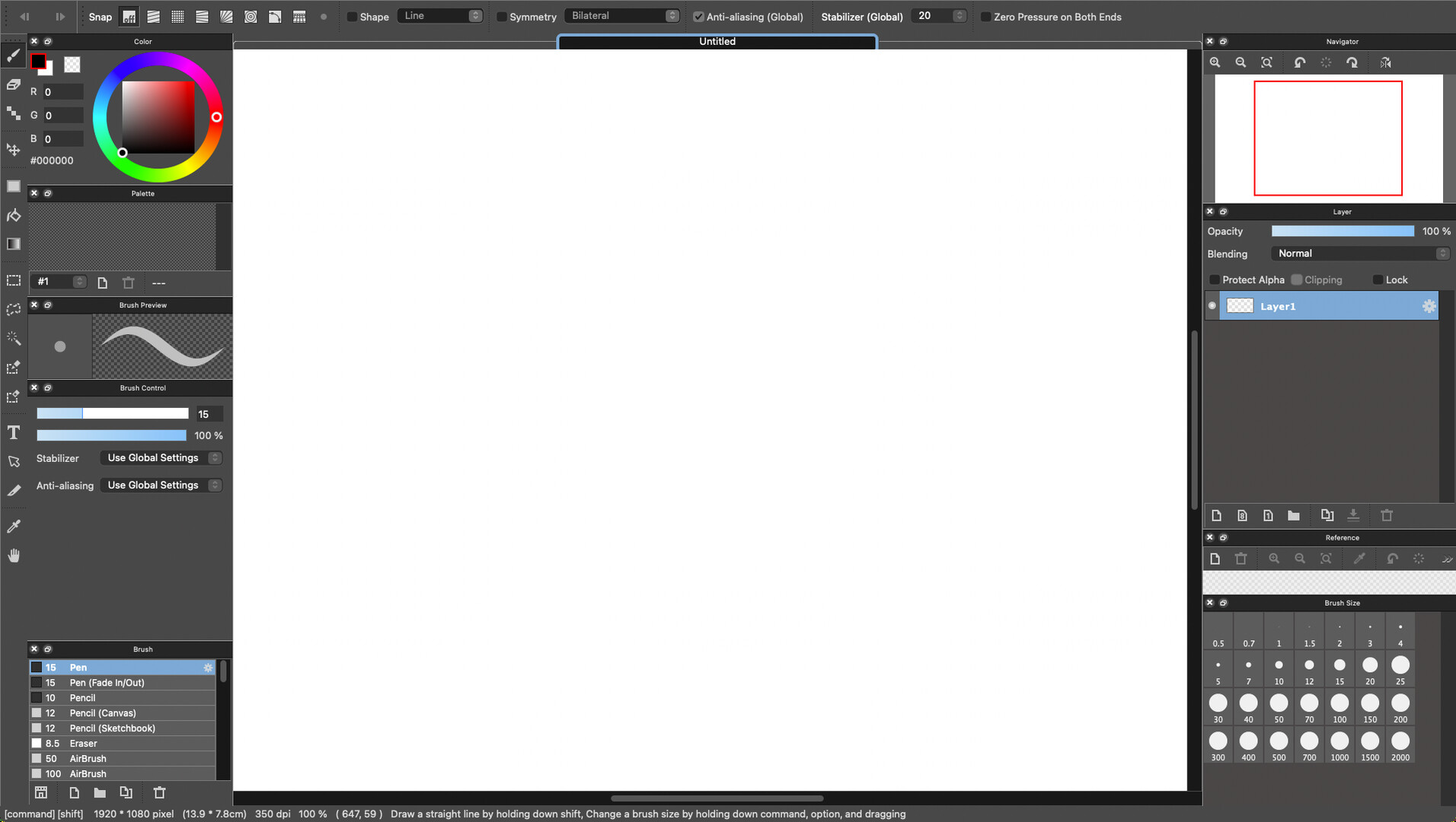
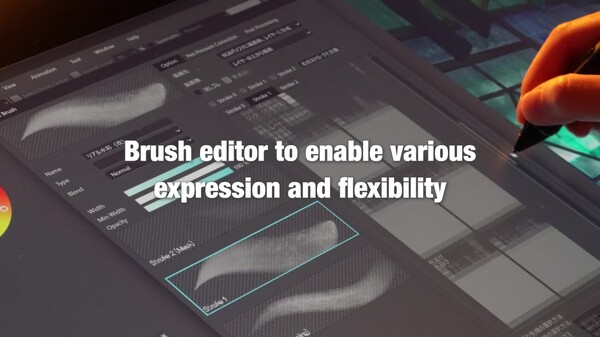
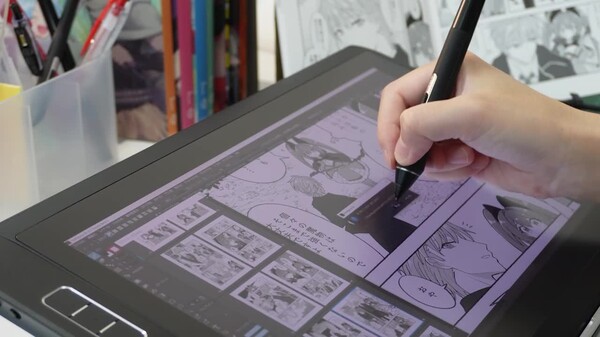
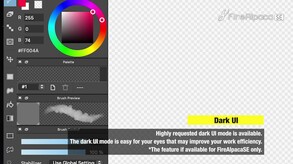
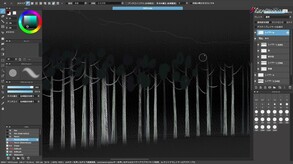
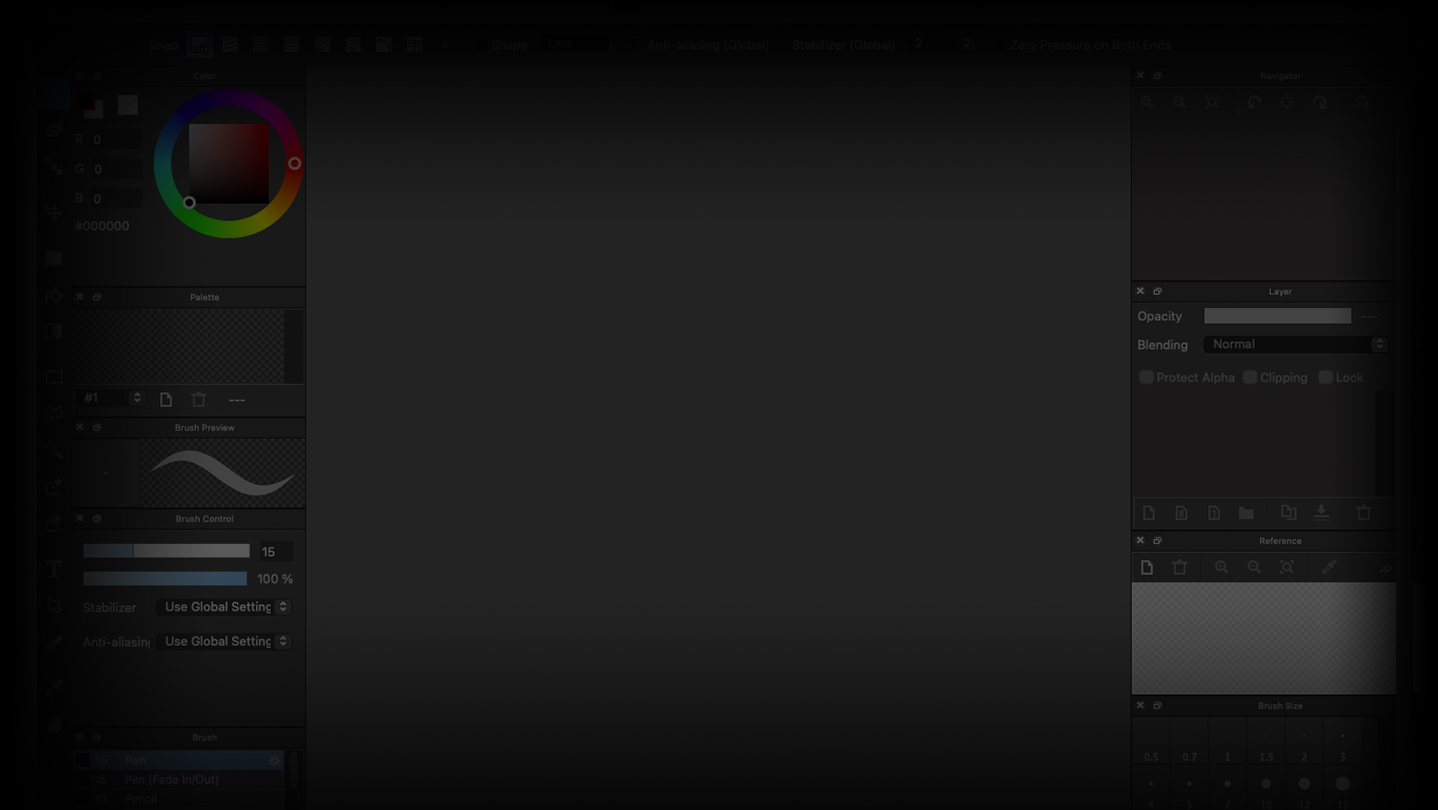
FireAlpaca SE is the exclusive paint software to Windows / Mac operating system that is widely suitable for beginners to advanced users. We removed all the advertisements from FireAlpaca freeware version, that enables the faster performance and more stable environment. FireAlpaca SE 3.0 OFFICIAL RELEASE!! 1. New brush engine Equipped with a brush editor that greatly enhances expressive power and flexibility, enabling the following features: Simultaneous synthesizing of 3 strokes (triple brush) Clipping and masking of strokes Flexible brush tip expression (combinations of circles, bitmap textures, and SVG paths) Stipple function (Non-overlapping pointillism technique) Enhanced watercolor parameter Expressions Enabled by the New Brush Engine. 2. Enhanced Multi-Threading Support By utilizing our proprietary multi-threading library and parallel allocator, FireAlpaca SE 3.0 fully harnesses many-core processors. Even with large canvases and multiple layers, drawing and transformations remain smooth, while background processes handle differential saving and automatic recovery in parallel. Memory usage is minimized, providing a stable and high-speed environment for long creative sessions. On professional-grade machines, this results in an even more responsive and efficient workflow. 3. New filter system"MFG(Modern Filter-language for GPU)" It generates HLSL and MSL from the newly developed filter description language "MFG." In the past, a complied library such as DLL needed to be added as a plug-in in order to add a filter. This method requires preparing a separate library per OS, however some OS doesn't allow to add such library. MFG generates the optimized shader order per OS by writing a filter in the dedicated language. From one source code (filter processing MFG code), it enables the filter processing by utilizing the GPU performance. Without requiring the developing environment, the high-speed processing filter can be developed and added. 4. New file format In FireAlpaca SE 3.0, a newly designed standard image format has been adopted. It features complete multi-threading support for both reading and writing. As the differential saving allows for low-load and fast saving, it has achieved faster and more stable saving compared to the conventional saving formats. In FireAlpaca SE 3.0, each ARGB channels have been expanded from the conventional 256 levels to 65,536 levels (when 16bit/ch mode is enabled). This allows for the faithful reproduction of fine gradients and subtle hues while minimizing degradation during color correction and filter application. It achieves a professional-grade color space that can withstand advanced retouching. 5. 16-bit Color Support & Gamma Correction FireAlpaca SE 3.0 expands each ARGB color channel from 256 levels to 65,536 levels (when 16-bit/channel mode is enabled). Preserve image quality during color correction and filter processing while achieving smoother gradients and more accurate color reproduction. With support for subtle tonal transitions and professional-grade color precision, FireAlpaca SE 3.0 is ready for advanced retouching and high-quality digital artwork. 6. Project This feature is ideal for creating works that involve multiple pages or variations, such as manga, brochures, and illustration collections. By using the ""Project"" feature, you can manage multiple related files together as a single set. You no longer need to search around for files during your work, and switching between pages becomes smooth. Since the file structure and order are visible at a glance, progress management and revisions can be handled more efficiently. --------------------- The special features that only FireAlpaca SE has are: Switchable 2 interface colors (Dark/Right) Liquify tool Layer Mask Special Brushes (Available for download from the brush store) No advertisement Only buy outright No subscription Automatic update to an improved version More unique features will be implemented to FireAlpaca SE for the future development. The distinctive features of FireAlpaca are: Timelapse* Brush script function (programmable brush processing) 1 bit / 8 bit layer (can reduce memory consumption) Onion skin function (allows to create simple animations) Materials window (work can be done while displaying materials) Snap function (easy to draw parallel lines, curves, ellipses, saturated lines, etc.) Smooth brush processing compatible with Wintab tablets *Below is a timelapse image. You can follow the trajectory of your creation. Rich features include: Layer function (18 kinds of blend modes, clipping, layer folder) Selection function (rectangle, lasso, selection pen, etc.) Transformation and free transformation of the selection area (choose 3 types of image quality) Brush processing such as watercolor, scatter watercolor, bitmap, pattern, etc. Re-editable text function Filters such as level correction, hue, Gaussian blur, and cloud patterns
System requirementsMinimum and recommended hardware

Minimum

Minimum: Requires a 64-bit processor and operating system OS *: Windows 7 or Later Processor: Pentium 4 Memory: 2 GB RAM Storage: 100 MB available space

Recommended

Recommended: Requires a 64-bit processor and operating system

macOS

Minimum: Recommended:

Linux

Minimum: Recommended:
Supported languages10 languages
LanguageFull audio
English
French
German
Spanish - Spain
Russian
Simplified Chinese
Traditional Chinese
Japanese
Korean
Portuguese - Brazil

A blank audio cell means full audio was not marked in the returned language list.

Screenshots & trailersScreenshots and trailers

Trailers

AchievementsTotal count and selected achievements

50 developer announcements, Jun 2026 to Sep 2026 · times in UTC

September

  1. 🆕FireAlpaca SE Exclusive Brush: Grunge 6

    🖌️✨ FireAlpaca SE Limited Brush ✨🖌️Our new brush “Grunge 6” is here!Use layer blending and opacity to add a grunge effect to your illustrations. Add a distressed look and give your artwork a more polished, stylish feel. ✨※ “Grunge 6” is a…

    kf_dolphin@PGN
  2. 🆕FireAlpaca New Brush Added:kr-Japanese Floral Pattern

    🔥🦙 FireAlpaca New Brush Added! 🦙🔥Meet "kr-Japanese Floral Pattern"!A brush for creating colorful Japanese-style floral patterns🌸Download it from the Brush Store and give it a try!

    kf_dolphin@PGN
  3. 🆕FireAlpaca SE Exclusive Brush: Dry Mist Watercolor 3

    🖌️✨ FireAlpaca SE Exclusive Brush ✨🖌️We’ve released a new brush, “Dry Mist Watercolor 3”!This watercolor brush features a unique stroke with a texture that looks like tiny particles gathered together.From soft watercolor effects to textured…

    kf_dolphin@PGN
  4. FireAlpaca SE 3.0.72 Released

    Function AdditionA software encoding option has been added for APNG-to-MP4 conversion. Please try this if you are experiencing failures when outputting MP4 files. (Windows)Failure CorrectionFixed an issue that occurred when capturing a…

    Patch notes
  5. 🆕 New FireAlpaca Template: Pose Model

    New "Pose Model" Templates Added to FireAlpaca!Pose Model_008Pose Model_009These traceable pose references are perfect for practicing chibi characters and creating character poses with ease.Download them and give it a try! 🖌️✨

    kf_dolphin@PGN
  6. 🆕FireAlpaca New Brush Added:kr-Dust

    🔥🦙 FireAlpaca New Brush Added! 🦙🔥Meet "kr-Dust"!Perfect for adding floating dust and tiny particles to your artwork!🔥✨Try setting the layer blending mode to "Color Dodge" to create glowing sparks and magical light effects!Add a little extra…

    kf_dolphin@PGN
  7. FireAlpaca SE 3.0.71 Released

    Failure CorrectionFixed an issue where opening an image file in an unsupported format from the materials window would result in the file being deleted.Fixed a bug where clicking the +/- icons in the layer list while holding down the Shift…

    Patch notes
  8. FireAlpaca SE 3.0.70 Released

    Failure CorrectionFixed an issue where blend information for dual-stroke and triple-stroke settings in the new brush engine was not being saved.Fixed an issue where the selection area was not reflected when undoing a partial layer move.

    Patch notes
  9. 🆕FireAlpaca SE Exclusive Brush: All-in-One Pen

    🖌️✨FireAlpaca SE Exclusive Brush🖌️✨Introducing the "All-in-One Pen"!Use it at a smaller size for line art, or make it thicker for coloring—it’s a versatile brush that can handle both!With the All-in-One Pen, you can spend less time choosing…

    kf_dolphin@PGN
  10. 🆕FireAlpaca New Brushes Release: Hatch Fill Pen

    Three types of 'Hatch Fill Pen' have been added!These pattern brushes make it easy to fill areas with diagonal lines.Perfect for adding shading and textures to manga and illustrations!

    kf_dolphin@PGN
  11. FireAlpaca SE 3.0.69 Released

    Failure CorrectionFixed an issue where the gear icon was misaligned in the layer list view.

    Patch notes
  12. FireAlpaca SE 3.0.68 Released

    Funciton ImprovementAdded support for "Hand tool" navigation (scrolling) by dragging while holding the Space key within the Layer and Brush lists (note: this is not available on macOS when a window is popped up).Failure CorrectionFixed an…

    Patch notes

August

  1. 🆕FireAlpaca New Brushes: “kr-Sketchy Blur Dots” & “kr-Flash

    ✨FireAlpaca New brushes added!✨Introducing “kr-Sketchy Blur Dots” & “kr-Flash”!These effect brushes are perfect for adding dynamic lines, light effects, and texture to your manga and illustrations. They can also be used for erasing…

    kf_dolphin@PGN
  2. 🆕FireAlpaca SE Exclusive Brush: Rough-textured Mix Watercolor

    Our new brush “Rough-textured Mix Watercolor” is now available! Analog-style textures are popular in FireAlpaca SE, and this watercolor brush lets you enjoy a rough, natural feel.Create watercolor artwork with an authentic, hand-painted…

    kf_dolphin@PGN
  3. FireAlpaca SE 3.0.67 Released

    Function AdditionAdded a closed curve to the shape brush.Function ImprovementWhen using the brush's curve snap feature, clicking the first point should result in a closed curve.Added the ability to copy the style of the active text layer…

    Patch notes
  4. 🆕FireAlpaca New Brush: Cross Hatching(random)

    🔥🦙Added new brush🔥🦙'Cross Hatching(random)' have been added!These brushes create cross-hatching with randomly changing directions, giving your artwork a more natural and varied texture.Perfect for adding texture, shadows, shading, and…

    kf_dolphin@PGN
  5. 🆕FireAlpaca SE Exclusive Brush: Firm Thick-paint

    Our new brush “Firm Thick-paint” is now available!A painting brush designed to layer colors smoothly with minimal influence from the underlying colors.Its firm brush feel makes it great for laying down color while keeping clean edges and…

    FireAlpacaSE Official
  6. 🆕FireAlpaca New Brush: kr-Sumi Brush

    Added new brush'kr-Sumi Brush' have been added!This roller brush lets you create strokes with the look and feel of traditional sumi ink.It’s perfect for bold lines and dynamic strokes, as well as soft, ink-like bleeding effects!You can also…

    Hiro@PGN
  7. FireAlpaca SE 3.0.66 Released

    Function AdditionYou can now load multiple documents into the reference window and switch between them (loaded documents are copied to the 'ref' folder).Failure CorrectionFixed an issue where layers with the "Watercolor Edge" effect enabled…

    Patch notes
  8. 🆕FireAlpaca SE Exclusive Brush: Smooth Jitter Ink

    ✨🖌️FireAlpaca SE Exclusive Brush🖌️✨Meet our new brush: “Smooth Jitter Ink”!This analog-style inking brush creates natural, slightly textured lines with a subtle ink-bleeding effect. Give your digital artwork a more traditional, hand-drawn…

    FireAlpacaSE Official
  9. 🆕FireAlpaca SE Exclusive Brush: Simple Watercolor

    ✨🖌️ FireAlpaca SE Exclusive Brush 🖌️✨A new exclusive brush, "Simple Watercolor Brush," is now available! Enjoy a soft and natural watercolor feel with gentle textures and warm, hand-drawn touches. This brush is perfect for creating…

    FireAlpacaSE Official
  10. FireAlpaca SE 3.0.65 Released

    Function AdditionWe have added a search function to the brush store.Function ImprovementYou can now select multiple items in the brush list using the Shift and Ctrl keys.You can now ungroup brushes.Failure CorrectionFixed an issue that…

    Patch notes
  11. 🆕FireAlpaca New Brush: kr-Glass Shards

    Added new brush'kr-Glass Shards' have been added!This brush makes it easy to add realistic glass shards to your artwork.Scatter them across your canvas to create scenes with tension and dynamic impact. Perfect for action illustrations…

    FireAlpacaSE Official

July

  1. 🆕FireAlpaca SE New Brush Added: Dry Mist Watercolor 1

    FireAlpaca SE limited brushAdded ‘Dry Mist Watercolor 1’!An analog-like watercolor brush with strokes that look like gathered particles*This is an exclusive brush for FireAlpaca SE.

    FireAlpacaSE Official
  2. 🆕FireAlpaca New Brush: Pop Flake

    ✨ New Brushes Added to FireAlpaca!We've added 3 new "Pop Flake" brushes! 🖌️These scatter brushes let you create cute, pop-style geometric patterns—perfect for backgrounds, clothing designs, and adding a fun touch to your illustrations.…

    FireAlpacaSE Official
  3. 🎉FireAlpaca SE 10th Anniversary Contest Winners Announced!

    Thank you to everyone who participated in the FireAlpaca SE 10th Anniversary Illustration Contest!Today, we're excited to announce the contest results.This contest had no specific theme, giving everyone the freedom to create whatever…

    FireAlpacaSE Official
  4. 🆕 New FireAlpaca Template: Pose Model

    New "Pose Model" Templates Added to FireAlpaca!We've added new Pose Model templates to FireAlpaca!These traceable pose references is perfect for practicing chibi characters and creating character poses with ease.Download them and give it a…

    FireAlpacaSE Official
  5. 🆕New FireAlpaca SE Exclusive Brush: Scattered Gemstones

    We've added a new exclusive brush for FireAlpaca SE: Scattered Gemstones.Create dazzling, realistic gemstone patterns with ease. This brush automatically places the gems without overlapping, making it perfect for creating luxurious…

    FireAlpacaSE Official
  6. FireAlpaca SE 3.0.64 Released

    Function AdditionWe have added a "Color Wheel (Triangle)" to the color menu (You can lock the angle from the menu).Function ImprovementI made it so that the focus on the RGB value input controls in the color widget is lost whenever…

    Patch notes
  7. 🆕FireAlpaca: Weeds Brush Added!

    The “Weeds” brush has been added! 🌱A brush that makes it easy to draw weeds.Perfect for backgrounds and adding natural details.Give it a try!

    FireAlpacaSE Official
  8. 🆕New FireAlpaca SE Exclusive Brushes: Water Surface & Ocean Spray

    We've added two new exclusive brushes for FireAlpaca SE: Water Surface and Ocean Spray.By combining these two brushes, you can easily create realistic oceans and shorelines.Start with a simple gradient background, paint the water surface…

    FireAlpacaSE Official
  9. FireAlpaca SE 3.0.63 Released

    Function AdditionWe've added “Convert to a Memory-Efficient Layer” to the context menu that appears when you right-click the layer list.Failure CorrectionFixed an issue where it was no longer possible to capture a selection by clicking a…

    Patch notes
  10. 🆕 New FireAlpaca SE Exclusive Brush Now Available!

    Added ‘Rock Grunge 1’!This texture brush lets you create realistic rock surfaces. The faster you draw, the more smudged the brushstrokes become, and the more pronounced the rock texture appearsThis is an exclusive brush for FireAlpaca SE.

    FireAlpacaSE Official
  11. FireAlpaca SE 3.0.62 Released

    Function AdditionYou can now lock docked windows (Window menu).It is now possible to use color compositing for onion skinning (previously, only single-color compositing was supported).You can now choose the compositing timing for onion…

    Patch notes
  12. Release of ver. 2.16.0

    We are pleased to announce the release of ver. 2.16.0, the latest version in the 2.X series.Please note that no further feature updates, bug fixes, or compatibility support will be provided for the 2.X series.In addition, support for the…

    Patch notes
  13. ⏰FireAlpaca SE 10th Anniversary Contest Ends Soon!

    FireAlpaca SE 10th Anniversary Contest is now accepting entries!We're currently accepting submissions for the FireAlpaca SE 10th Anniversary Contest on the FireAlpaca SE Steam Community!Please check the contest details before submitting…

    FireAlpacaSE Official
  14. 📝Reminder: FireAlpaca SE User Survey (Open Until July 10)

    Thank you for using FireAlpaca SE!The deadline is approaching, so we'd like to remind you about our survey.We're conducting a short survey to help us improve the product and better understand how users discover FireAlpaca SE.We'd like to…

    FireAlpacaSE Official
  15. FireAlpaca SE 3.0.61 Released

    Function AdditionAdded support for selecting multiple layers in the layer list without using the keyboard (click to the left of the gear icon to select or deselect).Added support for changing blend modes when multiple layers are…

    Patch notes

June

  1. FireAlpaca SE 3.0.60 Released

    Function AdditionAdded a function to update the images of all text layers (Edit menu).Failure CorrectionFixed an issue where the layer color and gear icon overlapped when hovering the mouse over the layer list.

    Patch notes
  2. 🆕FireAlpaca SE-Exclusive Brush Available Now

    Added "Soft Flat Brush"!A popular analog-style brush ideal for textured, painterly strokes and rough color blocking.Give it a try from the Brush Store!

    FireAlpacaSE Official
  3. FireAlpaca SE 3.0.59 Released

    Function AdditionAdded support for loading the mdi file format. (mdiapp) (if mdibin is missing, only layer information is loaded)Failure CorrectionFixed multiple issues related to pass-through folders and layer masks when transforming…

    Patch notes
  4. 💡Tips:FireAlpaca is lightweight, fast, and memory-efficient.

    We regularly share tips and tutorials for FireAlpaca and FireAlpaca SE.Starting today, we'll also be posting them here on Steam.Learn more below:🔗 Tips:FireAlpaca is memory-efficient. A lightweight painting tool for an age of rising memory…

    FireAlpacaSE Official
  5. 🆕FireAlpaca New Brush Added!

    🔥🦙New brush added!🔥🦙Draw diamond brilliance with a single stroke. 💎✨Inspired by the classic brilliant cut, this brush is perfect for jewelry, accessories, and luxurious decorative details.Download it from the Brush Store and give it a try!

    FireAlpacaSE Official
  6. 🆕FireAlpaca SE Limited Brush Added!

    We've added a new brush: AirBrush (Sand)!This particle-style airbrush is perfect for adding textured effects and subtle background details to your artwork.Give it a try and bring a new look to your creations! ✨

    FireAlpacaSE Official
  7. 🆕FireAlpaca New Template Added!

    "Practice of Head-to-Body Ratio" template has been added!Compare and practice character proportions from 4-head to 8-head figures!A great way to study how different head-to-body ratios change a character's overall look. 😆

    FireAlpacaSE Official
  8. 📝FireAlpaca SE User Survey (Open Until July 10)

    Thank you for using FireAlpaca SE!We're conducting a short survey to help us improve the product and better understand how users discover FireAlpaca SE.We'd like to know:"How did you first hear about FireAlpaca SE, and what led you to…

    FireAlpacaSE Official
  9. 🆕FireAlpaca SE Limited Brush Added!

    FireAlpaca SE Limited Brush 🖌️✨The new "Firm Flat Brush" has been added!Enjoy drawing with this exclusive limited brush.More exclusive brushes, available only in FireAlpaca SE, are added regularly.

    FireAlpacaSE Official
  10. FireAlpaca SE 3.0.58 Released

    Failure CorrectionI corrected the parts that were missing from the translation.

    Patch notes
  11. FireAlpaca SE 3.0.57 Released

    Function AdditionWe've added a mode to the Move tool's 1px move mode that allows you to specify the amount of movement.A "Free Transform" option has been added to the selection menu, allowing you to start free transformation…

    Patch notes
  12. 🆕FireAlpaca New Brush Added

    🔥🦙Added new brush🔥🦙'Analog Grazed Pen' have been added!A line art brush that creates lines with faintly blurred edges in places✏️

    FireAlpacaSE Official

All games on this site