STEAMDB NEXUS

Steam app 3895750 · updated 13 Sep 2026, 00:32 UTC

FilterMob – Screen Filter for Gaming, Work & Eye Strain

Transform your screen with FilterMob! Perfect for eye protection, gaming/work atmosphere, and accessibility. Easily apply color, image or video filters. Customize RGB, Saturation, Brightness, and Transparency in real time. Save Profiles and Schedule.

FilterMob – Screen Filter for Gaming, Work & Eye Strain Steam header artwork
istenenistenen
5playing now
524-hour peak
8all-time peak
2average, last 30 days

The last 30 days

−0.4Gain−16.89%% gain5Peak

84 hourly samples, with the daily peak drawn over them. Weekends are shaded.

0134515 Aug17 Aug19 Aug21 Aug23 Aug25 Aug27 Aug12 SepSaturday 15 August 20263 peakSunday 16 August 20264 peakMonday 17 August 20261 peakTuesday 18 August 20264 peakWednesday 19 August 20265 peakThursday 20 August 20261 peakFriday 21 August 20263 peakSaturday 22 August 20263 peakSunday 23 August 20263 peakMonday 24 August 20264 peakTuesday 25 August 20264 peakWednesday 26 August 20263 peakThursday 27 August 20261 peakFriday 11 September 20264 peakSaturday 12 September 20265 peak
Daily peakEvery hourly sample

All time

14 months, August 2025 to September 2026. The highest number of people in the game at once, each month, on a time axis -- a gap in the record stays a gap.

02469Aug 2025Oct 2025Dec 2025Feb 2026Apr 2026Jun 2026Aug 2026August 20250 monthly peakSeptember 20252 monthly peakOctober 20253 monthly peakNovember 20253 monthly peakDecember 20258 monthly peakJanuary 20266 monthly peakFebruary 20266 monthly peakMarch 20266 monthly peakApril 20267 monthly peakMay 20267 monthly peakJune 20267 monthly peakJuly 20267 monthly peakAugust 20266 monthly peakSeptember 20265 monthly peak
Monthly peak

The last four months

Show:

The highest number of people in the game at once, each month. Four, because four is as far back as the source keeps anything finer than one figure a month.

02468July 2026August 2026September 2026October 2026July 20267 peak — daily detail belowAugust 20266 peak — daily detail belowSeptember 20265 peak — daily detail below
Monthly peakHas finer data

July 2026

20 days, each one the highest figure that day. The source keeps no hourly detail this far back. Weekends are shaded.

0246802 Jul05 Jul08 Jul12 Jul15 Jul22 Jul25 JulThursday 02 July 20264 peakFriday 03 July 20265 peakSaturday 04 July 20264 peakSunday 05 July 20261 peakMonday 06 July 20266 peakTuesday 07 July 20263 peakWednesday 08 July 20262 peakThursday 09 July 20265 peakFriday 10 July 20265 peakSunday 12 July 20264 peakMonday 13 July 20264 peakTuesday 14 July 20262 peakWednesday 15 July 20263 peakThursday 16 July 20267 peakFriday 17 July 20261 peakWednesday 22 July 20261 peakThursday 23 July 20264 peakFriday 24 July 20266 peakSaturday 25 July 20264 peakSunday 26 July 20264 peak

August 2026

19 days, each one the highest figure that day. The source keeps no hourly detail this far back. Weekends are shaded.

0235601 Aug09 Aug15 Aug18 Aug21 Aug24 Aug27 AugSaturday 01 August 20266 peakMonday 03 August 20263 peakSaturday 08 August 20264 peakSunday 09 August 20262 peakTuesday 11 August 20264 peakWednesday 12 August 20261 peakSaturday 15 August 20263 peakSunday 16 August 20264 peakMonday 17 August 20261 peakTuesday 18 August 20264 peakWednesday 19 August 20265 peakThursday 20 August 20261 peakFriday 21 August 20263 peakSaturday 22 August 20263 peakSunday 23 August 20263 peakMonday 24 August 20264 peakTuesday 25 August 20264 peakWednesday 26 August 20263 peakThursday 27 August 20261 peak

September 2026

2 days, each one the highest figure that day. The source keeps no hourly detail this far back. Weekends are shaded.

0134511 Sep12 SepFriday 11 September 20264 peakSaturday 12 September 20265 peak

October 2026

FilterMob – Screen Filter for Gaming, Work & Eye Strain was released on 21 Aug, 2025.

Not out yet.There is nothing to draw for this month.
Nothing here is interpolated or estimated; where a sample is missing the line is broken.

Game information

Updated 13 Sep 2026, 00:32 UTC
App ID
3895750
Last updated
01 Jan 2026 build 21358250
Developer
istenen
Publisher
istenen
Release date
21 Aug, 2025
Platforms
Windows
Download size
312 MB
Install size
330 MB
Genres
Utilities
Game modes
Controller support
Unknown

Features & support

Steam features

Keyboard Only OptionMouse Only OptionTouch Only Option

Controllers & input

Accessibility

Camera ComfortColor AlternativesAdjustable DifficultyPlayable without Timed InputSave Anytime

Popular tags

UtilitiesMinimalistReal-TimeControllerSoftwareGaming
About this gameFull description from Steam
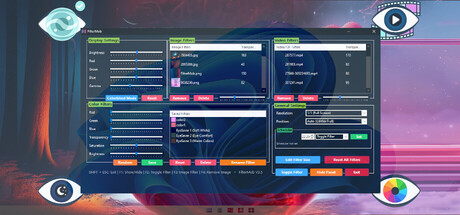
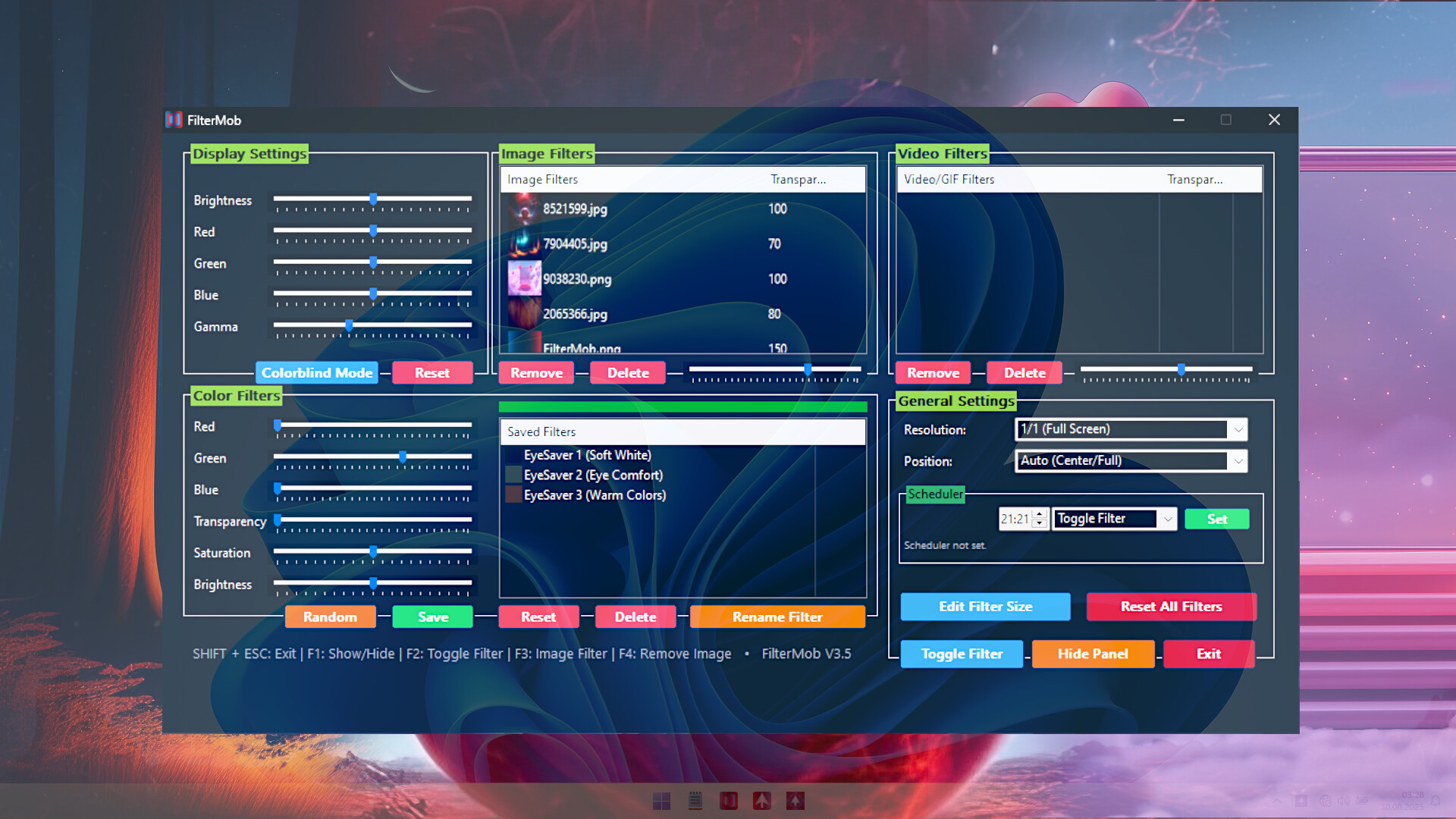
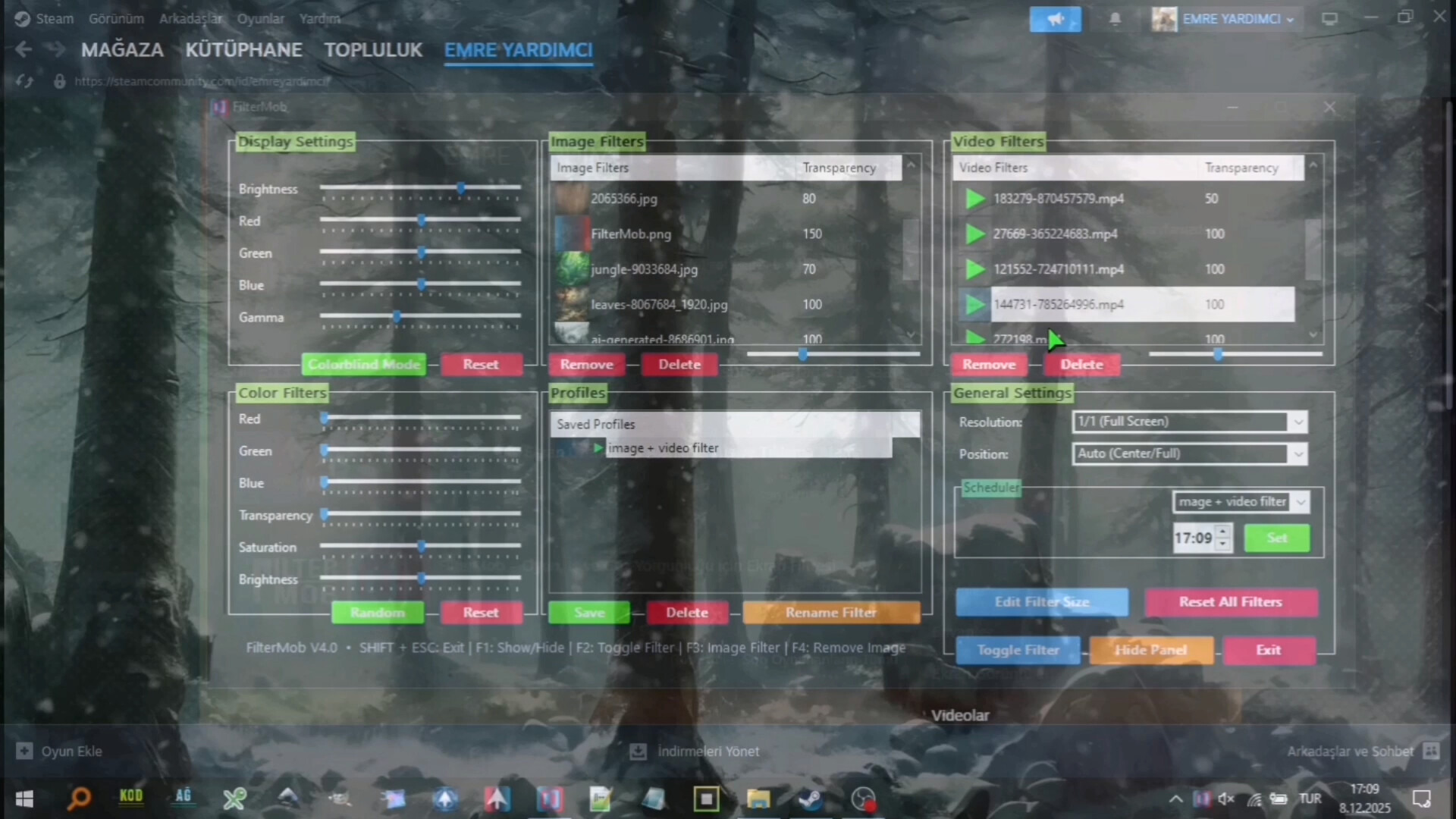
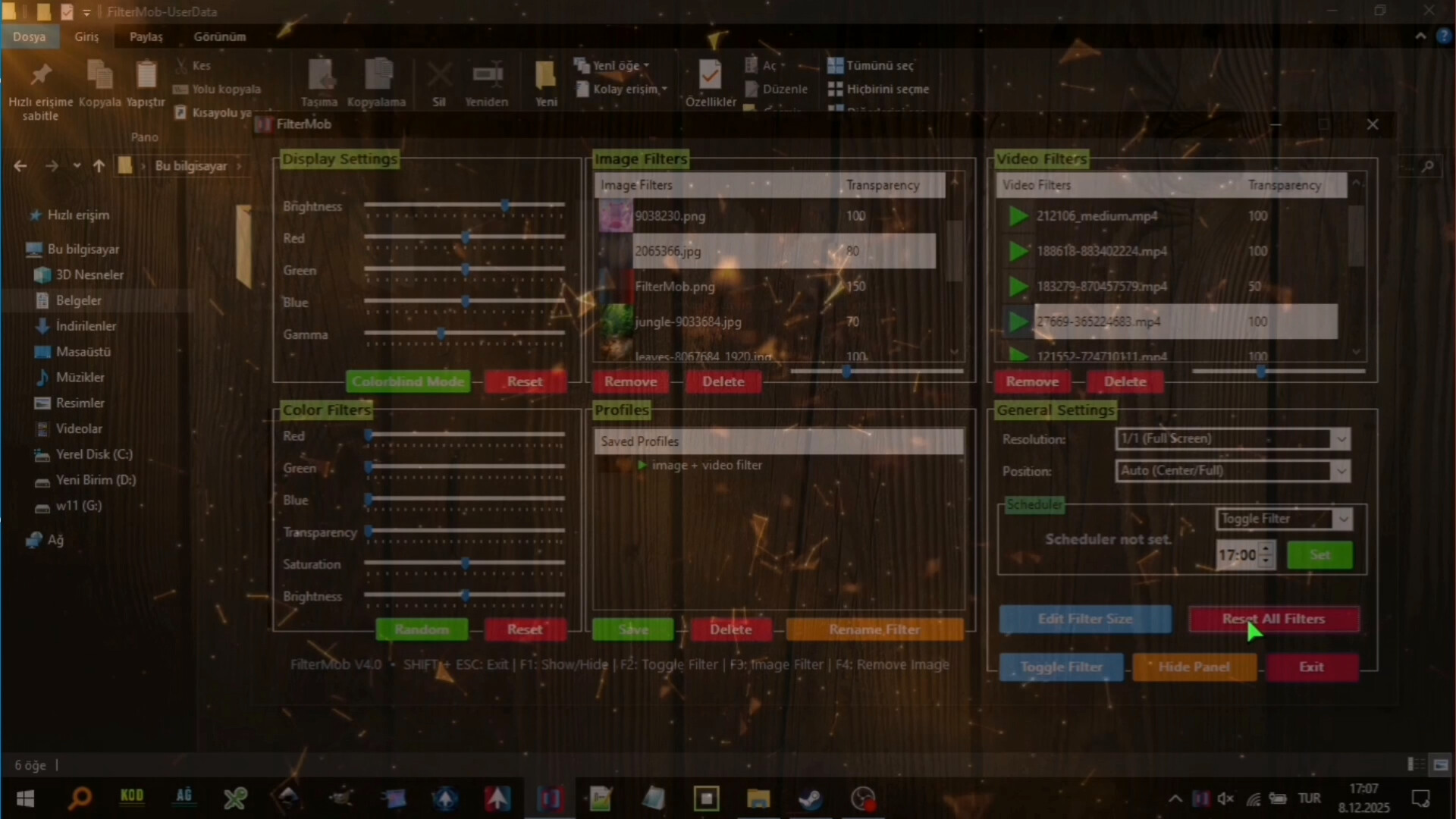
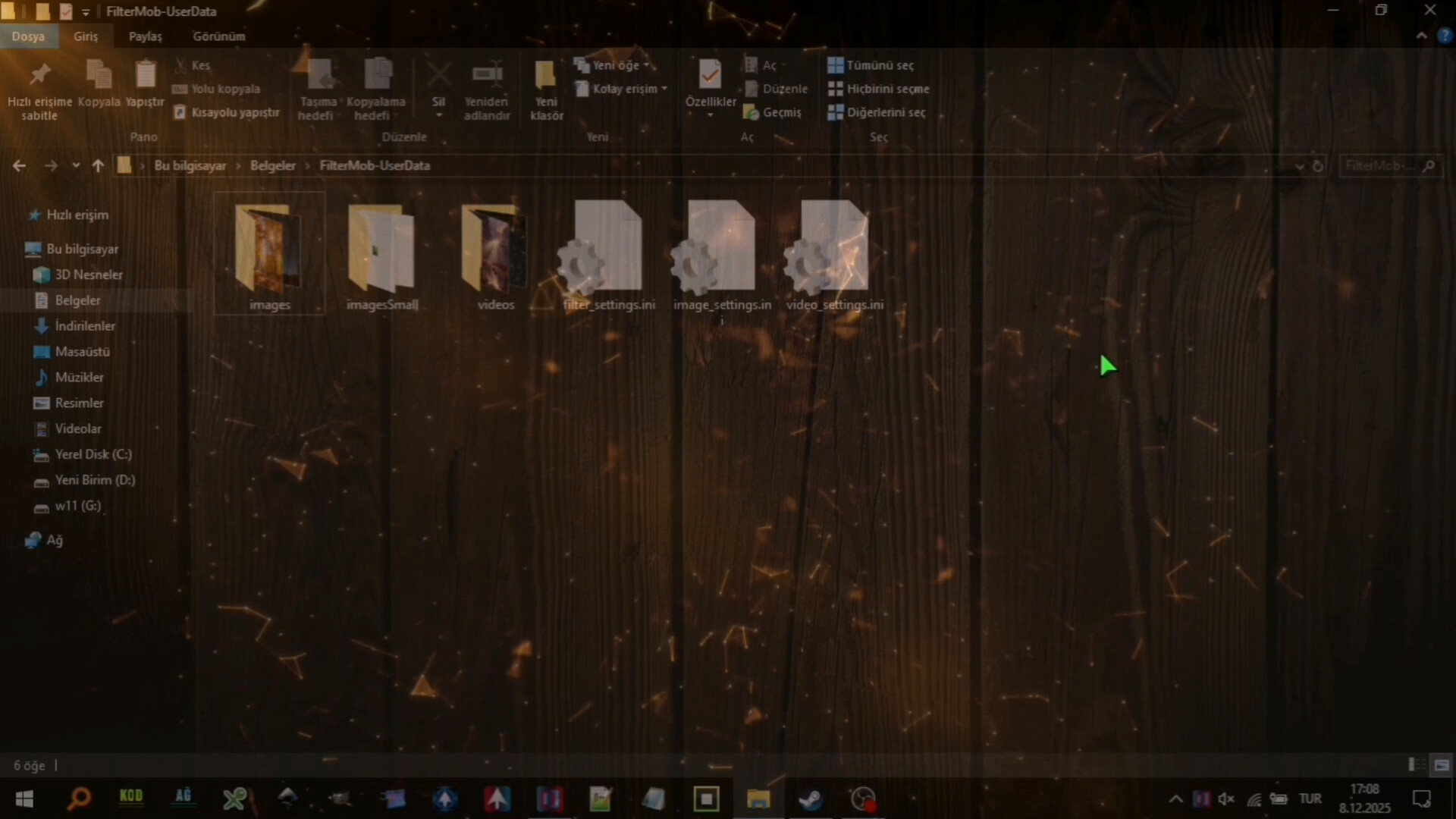
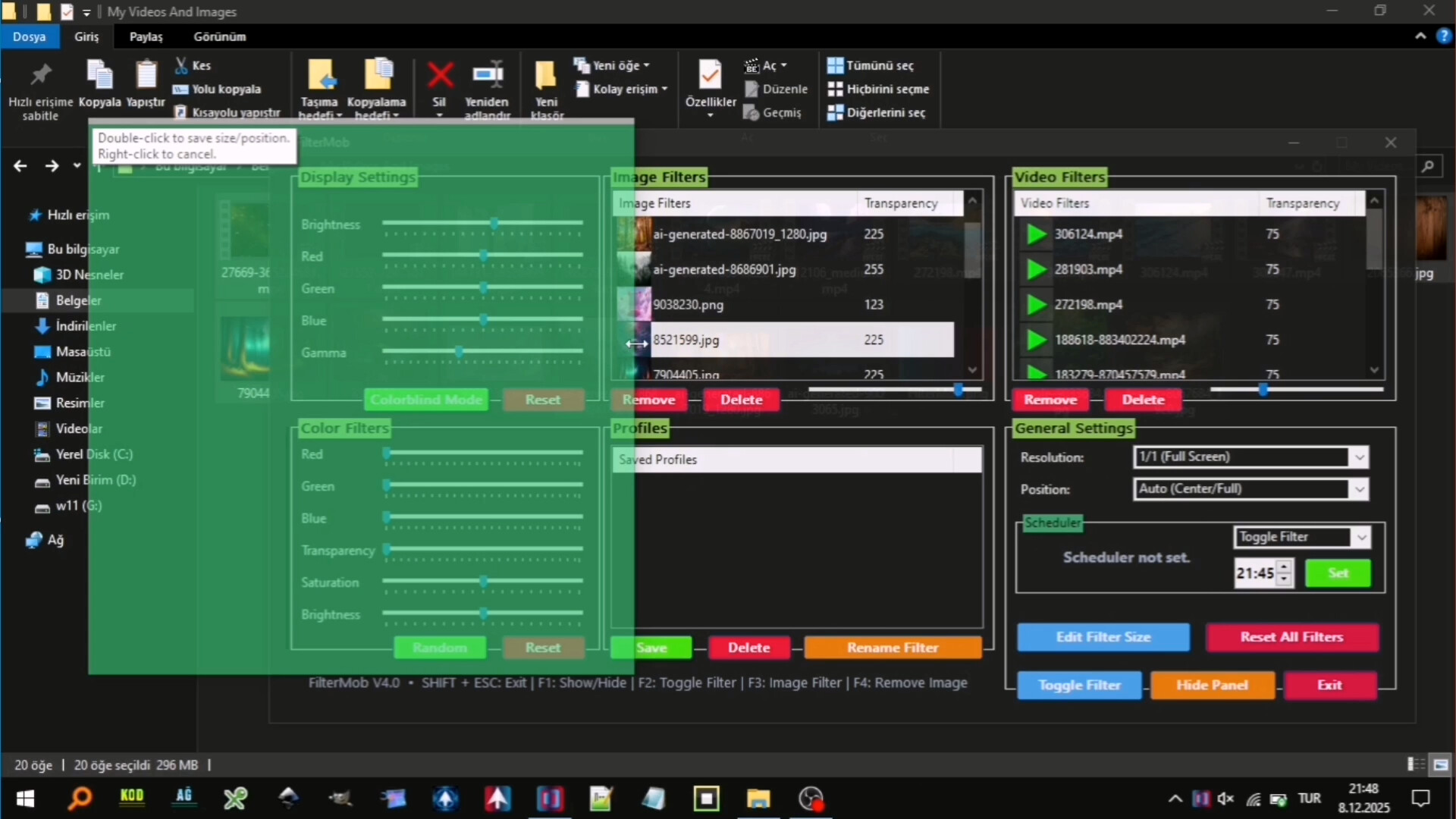
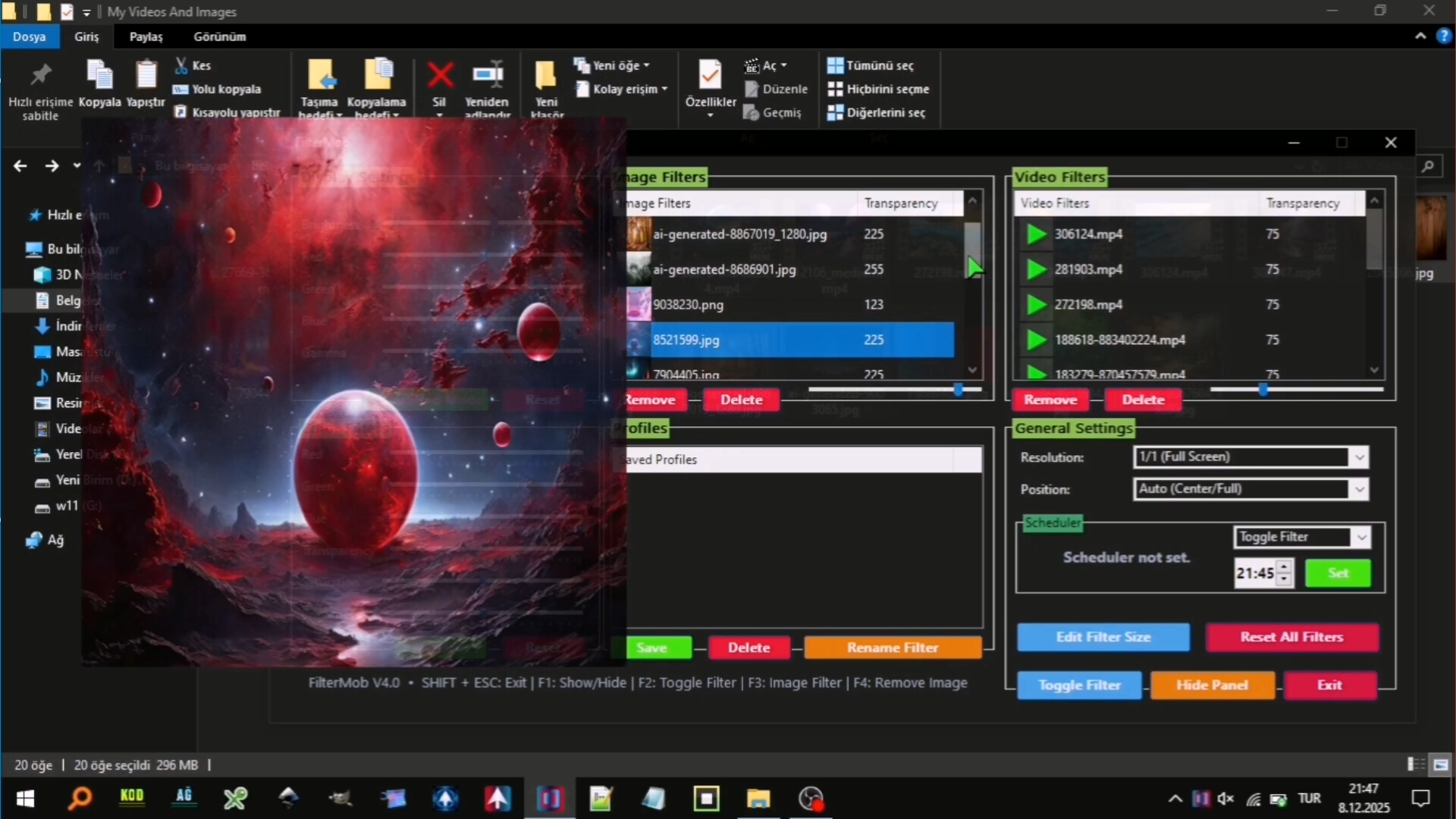
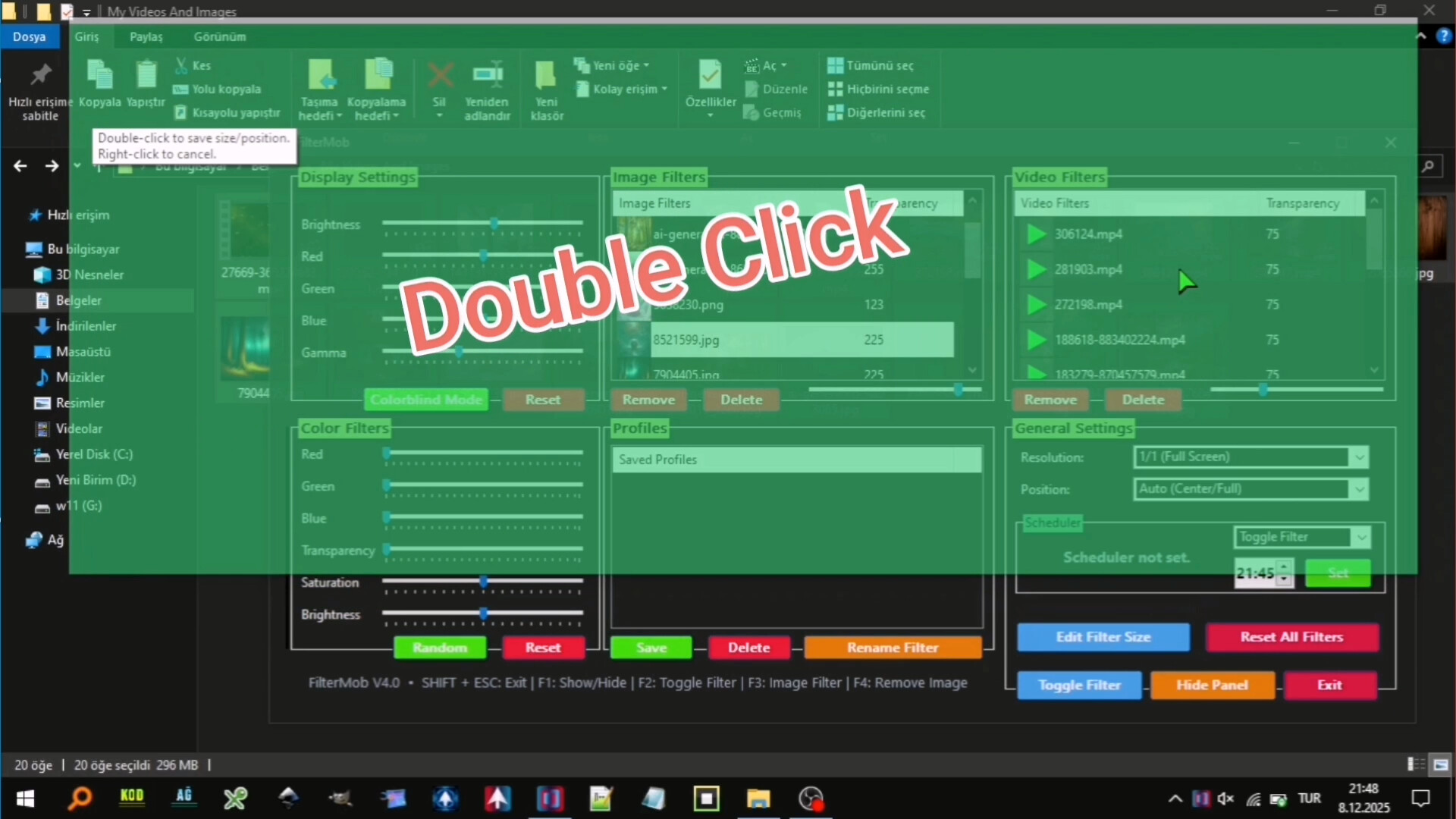
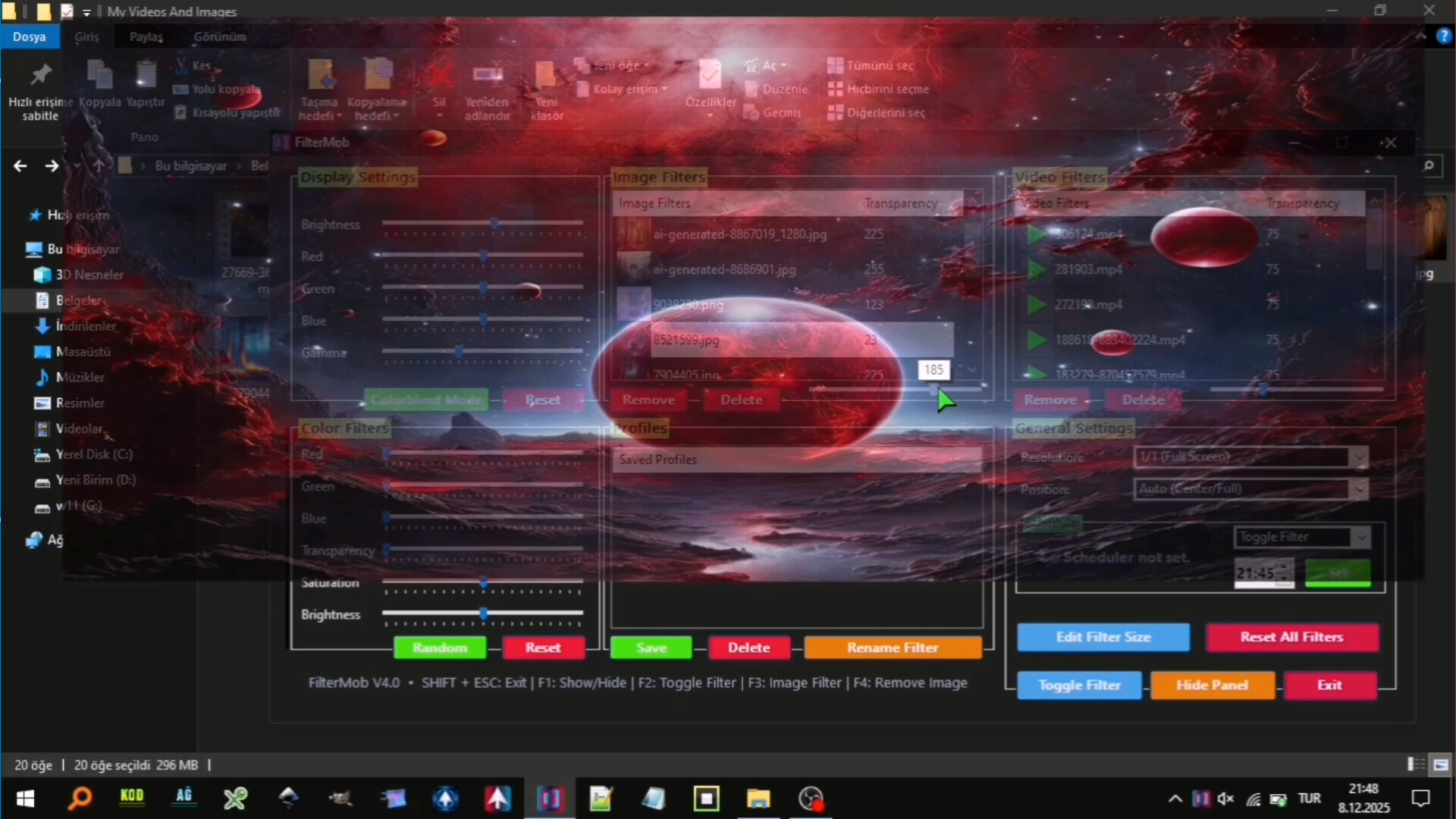
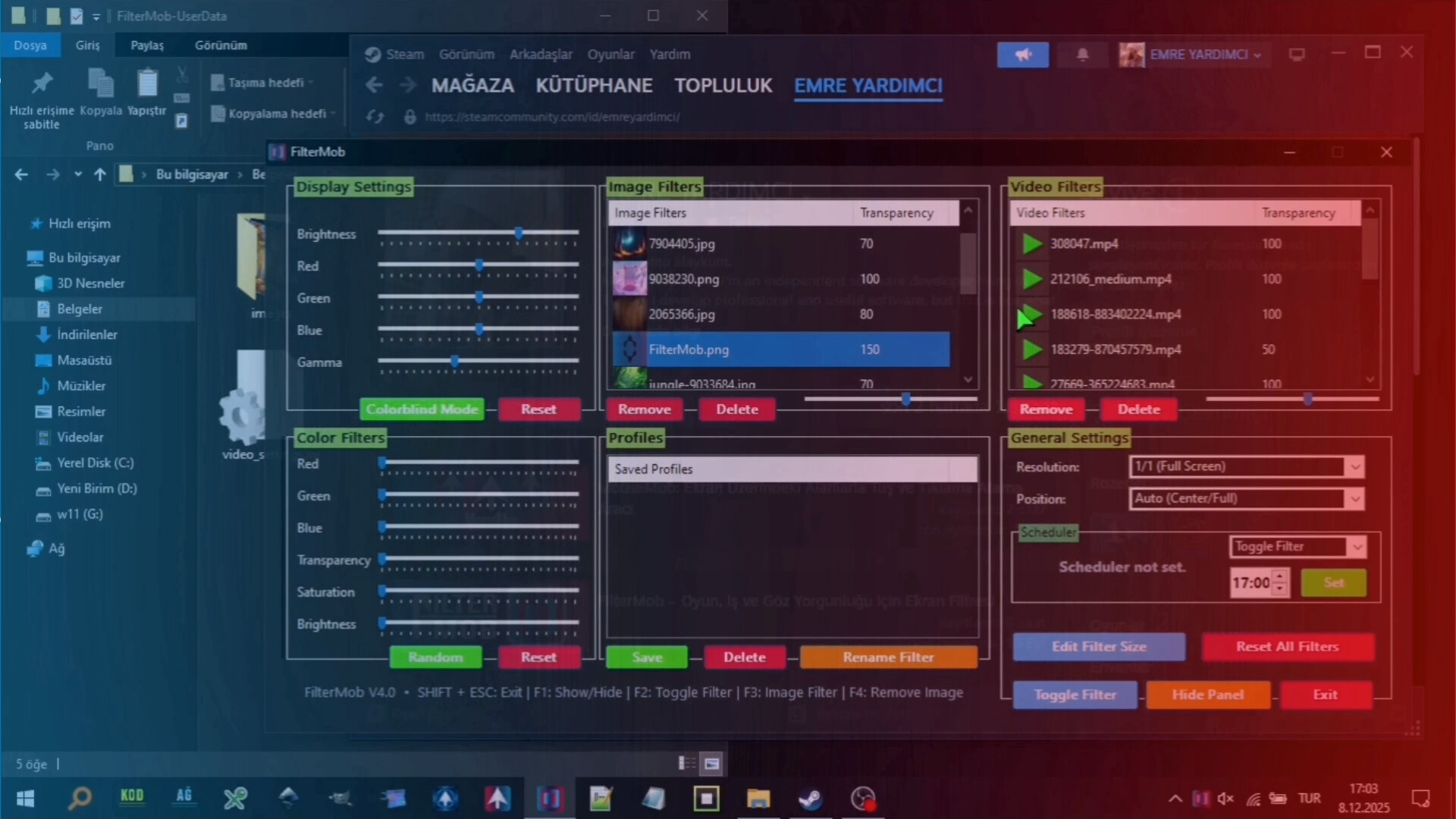
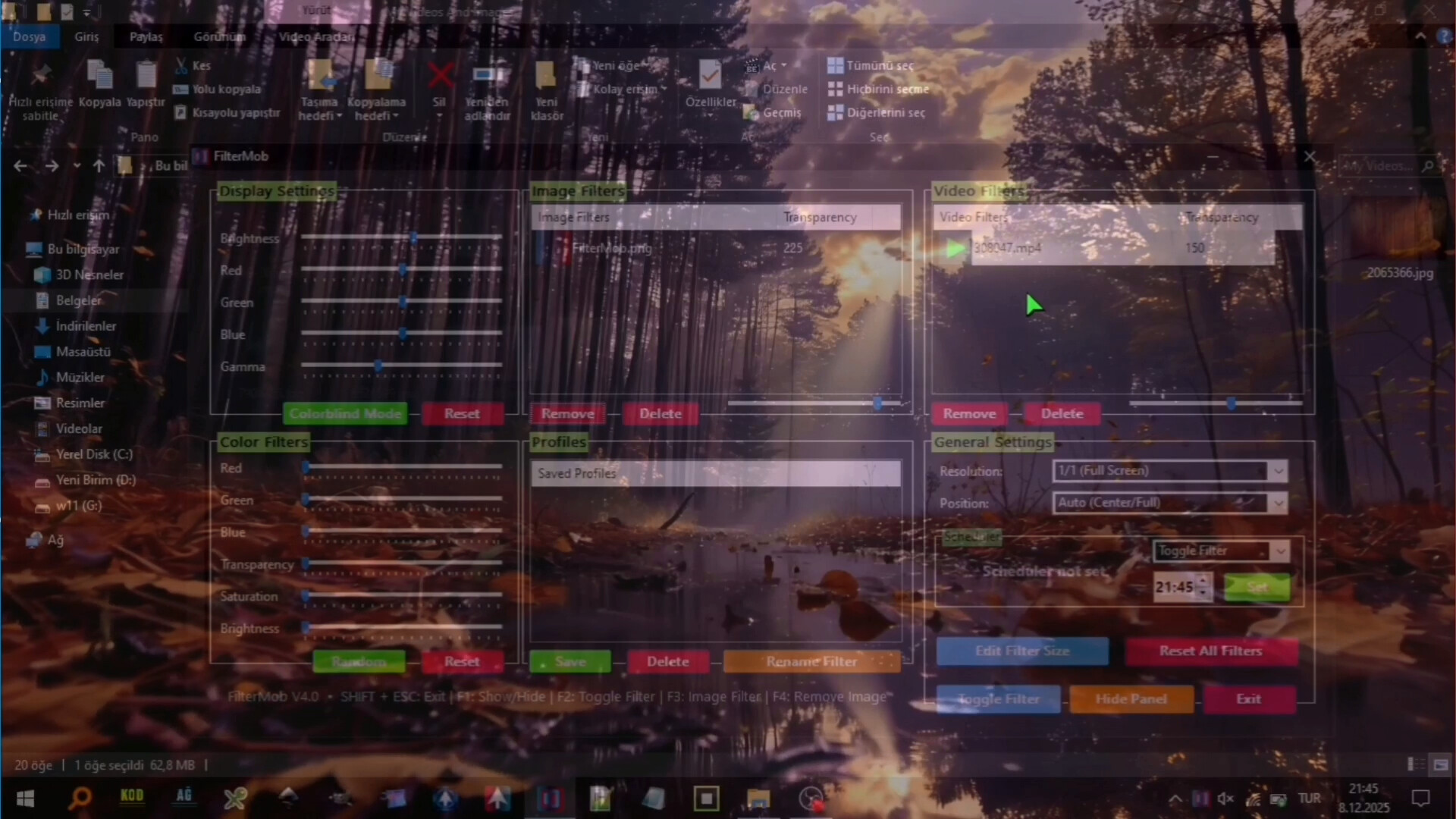
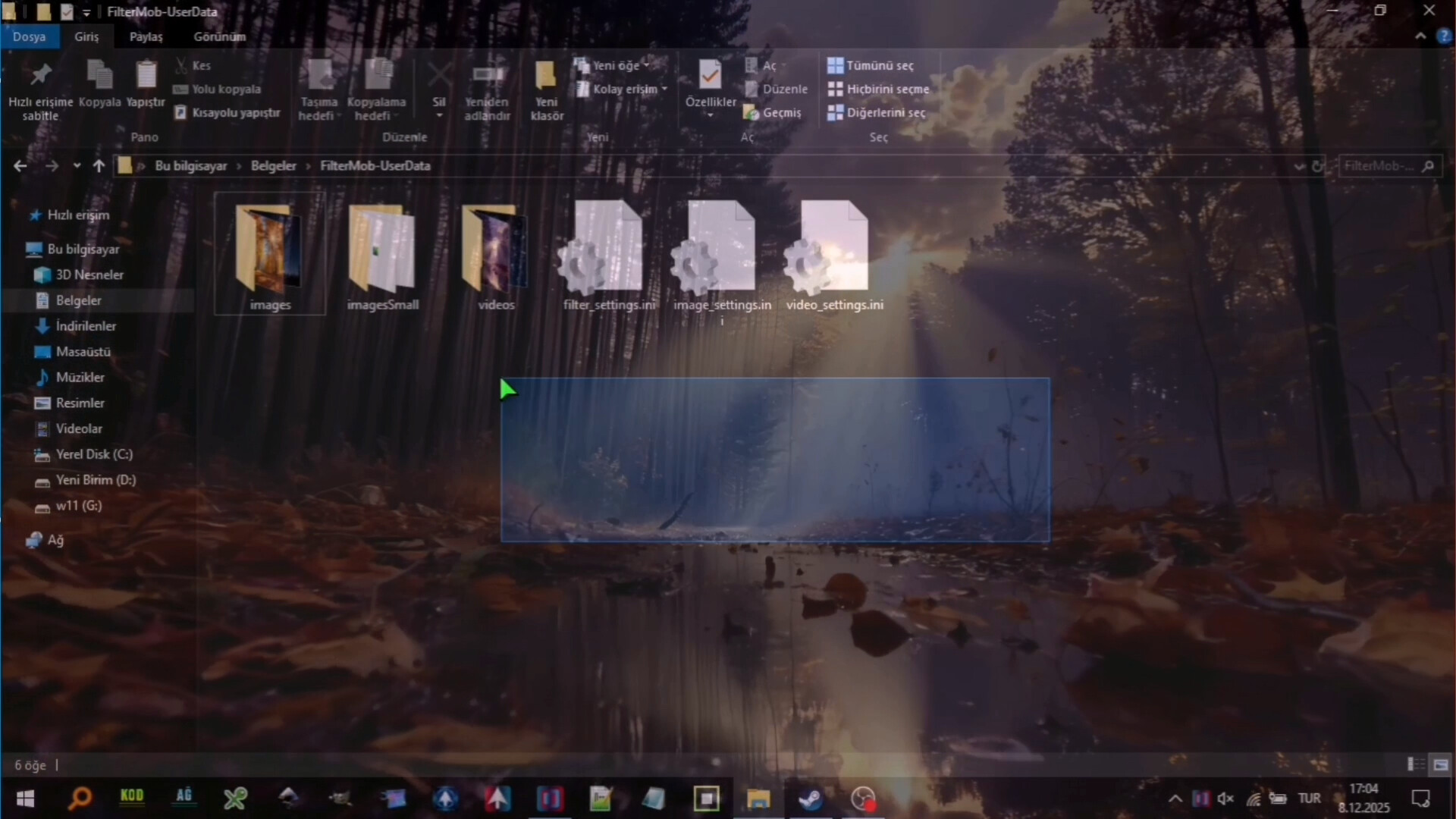
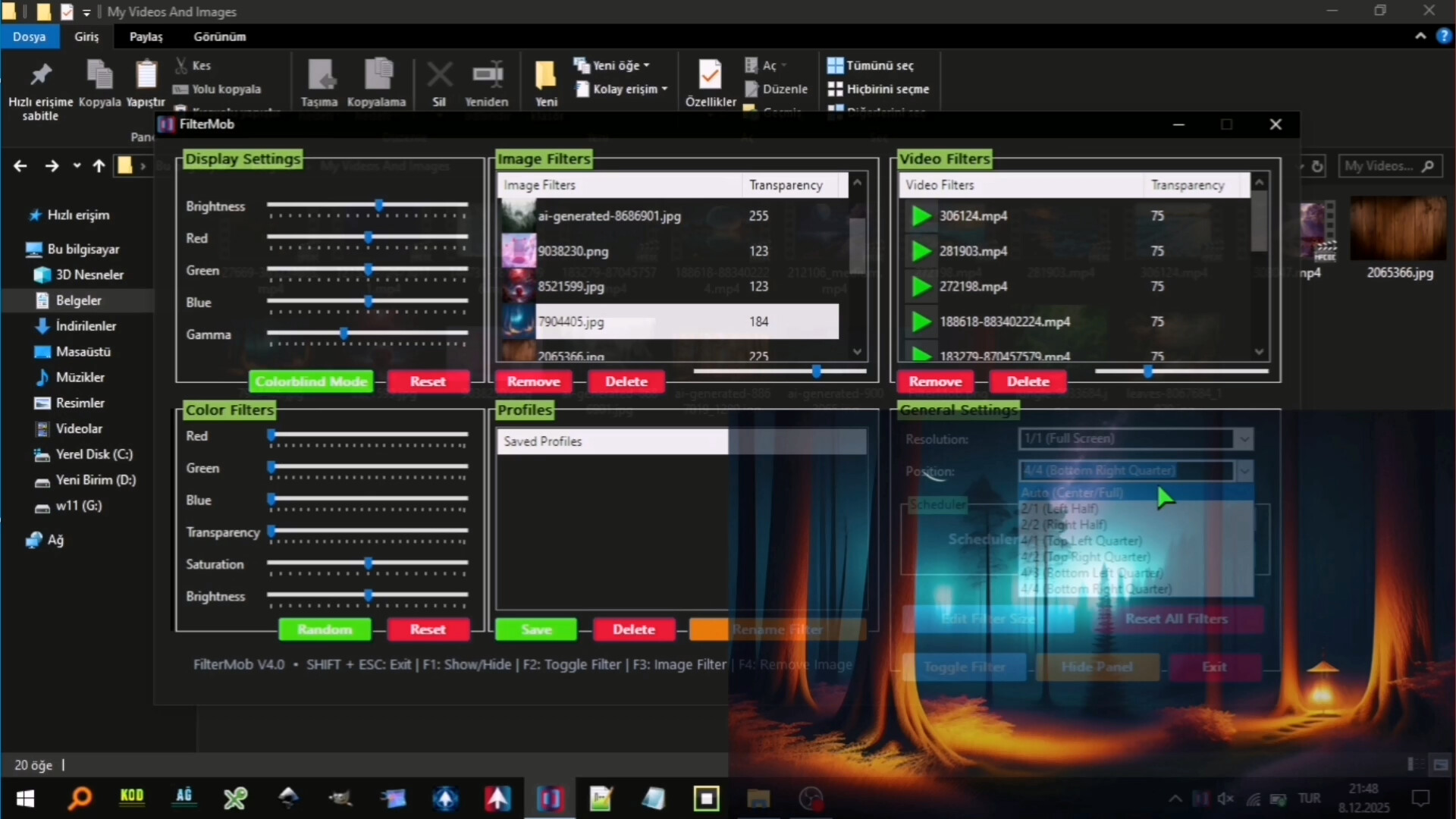
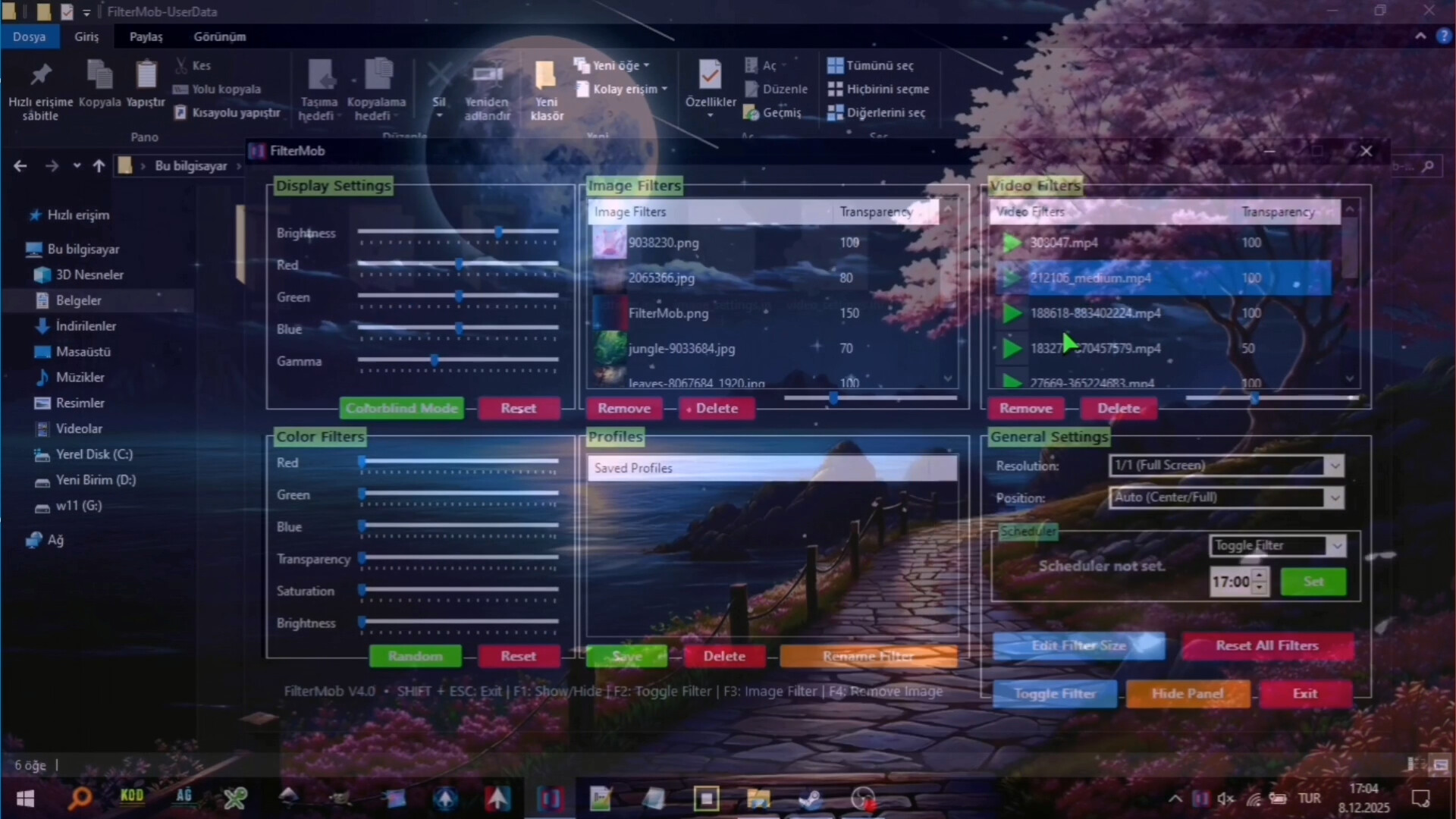
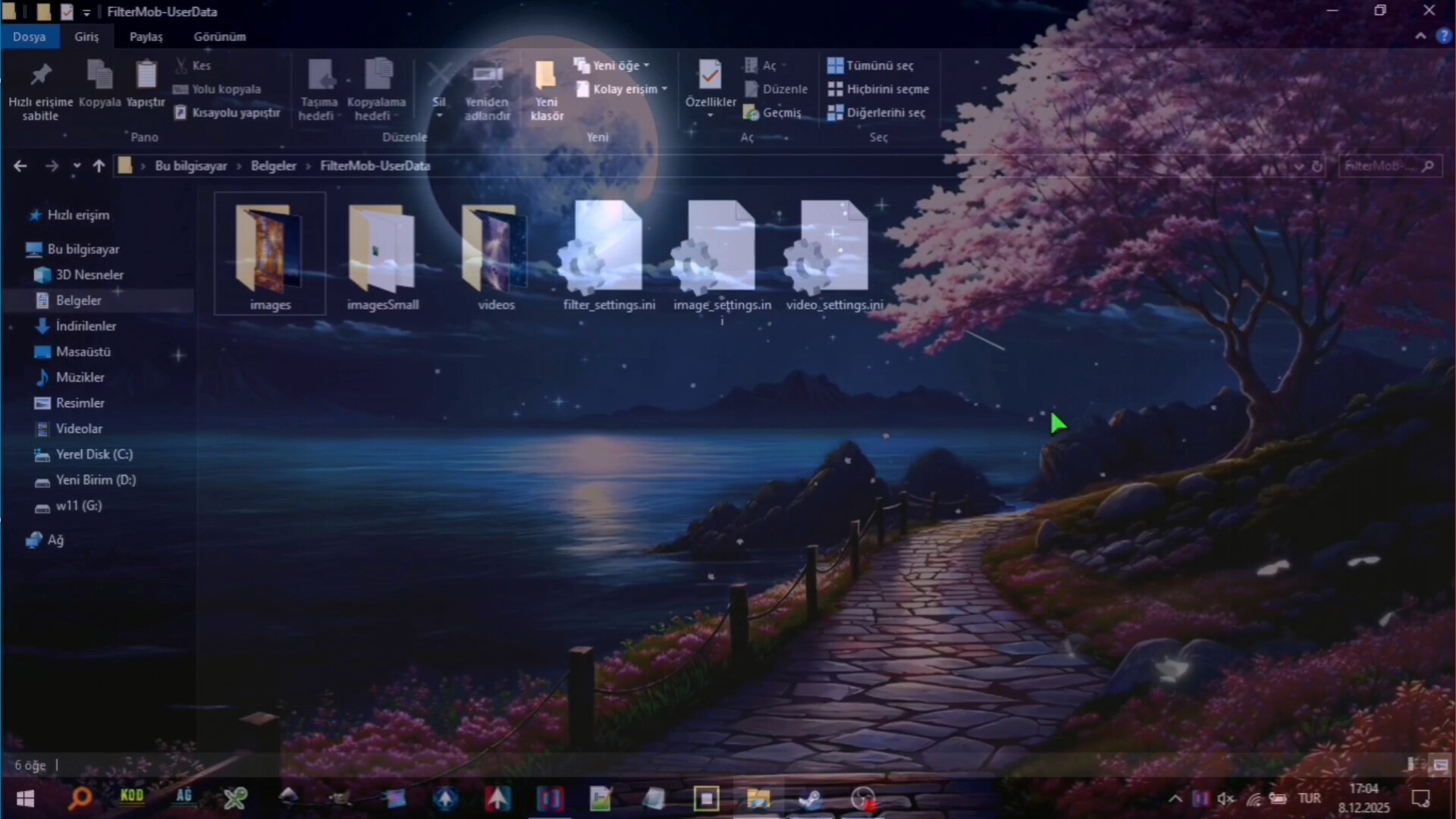
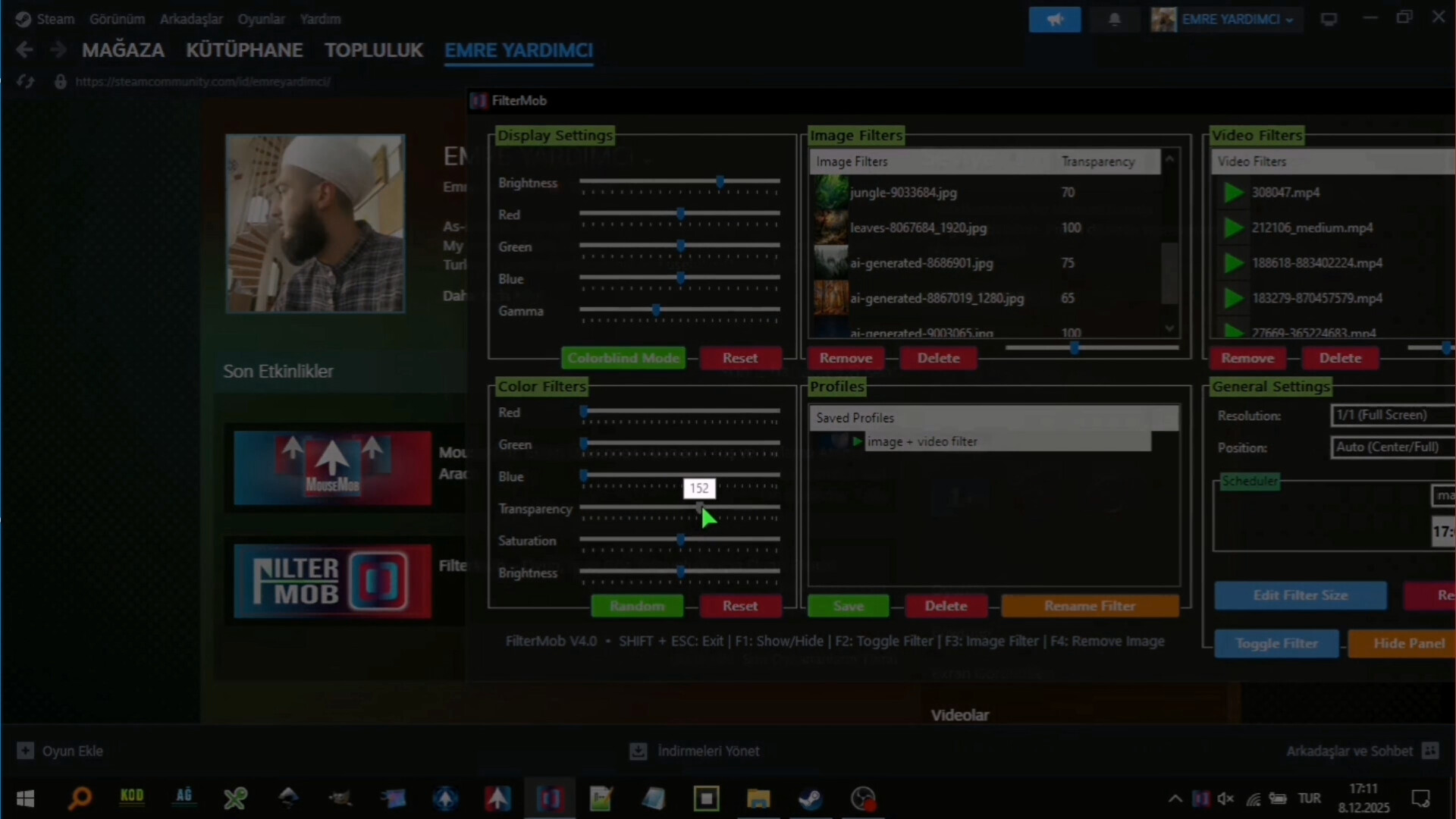
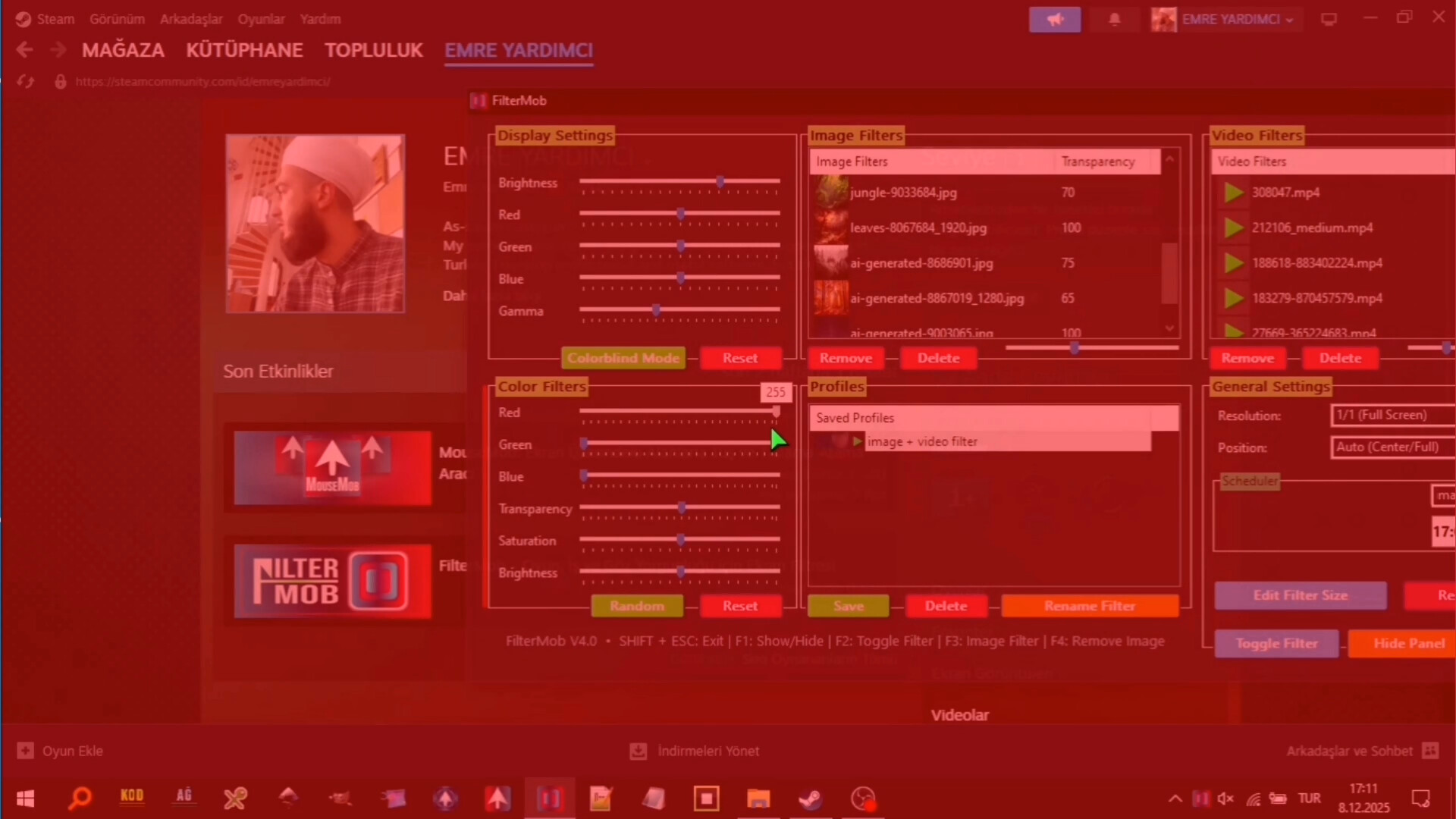
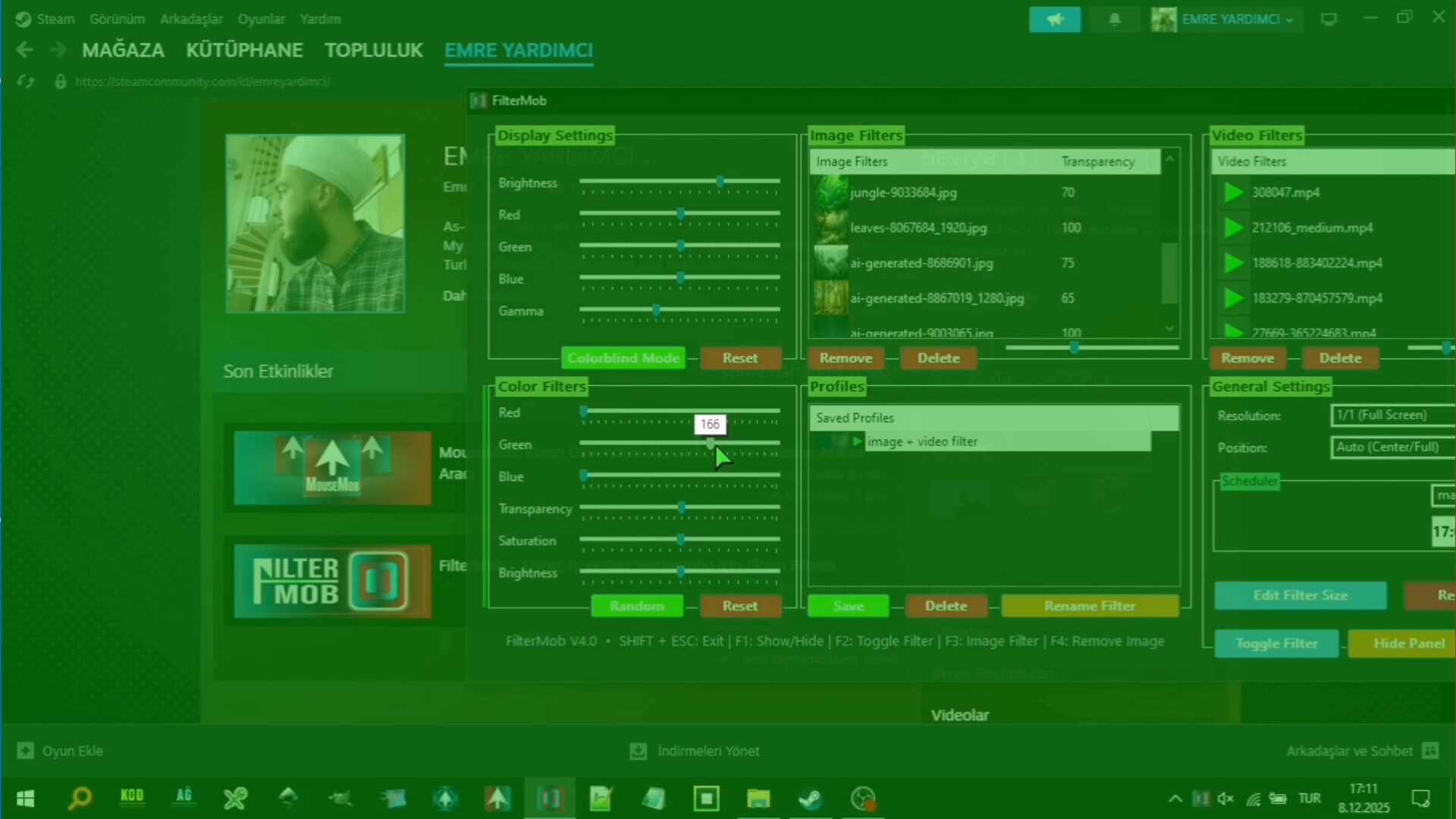
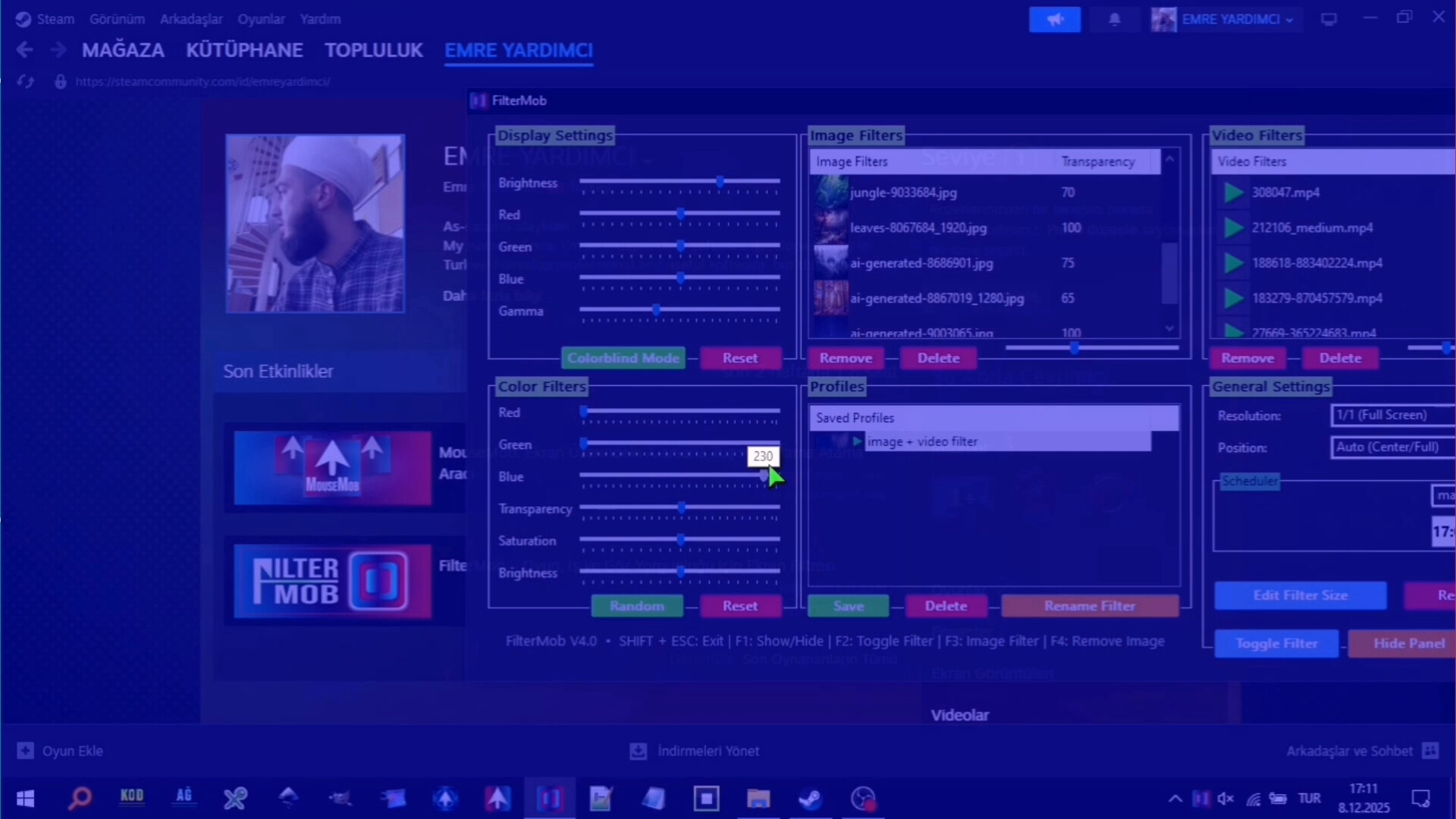
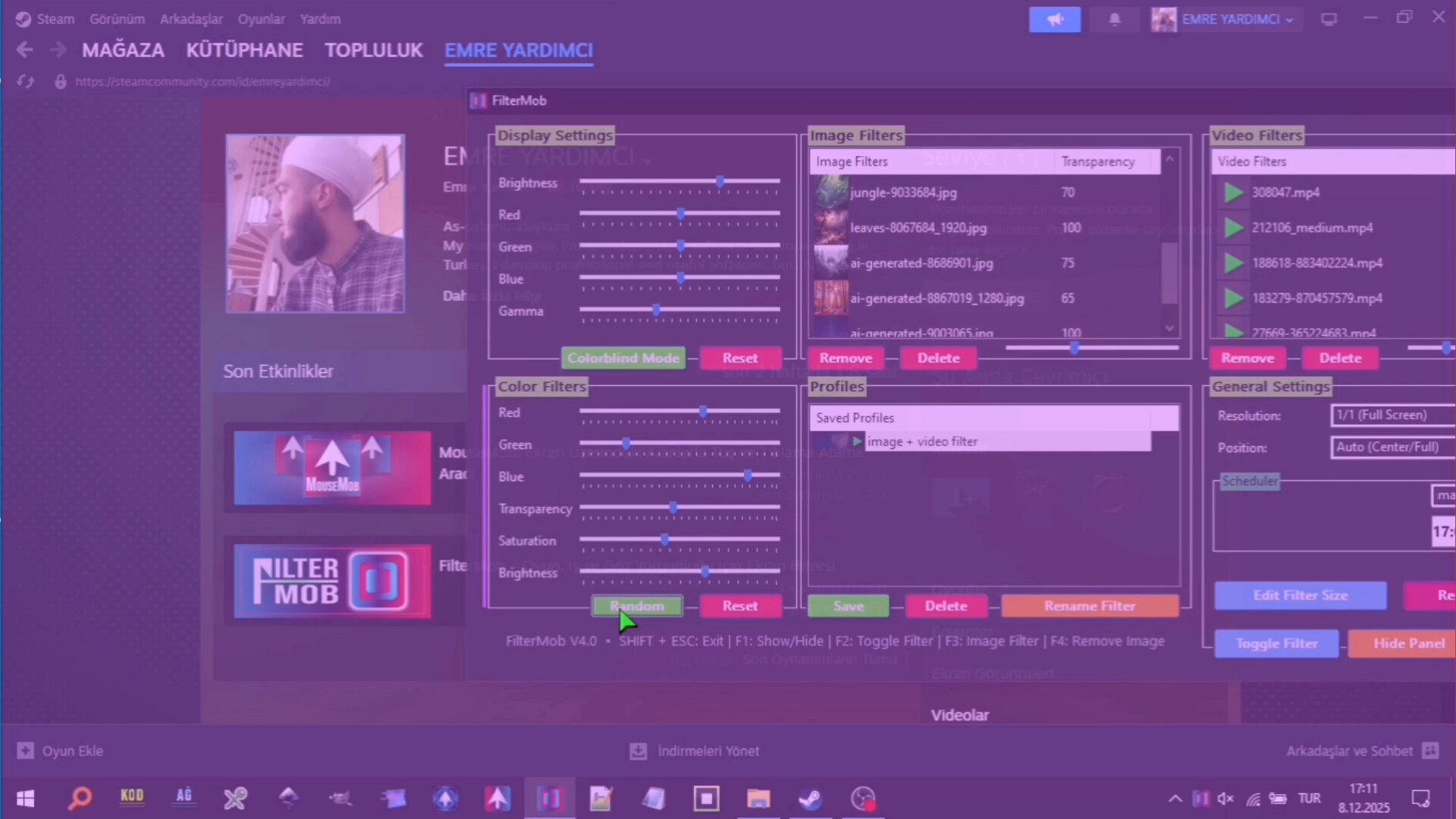
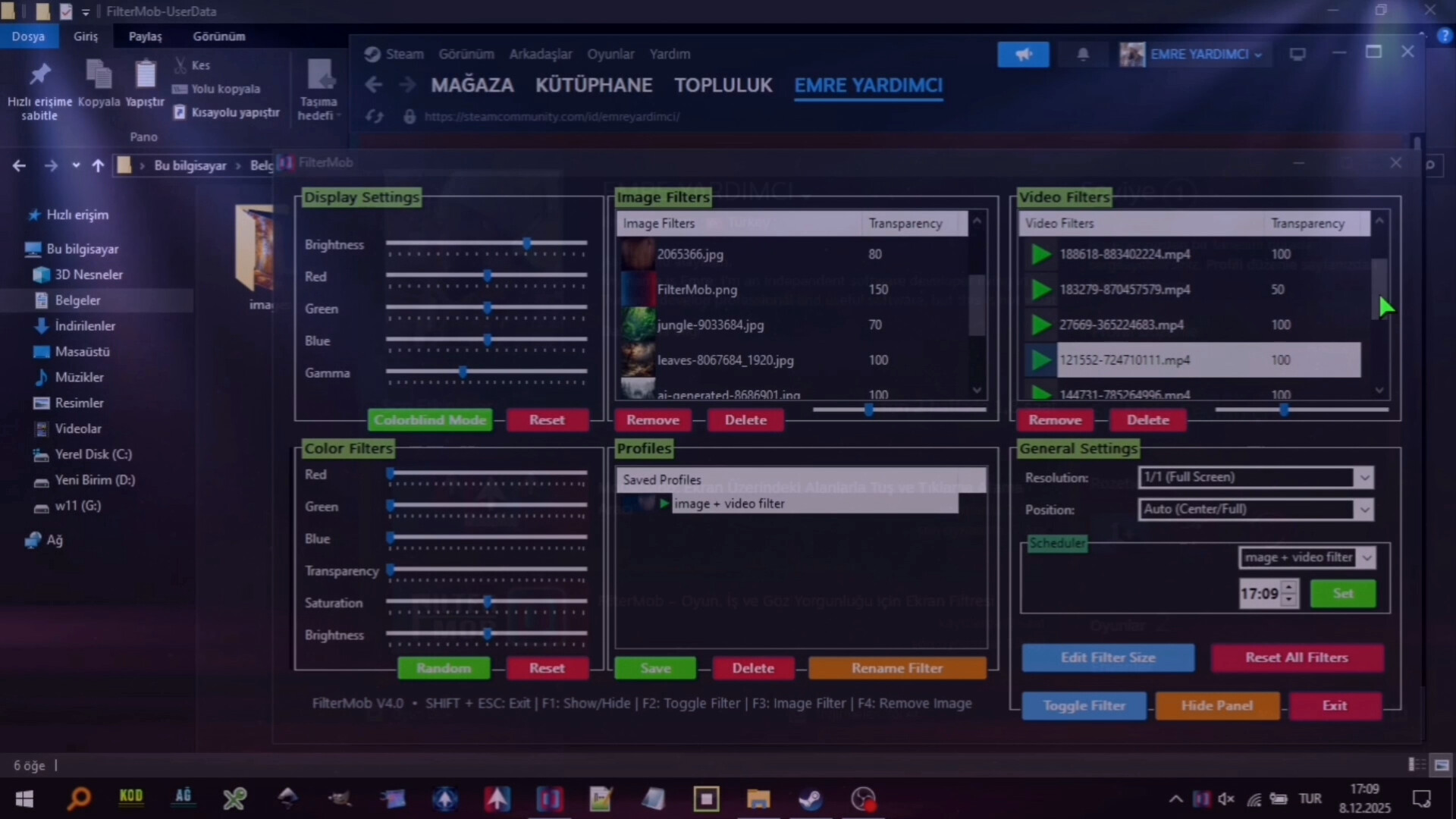
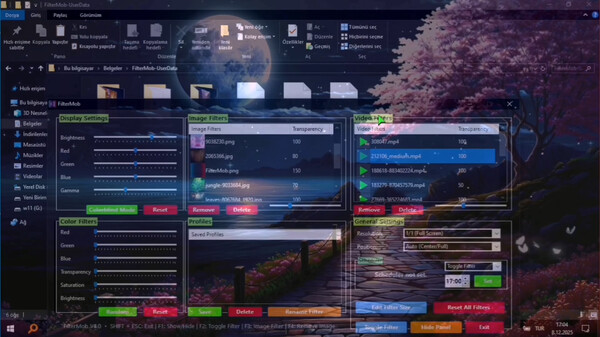
A powerful and easy-to-use tool to personalize your visual experience. • 🚀🖱️ Change atmosphere during gaming or work! • 👁️ Adjust color and brightness as you wish to protect your eyes! • 🖼️ Use your JPG/PNG images as screen filters! • 🎥 Use your MP4/WEBM/AVI/MKV/MOV videos as screen filters! 🎨 Color Filters: Real-time RGB, saturation, brightness adjustment 0-100% transparency control Save your filters to a list Easily apply / rename / delete your saved filters 🖼️ Image Filters: Add JPG/PNG images via drag-and-drop Image transparency adjustment Save your images to a list Easily apply / change opacity / delete your saved images 🎥 Video Filters: Add MP4/WEBM/AVI/MKV/MOV videos via drag-and-drop Video transparency adjustment Save your videos to a list Easily apply / change opacity / delete your saved videos 🕒 Scheduler System With the Scheduler tab, you can set a specific time to automatically: Toggle the All FilterMob filters on/off Automatically load a saved profile Shutdown PC Restart PC Lock PC 💾 Advanced Profile Management You can now save every setting (Color, Image, Video, Gamma, and System Brightness) as a named Profile.000 Saved profiles are now listed with visual icons (Color previews or thumbnails). Switch between "Game Mode," "Reading Mode," or "Night Mode"... (your profiles) with a single click. 💾 Automatic Save Management: All settings are automatically saved Last used filters and overlays are remembered and automatically set at startup Your settings are safe even in unexpected shutdowns ⚡ Performance Optimized Efficiency:Designed for low resource consumption. ⌨️ Quick Actions: Instant control via customizable global shortcuts (Shift+Esc, F-keys) Automatic system language detection (30+ languages).
Content & age ratings2 regional ratings

Regional ratings

DEJUSl
IGRS3
System requirementsMinimum and recommended hardware

Minimum

Minimum: Requires a 64-bit processor and operating system OS: Windows 10 Processor: 1 GHz processor Memory: 1 GB RAM Graphics: Intel HD 520 / AMD Radeon R3 Storage: 350 MB available space Sound Card: Not required VR Support: Not supported

Recommended

Recommended: Requires a 64-bit processor and operating system OS: Windows 11 Processor: 1.5 GHz or faster processor Memory: 2 GB RAM Graphics: NVIDIA GT 1030 / AMD Radeon RX 550 or higher Storage: 350 MB available space Sound Card: Not required VR Support: Not supported

macOS

Minimum: Recommended:

Linux

Minimum: Recommended:
Supported languages30 languages
LanguageFull audio
English
French
Italian
German
Spanish - Spain
Arabic
Simplified Chinese
Portuguese - Brazil
Bulgarian
Danish
Indonesian
Dutch
Finnish
Traditional Chinese
Japanese
Korean
Spanish - Latin America
Polish
Hungarian
Norwegian
Portuguese - Portugal
Romanian
Russian
Thai
Turkish
Ukrainian
Vietnamese
Greek
Czech
Swedish

A blank audio cell means full audio was not marked in the returned language list.

Screenshots & trailersScreenshots and trailers

Trailers

AchievementsTotal count and selected achievements

10 developer announcements, Sep 2025 to Mar 2026 · times in UTC

March

  1. FilterMode : Color Booster | Live Wallpaper | Eye Protection & Color Blindness

    FilterModeThe most comprehensive tool for display customization! Switch between modes like Gaming, Reading, and Night with a single click. Easily manage Colors (Red, Green, Blue, Saturation, Contrast) and Brightness. (Unlimited) Assign…

    EMRE YARDIMCI

January

  1. v4.9 released! (dpi fix , animation, stablty)

    v4.9 released! (dpi fix , animation, stablty)

    Patch notes

December

  1. v4.8 released

    color filters (complate changed) stablity (for video and image filtres) bug fix (for video and image filters) added new interface transparent changer

    Patch notes
  2. Filtermob v5: What Features Do You Want to See?

    What new features, changes, or improvements would you love to see in FilterMob v5 ?

    EMRE YARDIMCI
  3. v4.6 released!

    for stability

    Patch notes
  4. V4.5

    WALLPAPER MODE ADDED

    Patch notes
  5. FilterMob V4 Released!

    🕒 Scheduler SystemYou can now automate your filters and your PC! With the newly added Scheduler tab, you can set a specific time to automatically:Toggle the FilterMob filter on/offShutdown the PCRestart the PCLock the SessionOr…

    EMRE YARDIMCI

November

  1. FilterMob v3.5 Released!

    New Features: • Colorblind Accessibility Mode: A dedicated "Colorblind Mode" preset has been added under Display Settings, allowing users with color vision deficiencies to instantly toggle an optimized gamma profile. • Automation Scheduler…

    Patch notes
  2. FilterMob V3 Released!

    • Video Filters Section (new) With this version, FilterMob can now transform your videos into on-screen filters! • Filter Position and Size Adjuster (new) We’ve added a clever new feature that lets you freely adjust the size and position of…

    Patch notes

September

  1. FitlerMob v2 Released! (Real-Time RGB & Enhanced Brightness Control)

    With the latest version, FilterMob now empowers you to make Real-time RGB adjustmentsand push your screen's brightness beyond the standard system limits.In short, with FilterMob you can:Reduce eye strain with a variety of built-in preset…

    Patch notes

All games on this site