STEAMDB NEXUS

Steam app 2498570 · updated 12 Sep 2026, 20:52 UTC

Canvas of Kings

Canvas of Kings is a minimalistic mapmaking tool that focuses on randomness and auto-generated elements on user-definable and interactive paths, plots and rooms.

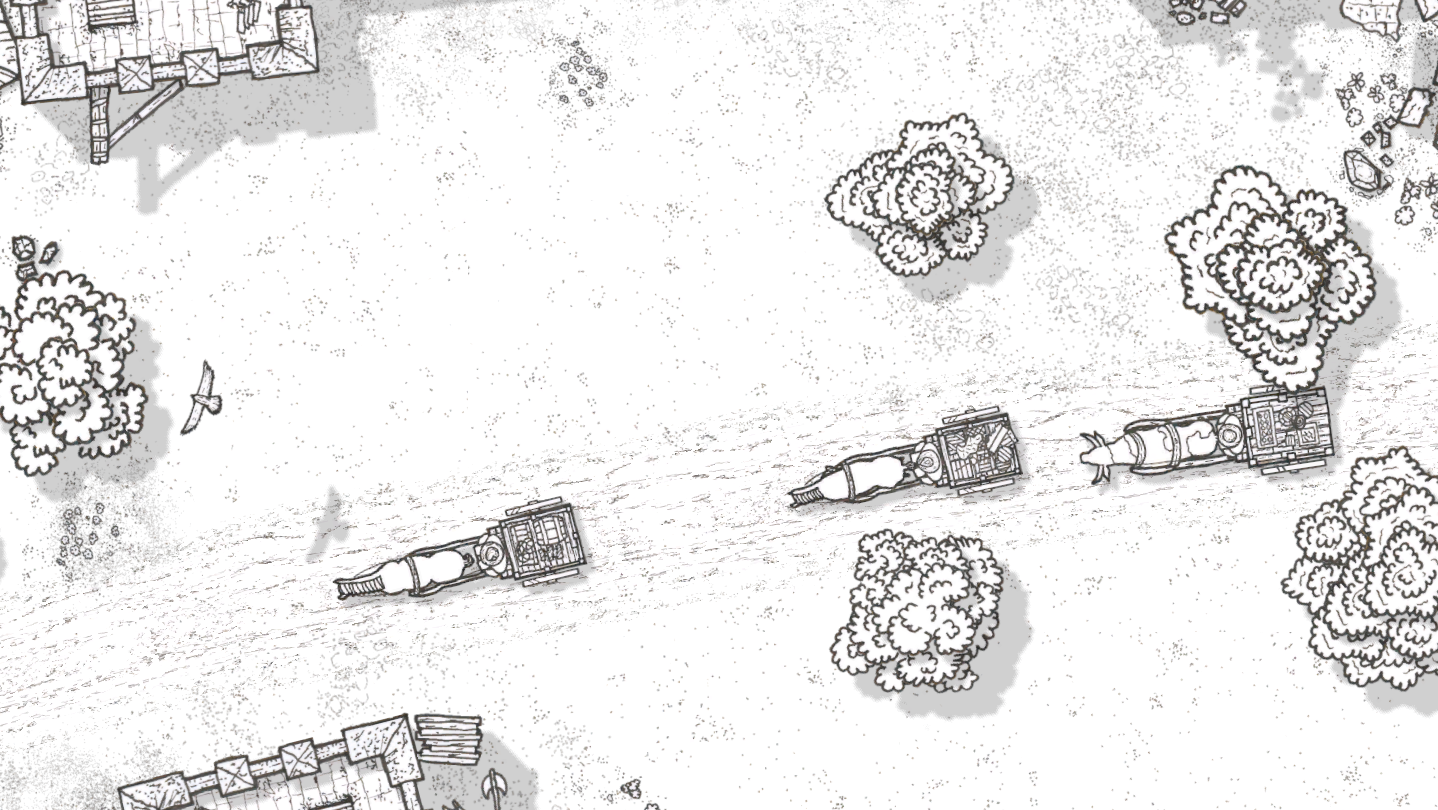
Canvas of Kings Steam header artwork
Hannes BreuerHannes Breuer
52playing now
5324-hour peak
115all-time peak
29average, last 30 days

The last 30 days

−1.2Gain−3.87%% gain67Peak

716 hourly samples, with the daily peak drawn over them. Weekends are shaded.

01836547213 Aug18 Aug23 Aug28 Aug02 Sep07 Sep12 SepThursday 13 August 202642 peakFriday 14 August 202649 peakSaturday 15 August 202654 peakSunday 16 August 202666 peakMonday 17 August 202646 peakTuesday 18 August 202638 peakWednesday 19 August 202637 peakThursday 20 August 202646 peakFriday 21 August 202650 peakSaturday 22 August 202667 peakSunday 23 August 202664 peakMonday 24 August 202641 peakTuesday 25 August 202646 peakWednesday 26 August 202642 peakThursday 27 August 202643 peakFriday 28 August 202646 peakSaturday 29 August 202657 peakSunday 30 August 202661 peakMonday 31 August 202643 peakTuesday 01 September 202644 peakWednesday 02 September 202638 peakThursday 03 September 202638 peakFriday 04 September 202638 peakSaturday 05 September 202661 peakSunday 06 September 202647 peakMonday 07 September 202646 peakTuesday 08 September 202636 peakWednesday 09 September 202636 peakThursday 10 September 202636 peakFriday 11 September 202654 peakSaturday 12 September 202653 peak
Daily peakEvery hourly sample

All time

38 months, August 2023 to September 2026. The highest number of people in the game at once, each month, on a time axis -- a gap in the record stays a gap.

0316293124Aug 2023Feb 2024Aug 2024Feb 2025Aug 2025Feb 2026Aug 2026August 202325 monthly peakSeptember 20238 monthly peakOctober 202311 monthly peakNovember 202317 monthly peakDecember 20239 monthly peakJanuary 202417 monthly peakFebruary 202419 monthly peakMarch 202459 monthly peakApril 202436 monthly peakMay 202436 monthly peakJune 202429 monthly peakJuly 202441 monthly peakAugust 2024114 monthly peakSeptember 202467 monthly peakOctober 202452 monthly peakNovember 202449 monthly peakDecember 202468 monthly peakJanuary 202574 monthly peakFebruary 202567 monthly peakMarch 202589 monthly peakApril 202554 monthly peakMay 202552 monthly peakJune 202554 monthly peakJuly 202565 monthly peakAugust 202550 monthly peakSeptember 2025110 monthly peakOctober 2025115 monthly peakNovember 202585 monthly peakDecember 202594 monthly peakJanuary 202697 monthly peakFebruary 202686 monthly peakMarch 2026101 monthly peakApril 202696 monthly peakMay 202676 monthly peakJune 202668 monthly peakJuly 202676 monthly peakAugust 202669 monthly peakSeptember 202661 monthly peak
Monthly peak

The last four months

Show:

The highest number of people in the game at once, each month. Four, because four is as far back as the source keeps anything finer than one figure a month.

021416282July 2026August 2026September 2026October 2026July 202676 peak — daily detail belowAugust 202669 peak — hourly detail belowSeptember 202661 peak — hourly detail below
Monthly peakHas finer data

July 2026

31 days, each one the highest figure that day. The source keeps no hourly detail this far back. Weekends are shaded.

02141628201 Jul06 Jul11 Jul16 Jul21 Jul26 Jul31 JulWednesday 01 July 202651 peakThursday 02 July 202657 peakFriday 03 July 202659 peakSaturday 04 July 202668 peakSunday 05 July 202670 peakMonday 06 July 202662 peakTuesday 07 July 202668 peakWednesday 08 July 202660 peakThursday 09 July 202663 peakFriday 10 July 202676 peakSaturday 11 July 202674 peakSunday 12 July 202667 peakMonday 13 July 202657 peakTuesday 14 July 202659 peakWednesday 15 July 202652 peakThursday 16 July 202660 peakFriday 17 July 202651 peakSaturday 18 July 202662 peakSunday 19 July 202664 peakMonday 20 July 202660 peakTuesday 21 July 202653 peakWednesday 22 July 202647 peakThursday 23 July 202658 peakFriday 24 July 202637 peakSaturday 25 July 202647 peakSunday 26 July 202668 peakMonday 27 July 202656 peakTuesday 28 July 202655 peakWednesday 29 July 202646 peakThursday 30 July 202659 peakFriday 31 July 202648 peak

August 2026

31 days as the curve, each the highest figure that day. Behind it, 434 hourly samples from 13 Aug, which is as far back as the source keeps every hour. Weekends are shaded.

01937567501 Aug06 Aug11 Aug16 Aug21 Aug26 Aug31 AugSaturday 01 August 202664 peakSunday 02 August 202669 peakMonday 03 August 202645 peakTuesday 04 August 202651 peakWednesday 05 August 202643 peakThursday 06 August 202646 peakFriday 07 August 202642 peakSaturday 08 August 202660 peakSunday 09 August 202653 peakMonday 10 August 202637 peakTuesday 11 August 202642 peakWednesday 12 August 202647 peakThursday 13 August 202643 peakFriday 14 August 202649 peakSaturday 15 August 202654 peakSunday 16 August 202666 peakMonday 17 August 202646 peakTuesday 18 August 202638 peakWednesday 19 August 202637 peakThursday 20 August 202646 peakFriday 21 August 202650 peakSaturday 22 August 202667 peakSunday 23 August 202664 peakMonday 24 August 202641 peakTuesday 25 August 202646 peakWednesday 26 August 202642 peakThursday 27 August 202643 peakFriday 28 August 202646 peakSaturday 29 August 202657 peakSunday 30 August 202661 peakMonday 31 August 202643 peak

September 2026

12 days as the curve, each the highest figure that day. Behind it, 282 hourly samples. Each dip is a night. Weekends are shaded.

01633496601 Sep03 Sep05 Sep07 Sep09 Sep11 SepTuesday 01 September 202644 peakWednesday 02 September 202638 peakThursday 03 September 202638 peakFriday 04 September 202638 peakSaturday 05 September 202661 peakSunday 06 September 202647 peakMonday 07 September 202646 peakTuesday 08 September 202636 peakWednesday 09 September 202636 peakThursday 10 September 202636 peakFriday 11 September 202654 peakSaturday 12 September 202653 peak

October 2026

Canvas of Kings was released on 3 Aug, 2023.

Not out yet.There is nothing to draw for this month.
Nothing here is interpolated or estimated; where a sample is missing the line is broken.

Game information

Updated 12 Sep 2026, 20:52 UTC
App ID
2498570
Last updated
10 Sep 2026 build 25238255
Developer
Hannes Breuer
Publisher
Hannes Breuer
Release date
3 Aug, 2023
Platforms
WindowsmacOSLinux
Download size
176 MB179 MB124 MB
Install size
2.02 GB1.99 GB1.83 GB
Genres
Casual, Indie, RPG, Early Access
Game modes
Single-player
Controller support
Unknown
Early Access
Listed in Early Access
Achievements
1

Features & support

Steam features

Steam AchievementsSteam WorkshopIncludes level editorFamily Sharing

Controllers & input

Accessibility

Popular tags

Early AccessBuildingSandboxDesign & IllustrationMedievalRelaxingLevel EditorProcedural GenerationCuteSoftwareTop-DownCozyMinimalistHand-drawnFamily FriendlyAtmosphericStylizedSimulationSingleplayerExperimental
About this gameFull description from Steam
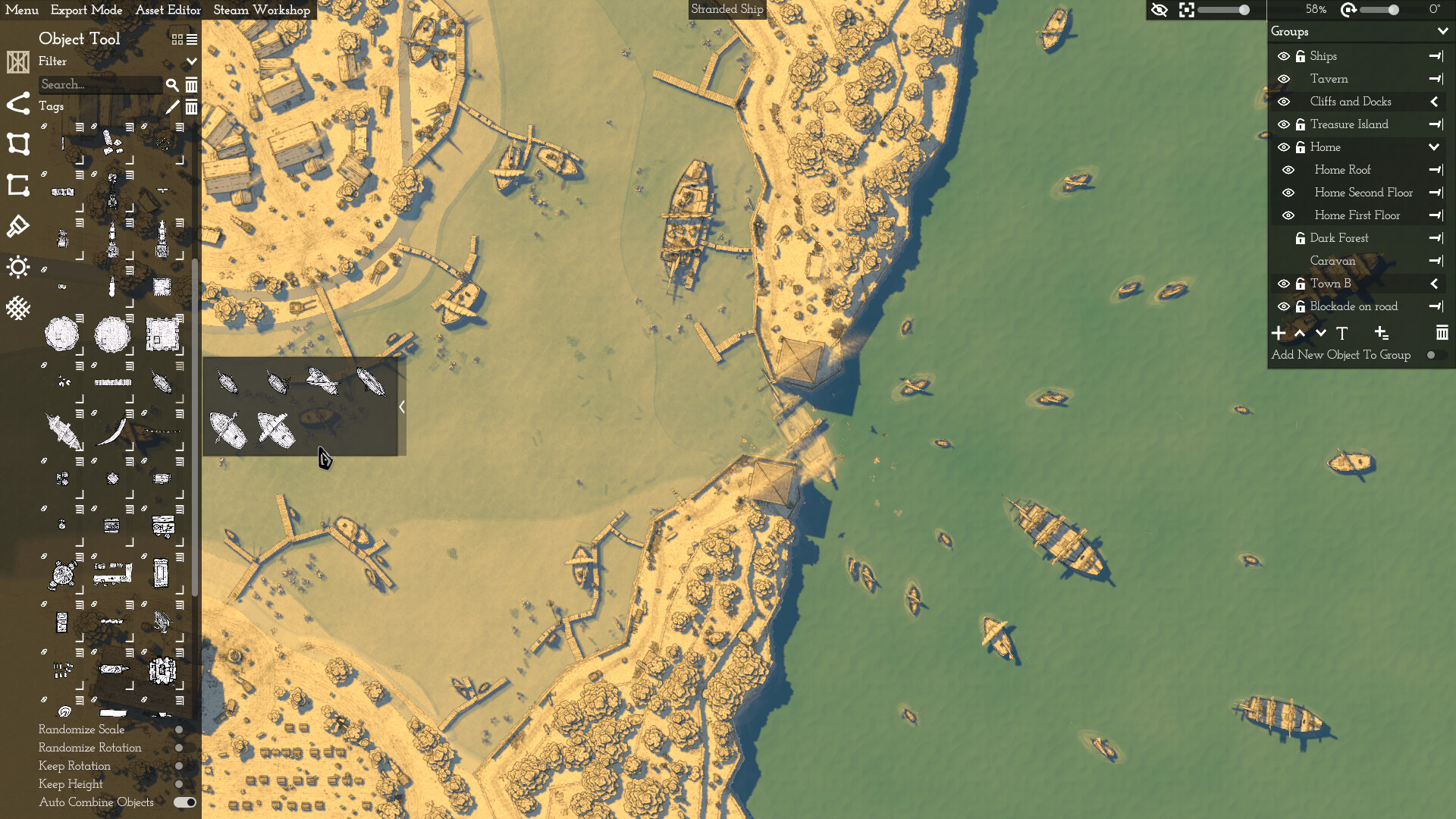
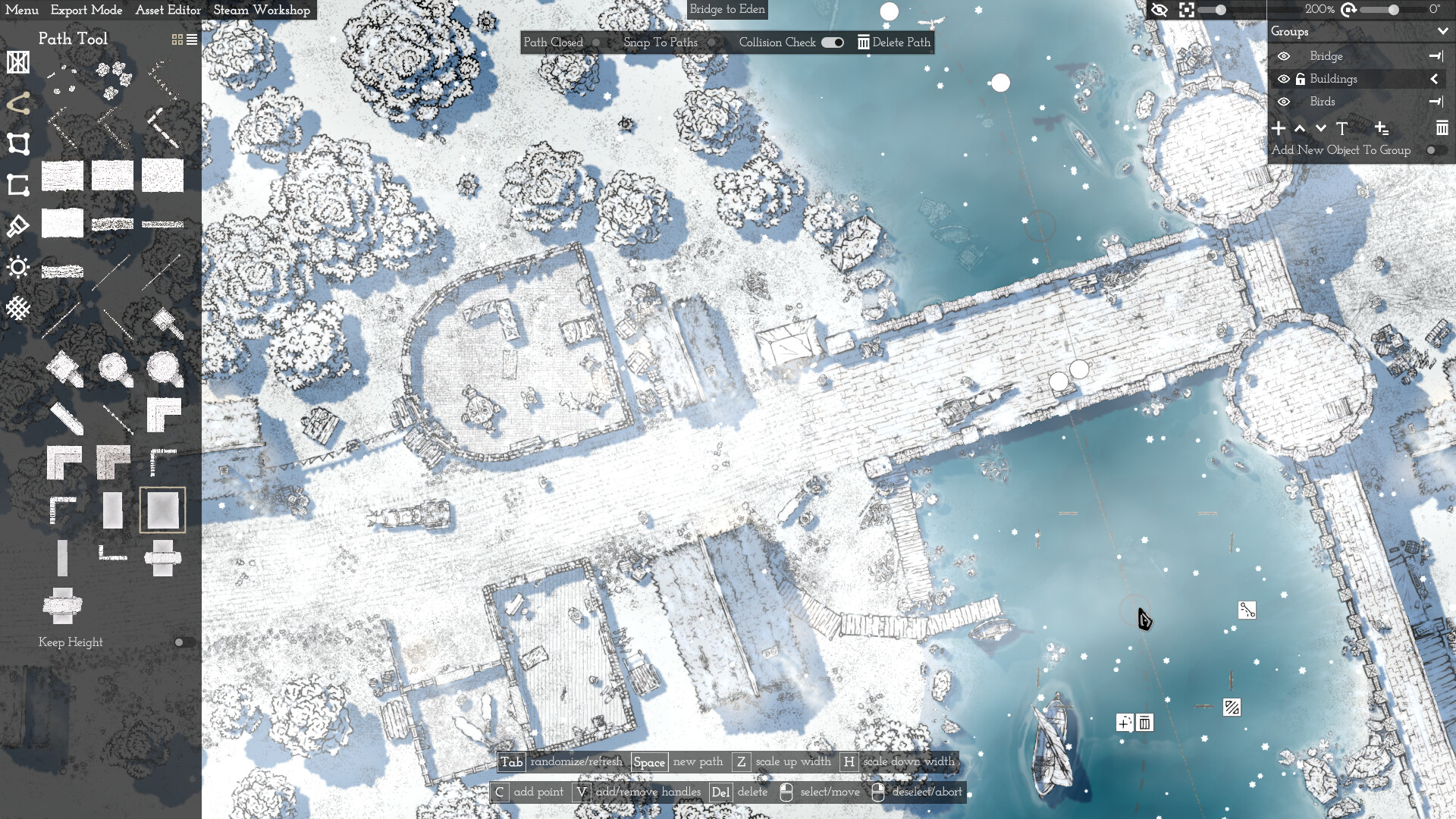
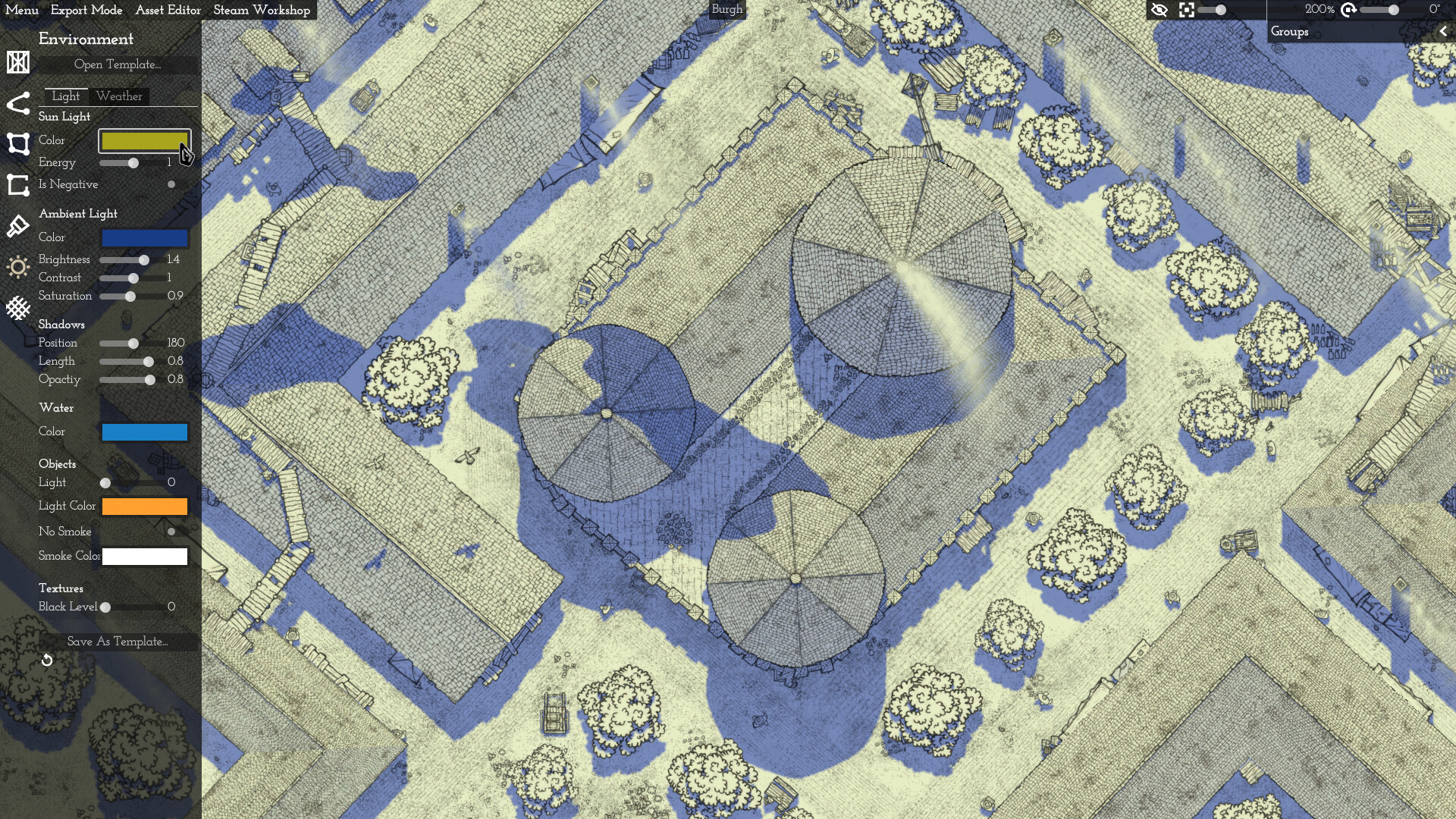
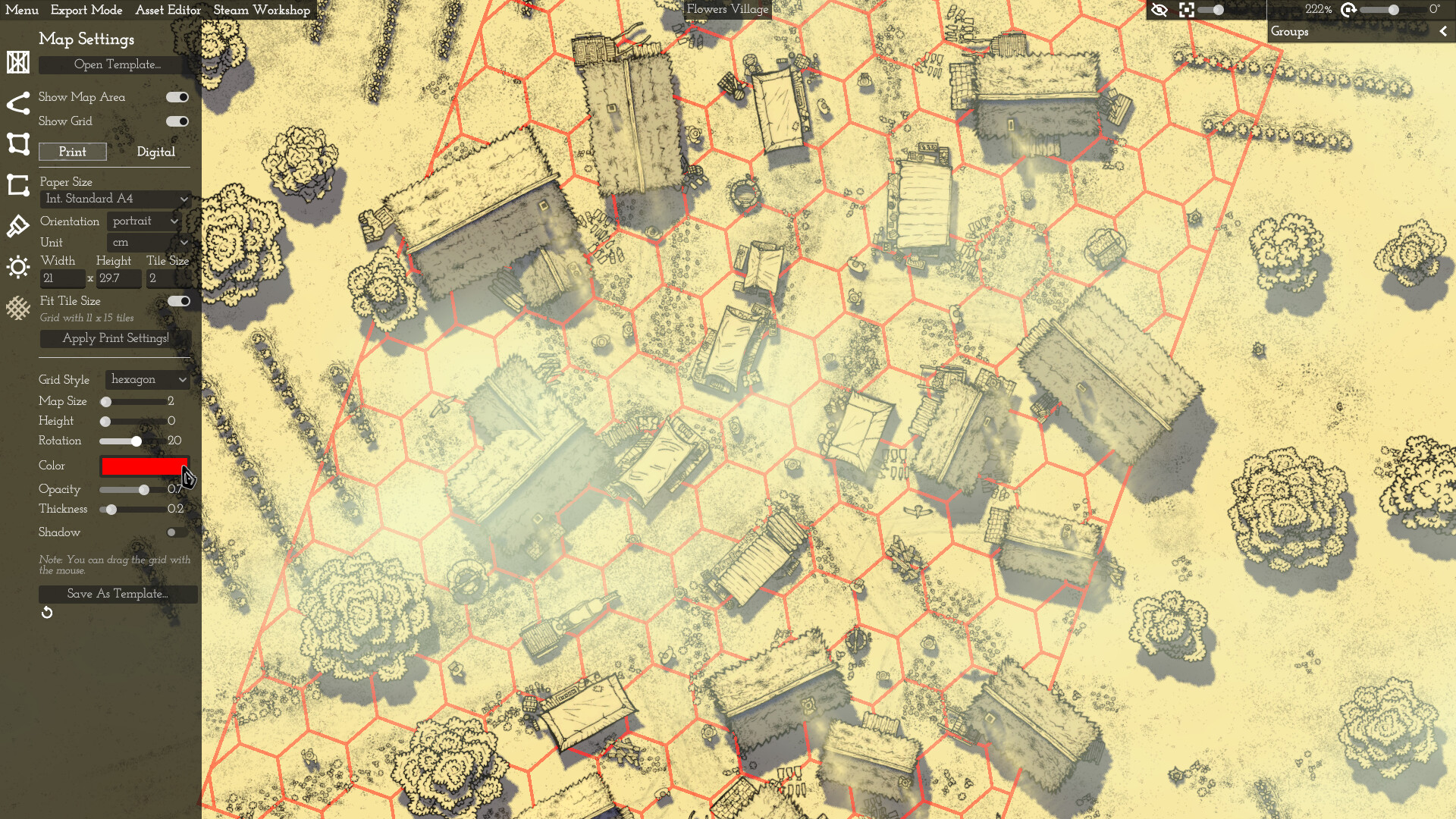
Canvas of Kings is a minimalistic mapmaking tool that focuses on randomness and auto-generated elements on user-definable and interactive paths, plots and rooms. Use flexible paths and plots You can define your map with paths and plots that you can adjust at any time. The automatic object placement supports you. In this way, you can directly create a wall with towers or simply an entire forest. Place lovingly hand-drawn objects Instead of placing and adjusting individual objects, you can randomly vary the object properties directly and use object categories to create a varied map without extra effort. The objects can also be combined. For example, you can place crates on towers or walls and move them together. Customise the lighting and weather Use the built-in lighting and weather system to change the atmosphere of your map the way you like it. Configure different details or simply choose a template. Export a definable area, with or without a grid Create an export area and a square or hex grid how and where you want. You can export parts or the whole map for print or digital use. You can also save your settings as a template for future maps. What you can't do with this tool (yet) Create fully procedurally generated maps Paint the landscape in the classic way Caves and dungeons Insert texts or decorative elements Export to VTT format (except: png/jpg, with/without grid. Map is saved as .json) Create animations There are certainly other things... :) About the developer and this tool I'm actually working on a trading simulation called Might of Merchants alongside my family and full-time job. For this I have developed some tools. I was asked if I could publish them. So I put in some work and created this software. It's not perfect and not finished yet, but I would be very happy if you use it and thus support my work. Your feedback is very welcome! You can find examples of maps built with Canvas of Kings in the Steam Workshop and on my Discord. An additional license for the commercial use of maps created with Canvas of Kings is not required.
Content & age ratings2 regional ratings

Regional ratings

DEJUSl
IGRS3
System requirementsMinimum and recommended hardware

Minimum

Minimum: Requires a 64-bit processor and operating system OS: Windows 10 or later Processor: Intel i5-2500K or similar Memory: 8 GB RAM Graphics: NVIDIA GeForce GTX 1060 6GB / AMD Radeon RX 470 8GB Storage: 4 GB available space Additional Notes: Requirements may change

Recommended

Recommended: Requires a 64-bit processor and operating system OS: Windows 10 or later Processor: Better than Intel i5-2500K Memory: 8 GB RAM Graphics: Better than NVIDIA GeForce GTX 1060 6GB / AMD Radeon RX 470 8GB Storage: 4 GB available space Additional Notes: Requirements may change

macOS

Minimum: OS: macOS 10.15 or later Processor: Apple M1 Memory: 8 GB RAM Graphics: Apple M1 Storage: 4 GB available space Additional Notes: Requirements may change Recommended: OS: macOS 10.15 or later Processor: Better than Apple M1 Memory: 8 GB RAM Graphics: Better than Apple M1 Storage: 4 GB available space Additional Notes: Requirements may change

Linux

Minimum: OS: Ubuntu 22.04.2 Processor: Intel i5-2500K or similar Memory: 8 GB RAM Graphics: NVIDIA GeForce GTX 1060 6GB / AMD Radeon RX 470 8GB Storage: 4 GB available space Additional Notes: Requirements may change Recommended: OS: Ubuntu 22.04.2 Processor: Better than Intel i5-2500K Memory: 8 GB RAM Graphics: Better than NVIDIA GeForce GTX 1060 6GB / AMD Radeon RX 470 8GB Storage: 4 GB available space Additional Notes: Requirements may change
Supported languages1 languages
LanguageFull audio
English

A blank audio cell means full audio was not marked in the returned language list.

Screenshots & trailersScreenshots and trailers

Trailers

AchievementsTotal count and selected achievements

1 achievements in total.

Show selected achievements (may contain spoilers)
CartographerHidden achievement

View all Steam achievements

DemosPlayable demos on Steam

32 developer announcements, Aug 2023 to Sep 2026 · times in UTC

September

  1. Water Height and Color

    Water can now be raised. A waterfall forms at the edge of raised water. The gradient of the waterfall can be adjusted. The water color can now be set individually for each body of water. You can also continue to set the water color globally…

    Patch notes

July

  1. Geometric Shapes

    Geometric Shapes for paths, plots, and rooms: For example, you can place a forest or room directly as a customizable circle, rectangle, or hexagon Keep Scale and Keep Rotation for paths, plots, and rooms: This allows the next element to be…

    Patch notes

June

  1. Update

    Paths and Plots can now be selected centrally, similar to rooms, and can thus be moved or rotated completely. When copying normal objects, the attached objects are now also copied, for example, a crate on a stone tower. It also works with…

    Patch notes

February

  1. Various things

    Plateau Plot: With adjustable gradient, surface texture, surface texture rotation, edge texture (none, slope, various cliffs) and contour lines for elevation levels.Plateau Plot: Automatically replaces all previous Ground Plots.Height…

    Patch notes

November

  1. Undo/Redo Reworked

    Undo/Redo now applies to objects, paths, plots, rooms, deco images/labels/legend, multi select, environment, map settings, and groups.

    Patch notes

September

  1. District Plots

    New District Plots: Auto-generated buildings, roads, and decorations in different randomly generated layouts (District of Farmers, Craftsmen and Merchants). -> Selectable layout (Grid, Curved Grid, Chessboard, Cells, Triangles, Circle). ->…

    Patch notes

July

  1. Bulk Asset Import, Improved Label, Legend

    Bulk Asset Import: Several images (e.g. .png files) can be selected from a folder and imported directly as assets. Before importing, the height, search terms or tags can be set, for example. The bulk import assistant can be found in the…

    Patch notes

June

  1. Spectator, Labels, UI Overhaul and more

    Spectator Window: An additional window without UI can be opened with options such as own camera control or following the editor camera, full screen and pausing the display. Text Labels: Can be added via the Deco Tool. Text and design can be…

    Patch notes

March

  1. Multi Images Export, Snap To Grid, Extended Grid

    Map Settings - Multi Pages/Images Export: This allows you to directly export up to 4x4 contiguous images Map Settings - Extended Grid: This allows you to display a grid beyond the map area Map Settings - Snap Map Area To Grid Map Settings…

    Patch notes

February

  1. Plot Editor, Asset Browser search and more

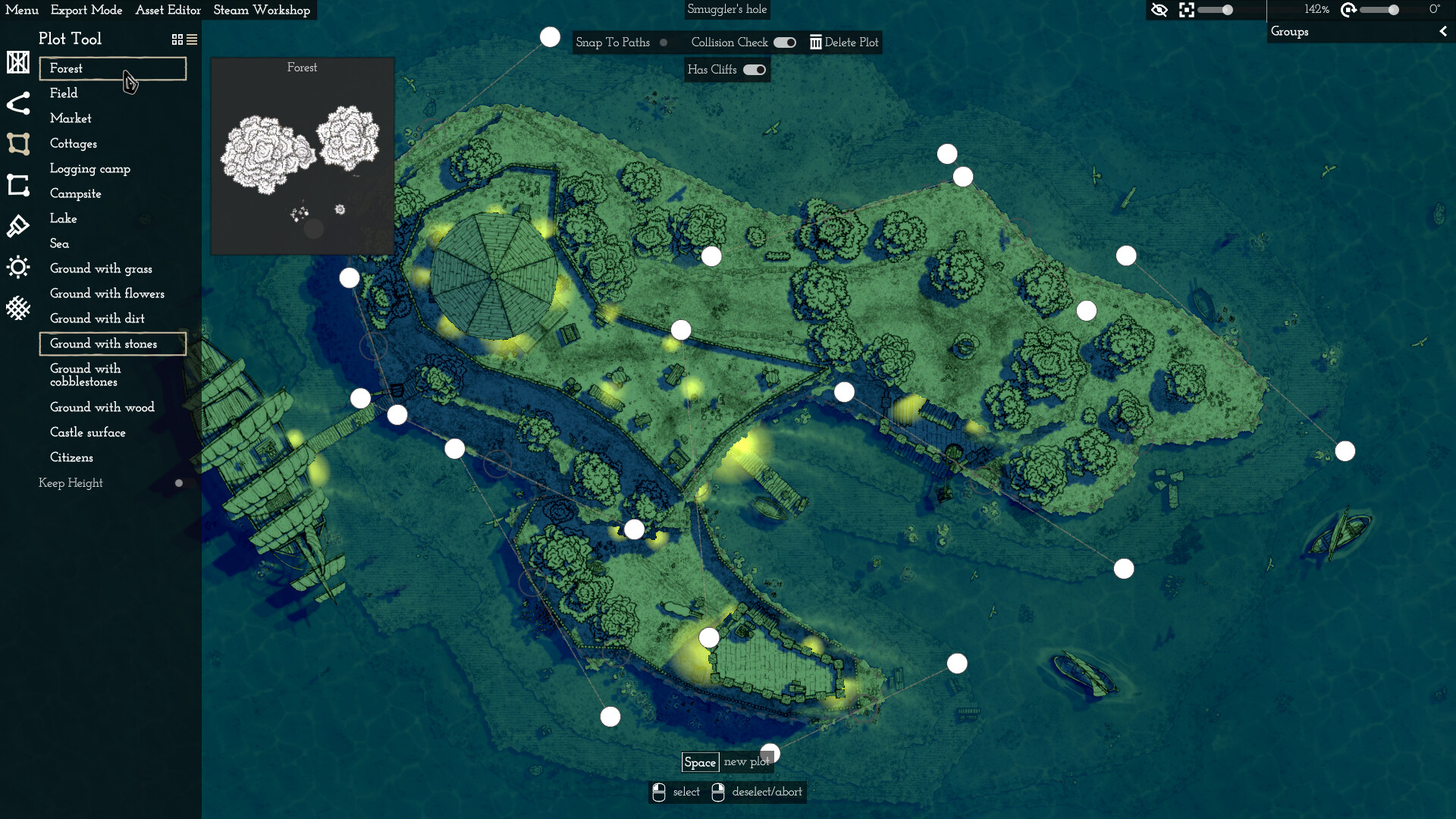
    New Plot Editor: This allows you to create custom plots (currently only a forest-like plot). Assignment of up to 3 object groups. Adjustable size, chance and collision check per assigned object group. Asset Browser: Extended search with…

    Patch notes

December

  1. Asset Editor, Steam Workshop support for custom assets

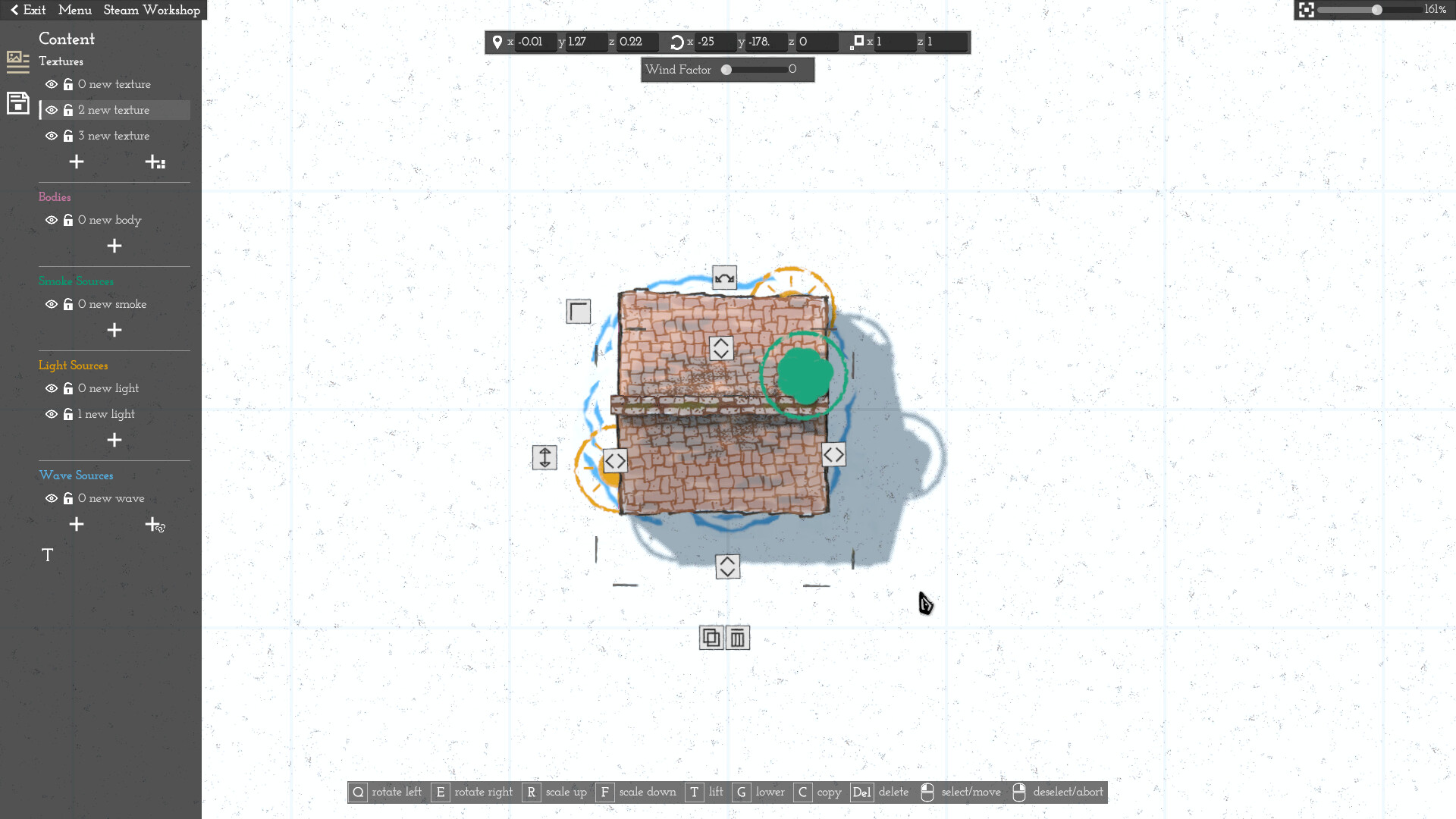
    Asset Editor - Switch between normal editor and asset editor at any time - Create your own custom assets (No external 3D tools e.g. Blender necessary) - Add your own textures, original textures, boxes for solid shadows, smoke sources, light…

    Patch notes

September

  1. Minor adjustments and optimizations

    Click priorities adjusted. Especially if you place several rooms on top of each other and use Deco Images. Working in general with stacked rooms improved. For example, you can no longer accidentally click on an object on the first floor…

    Patch notes
  2. Layers, increased height, Godot 4.3

    Layer System - Create/delete/name new layers - Layer groups on first level - Arrange layers/groups using buttons or drag and drop - Hide or lock layers/groups - Panel of the layer list can be folded in and out and grows automatically…

    Patch notes

August

  1. Wall without towers, dock path, new houses

    New path: Walls without towers New path: Docks New path: Only battlements New objects: Houses with wood and tiled roofs Max and min limits of object scale increased Grid: Max height increased so that grid can now be placed above everything…

    Patch notes

July

  1. Room Tool for interiors and more

    Room Tool for interiors - With auto-generated elements - Individual objects can be attached and individual generated objects can be detached - Room and objects can be moved, rotated and changed in height together - Wall and floor design can…

    Patch notes

June

  1. Stairs and other small things

    Stairs: Wood and stone. The path points can be raised or lowered individually. The width can also be adjusted Endless Placing Mode slightly improved Multi Select adjusted Several bug fixes and small optimizations

    Patch notes
  2. Water & Land performance improvements

    Water: Performance increased Water: Combination system improved Water: River course now better adjustable Water: Size limit of Lake and Ocean removed Land Plots/Castle Surface: Performance increased Land Plots/Castle Surface: Size limit…

    Patch notes

May

  1. Optimizations and more

    Save file size reduced by up to around 50% Save speed increased Settings: New button "Large Map": Enlarge map to 5 times its original size (beta). Warning: RAM load and loading & saving time of the map increases with each object! Settings…

    Patch notes
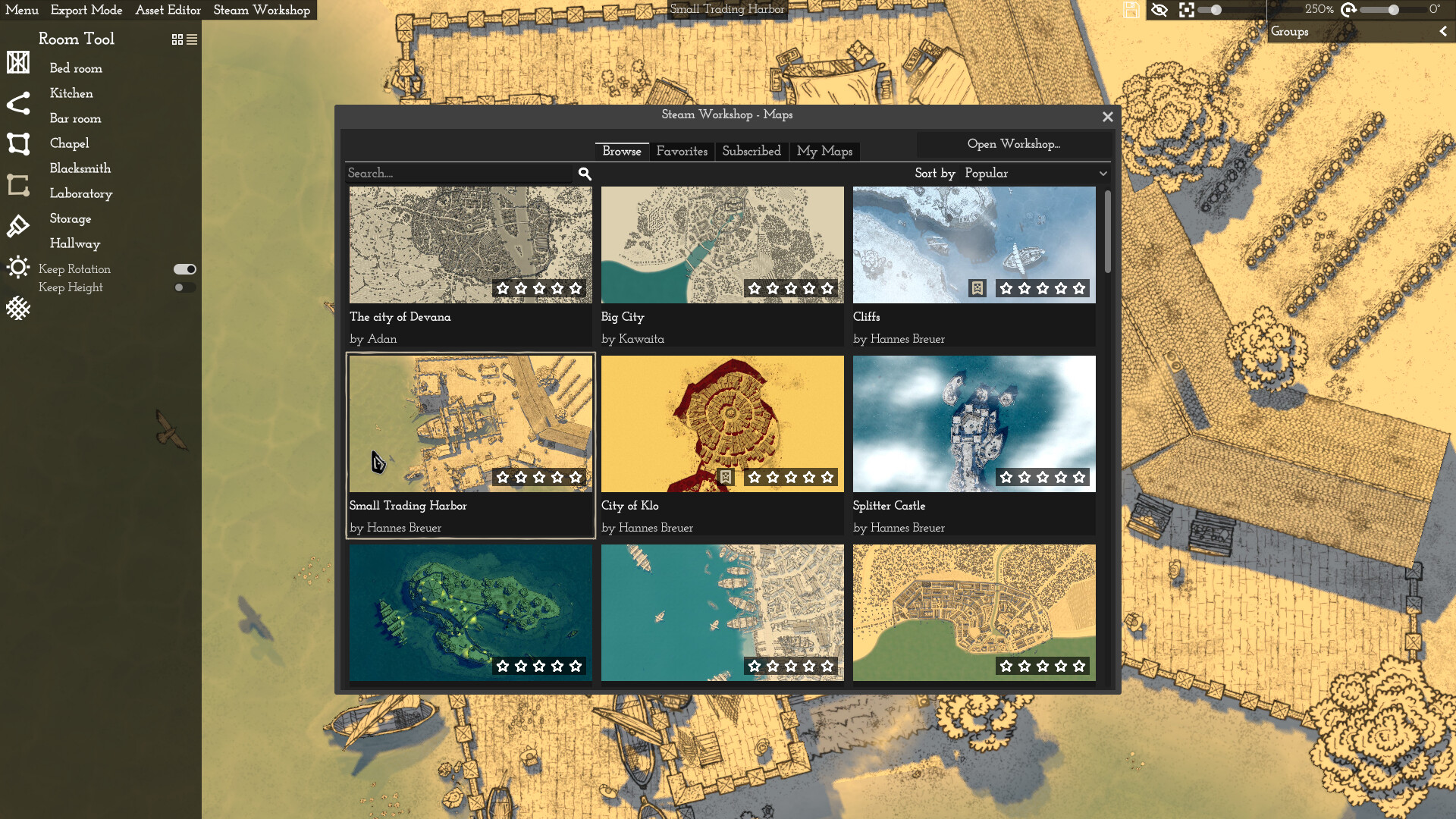
  2. Steam Workshop for maps

    Steam Workshop for maps: Upload, update, browse, download. This also allows you to use Steam as a private cloud storage for your maps by simply limiting the visibility of your published maps Added a Steam achievement Export of webp…

    Patch notes

April

  1. Custom translation, custom key bindings, improved control

    Custom translation via "translation.csv". There is a "translation" folder in the user directory. Save a "translation.csv" there. Feel free to check my discord for more details: https://discord.gg/JTBS2xWedR Custom key bindings: You can now…

    Patch notes

March

  1. Light sources height, support for small resolutions, zoom increased

    Light sources can now be raised. Light sources are now also rendered above objects Auto UI scaling for resolutions smaller than 1920x1080 e.g. 1360x768 Zoom level increased. Quality reduction at high zoom levels. (Marking in the zoom…

    Patch notes

February

  1. Adjustable paths/plots height, hills and cliffs, detachable objects and more

    Adjustable height for paths and plots e.g. wall, market, forest or land plot Land plots have two edge variants: Slope or cliff Detachable objects from paths/plots e.g. trees from a forest or cottages on a road New tower variants: Square…

    Patch notes
  2. Adjustable object height, castle surface, forest density and more

    Adjustable object height: You can now adjust the height of individual objects. It works with combined objects (e.g. a crate on a tower) and also with multi select, so you can raise or lower several objects at the same time New plot tool…

    Patch notes

January

  1. Better support for older hardware, quality settings, performance improvements

    Quality settings and performance: I was able to improve the overall performance. In addition, you can now set various quality settings to reduce the memory load and to further increase performance. Selectability of objects and paths…

    Patch notes
  2. Custom deco images, flickering objects fixed

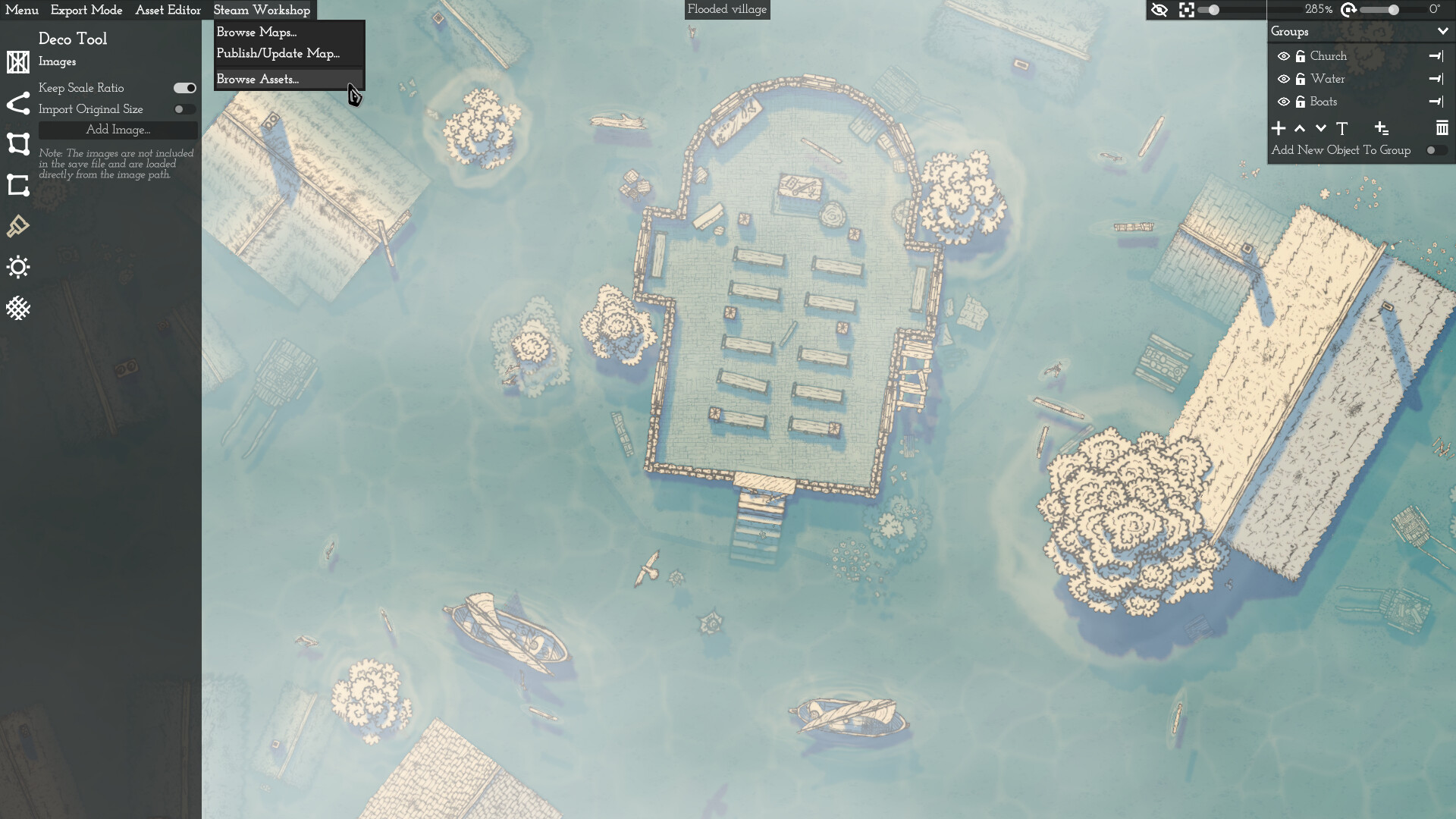
    The flickering objects on Nvidia graphics cards should now be gone. I had to try out quite a few things. Unfortunately it took a long time. I'm very sorry and thanks for your patience! Also, you can now insert custom simple flat images e.g.…

    Patch notes

December

  1. Building tool, Godot 4.2

    Building tool (path tool): Instead of choosing from a list of many individual buildings that are always the same, you will hopefully have more flexibility, speed and, above all, many more options. There are different thatched, wooden and…

    Patch notes

November

  1. Map area doubled, land plot, object list

    Map area doubled Map boundary line removed Camera max zoom level increased Object list per group added. Now you can place specific objects directly Scaling of buttons on map improved when zooming Plot tool for land added Removed black…

    Patch notes

October

  1. Water improvements

    Update rate and performance of water increased Water now has no black border line by default. A button at the top of the UI now allows you to enable or disable the border line The edges of the river are now created more organically (Note…

    Patch notes
  2. Water and more

    Water (plots, paths, bridges and objects) Loading error fixed (even broken old projects should be able to be loaded again now) Loading error message instead of freezing the editor Settings: added the option "Alternative Camera Process" (If…

    Patch notes

August

  1. Multi selection of objects

    Multi selection of objects added. The selected objects can be moved, rotated, deleted and copied together. A maximum of 200 objects can be selected at the same time. Click priorities revised a little. Minor fixes.

    Patch notes
  2. Undo/Redo, Hex Grid and more

    Undo/Redo implemented Hex Grid added Selecting points of an already selected path/plot has now always the highest priority. (For example, if you placed a forest on a wall and two points of the two paths overlapped, it was no longer possible…

    Patch notes
  3. A few small optimizations and minor bugs

    Maps are now loaded faster The application now opens a bit faster, overall I have optimized the performance Paths/plots can now be redrawn by key without having to move a point Path Closed, Delete Path/Plot and Snap to Paths now have a key…

    Patch notes

All games on this site