STEAMDB NEXUS

Steam app 4008490 · updated 12 Sep 2026, 21:21 UTC

Campfire with Cat

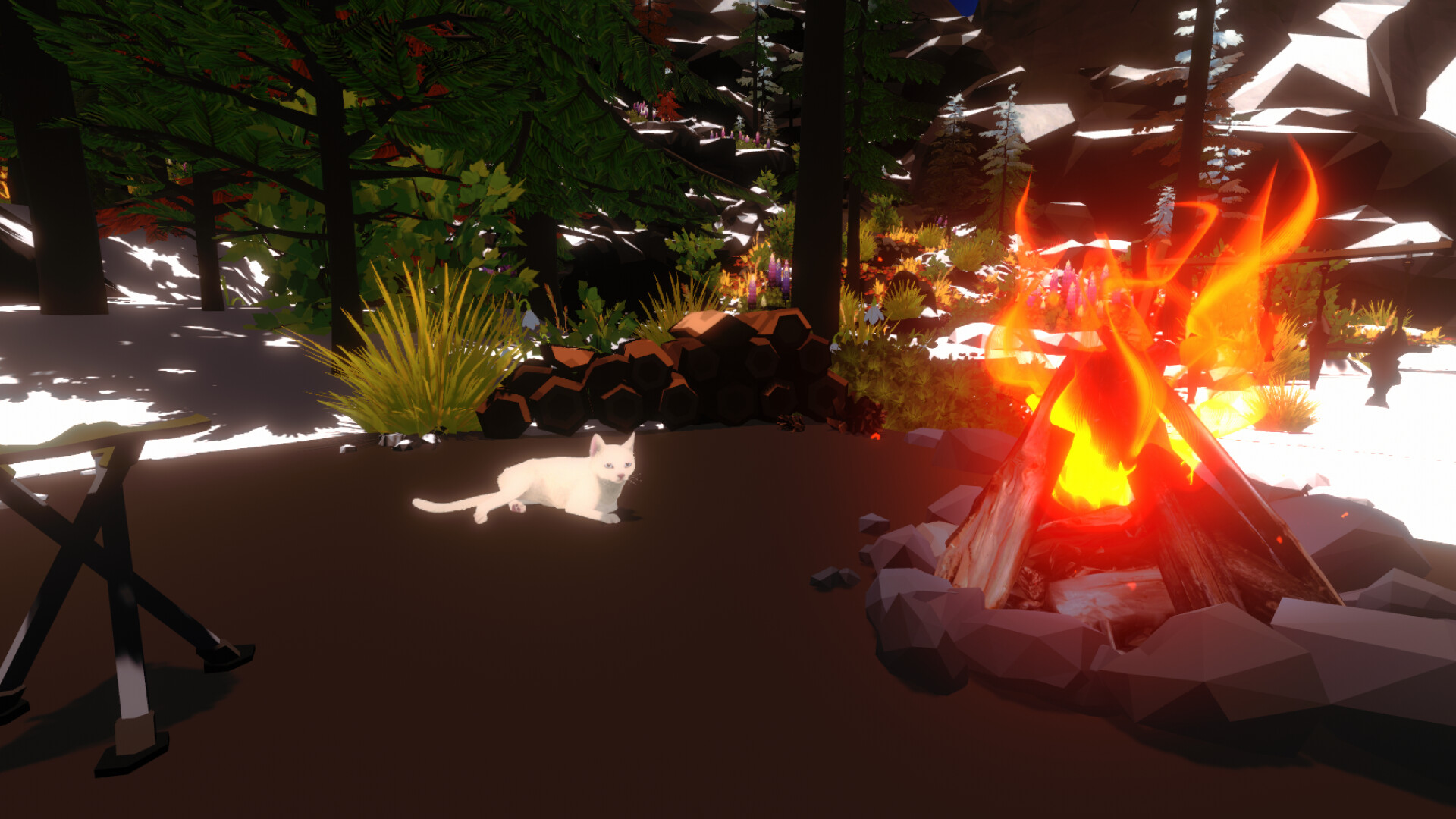
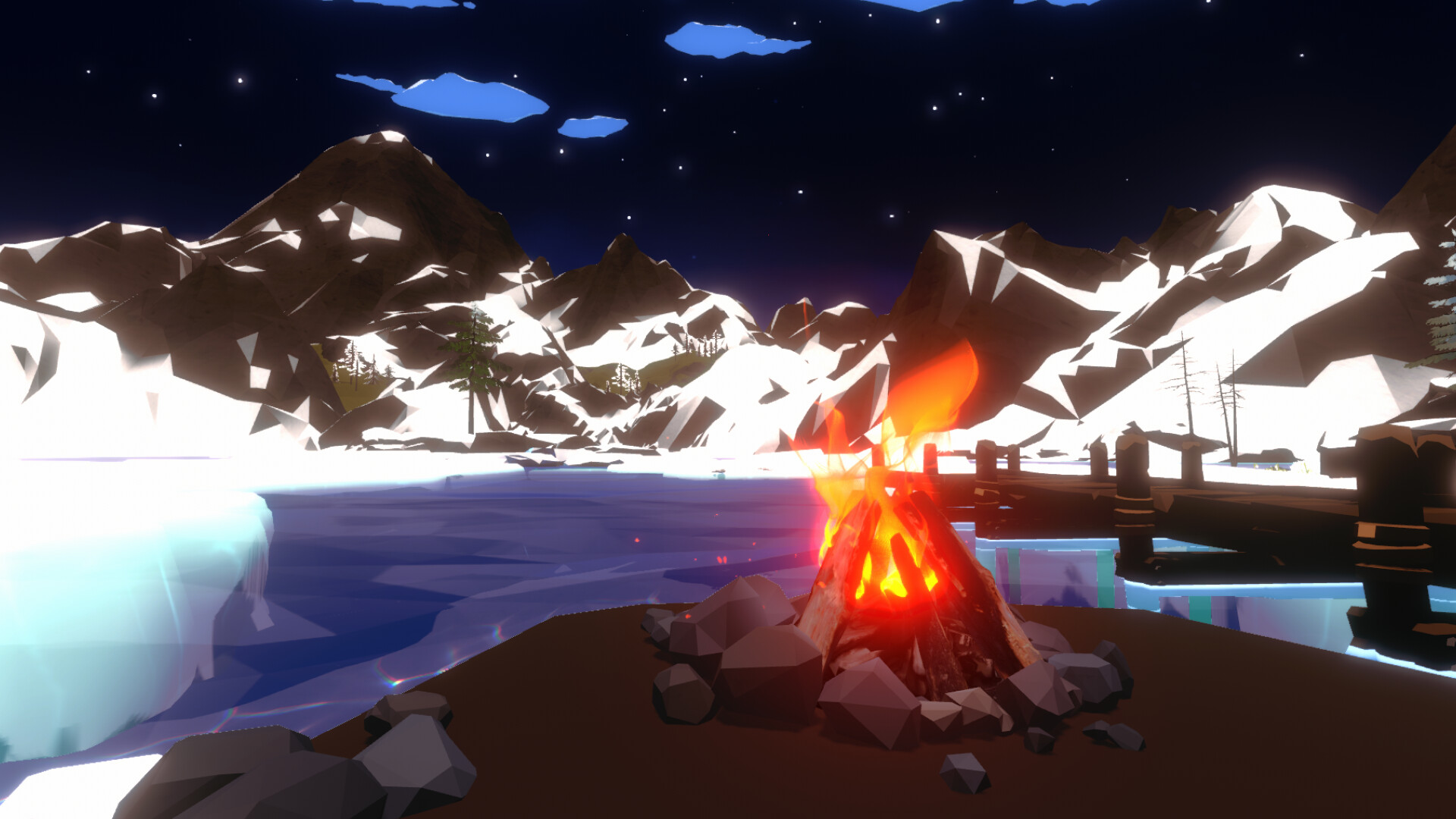
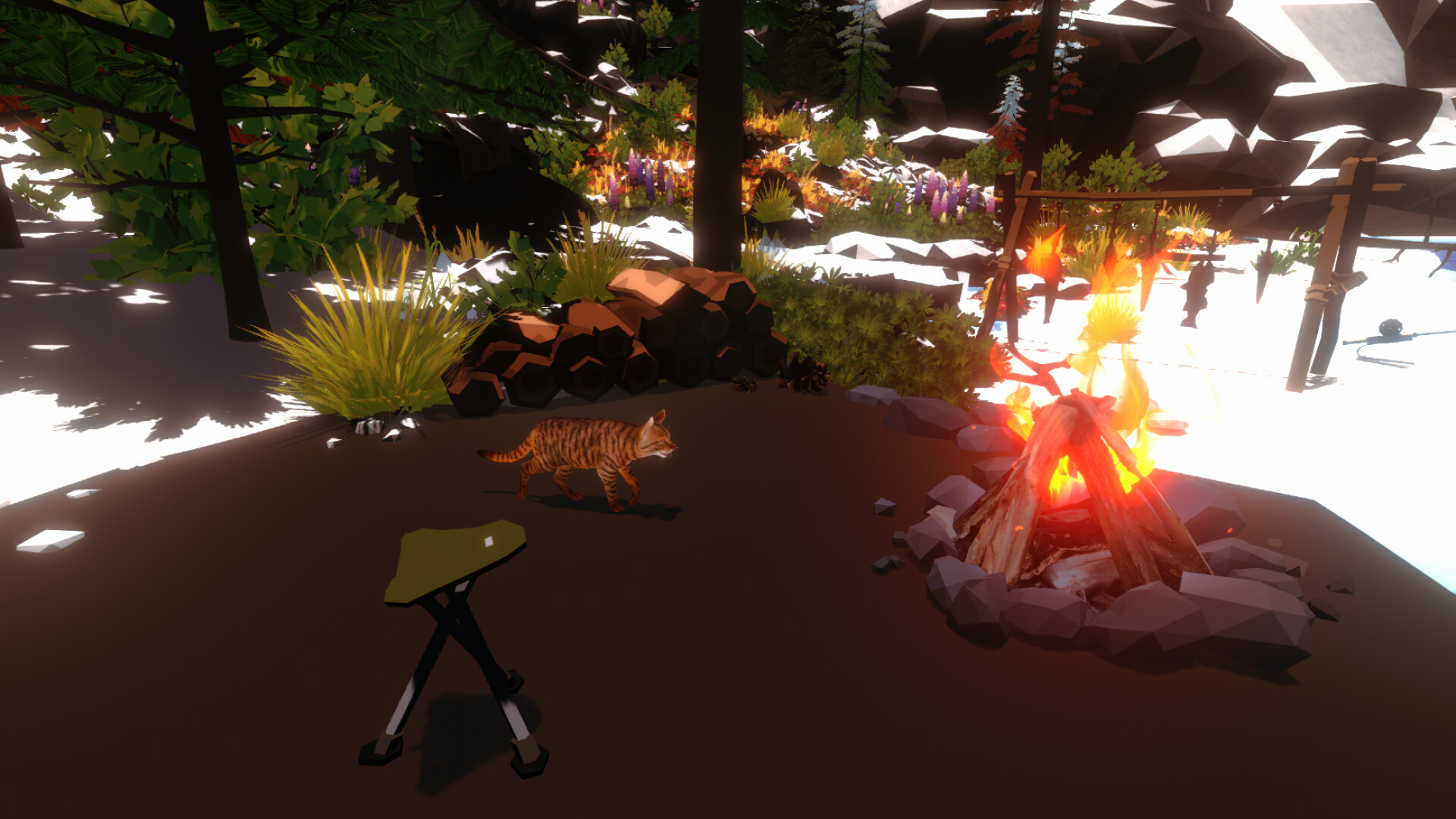
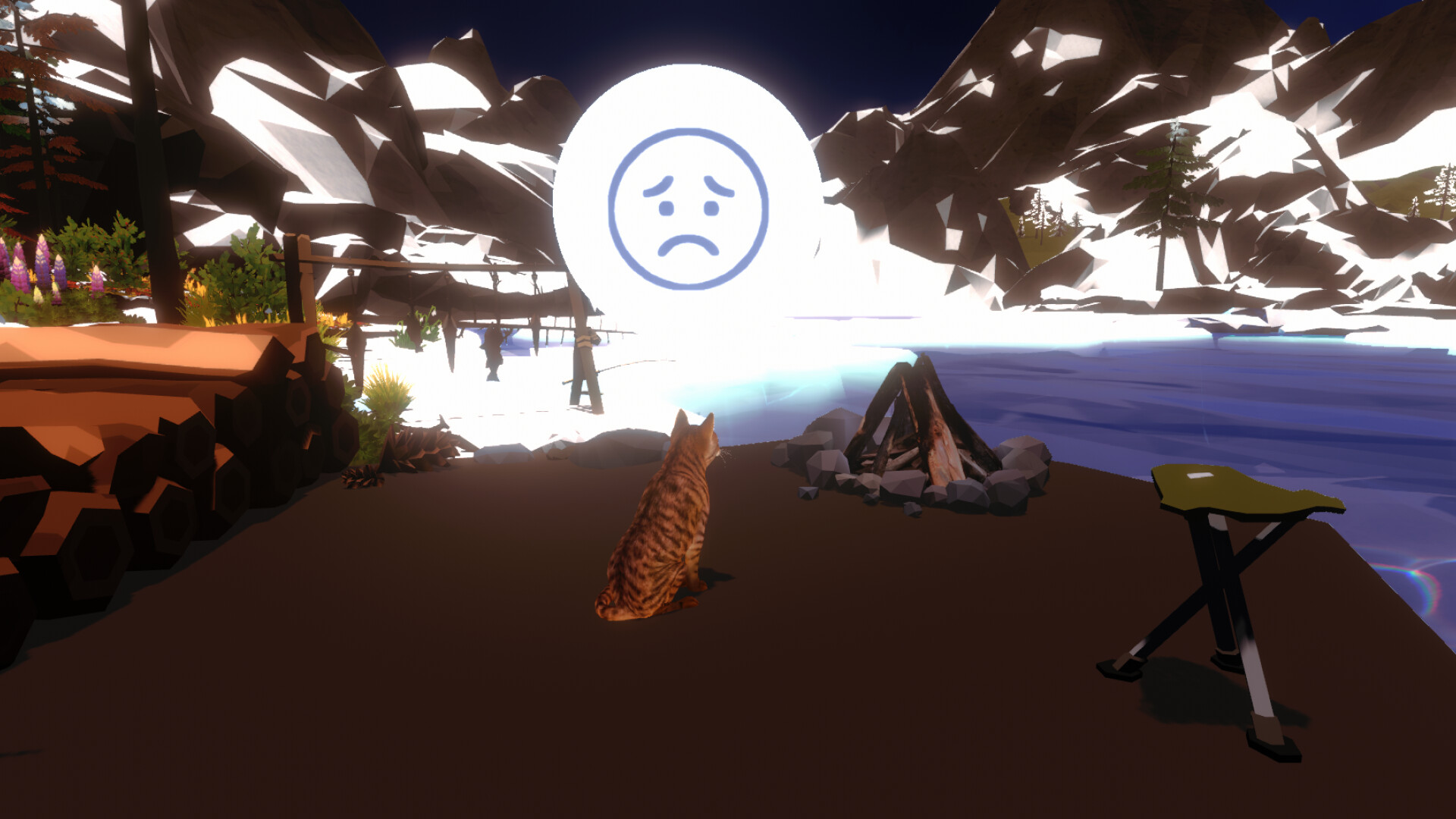
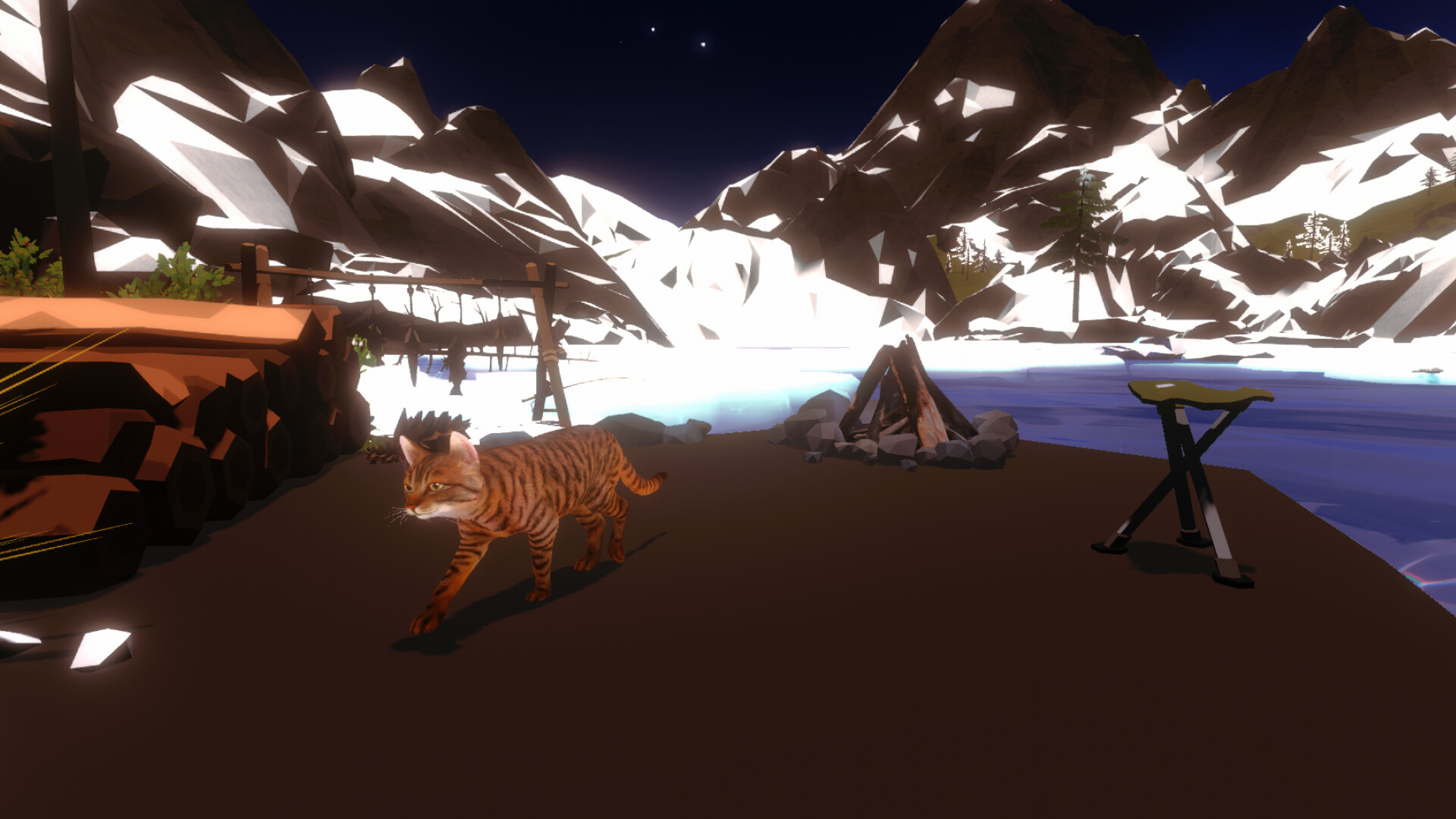
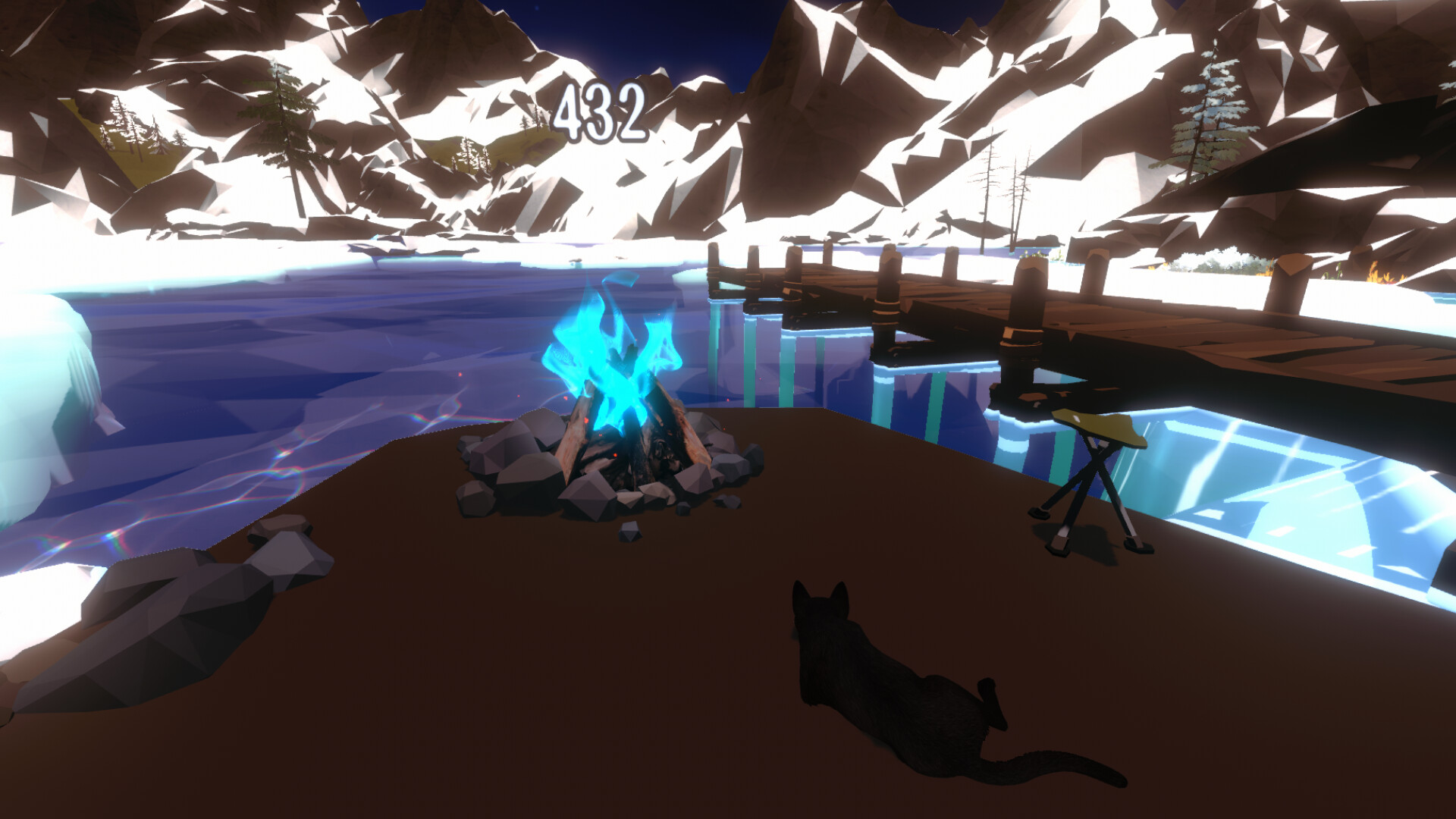
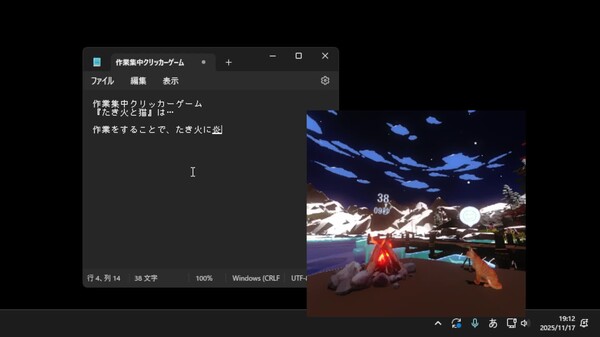
Campfire with Cat is a work-focus clicker game where you maintain the campfire by working in other software. Cozy sounds relax you, while the tension of the fire going out naturally drives task concentration. Gentle interactions with the cat bring comfort and focus to your work.

Campfire with Cat Steam header artwork
RirmorRirmor
14playing now
3924-hour peak
98all-time peak
26average, last 30 days

The last 30 days

+0.7Gain+2.92%% gain52Peak

697 hourly samples, with the daily peak drawn over them. Weekends are shaded.

01428425613 Aug18 Aug23 Aug28 Aug02 Sep07 Sep12 SepThursday 13 August 202619 peakFriday 14 August 202640 peakSaturday 15 August 202639 peakSunday 16 August 202642 peakMonday 17 August 202640 peakTuesday 18 August 202637 peakWednesday 19 August 202636 peakThursday 20 August 202642 peakFriday 21 August 202639 peakSaturday 22 August 202643 peakSunday 23 August 202643 peakMonday 24 August 202642 peakTuesday 25 August 202646 peakWednesday 26 August 202644 peakThursday 27 August 202645 peakFriday 28 August 202640 peakSaturday 29 August 202638 peakSunday 30 August 202648 peakMonday 31 August 202641 peakTuesday 01 September 202640 peakWednesday 02 September 202630 peakThursday 03 September 202638 peakFriday 04 September 202646 peakSaturday 05 September 202639 peakSunday 06 September 202637 peakMonday 07 September 202643 peakTuesday 08 September 202647 peakWednesday 09 September 202652 peakThursday 10 September 202643 peakFriday 11 September 202641 peakSaturday 12 September 202639 peak
Daily peakEvery hourly sample

All time

10 months, December 2025 to September 2026. The highest number of people in the game at once, each month, on a time axis -- a gap in the record stays a gap.

0265379106Dec 2025Jan 2026Feb 2026Mar 2026Apr 2026May 2026Jun 2026Jul 2026Aug 2026Sep 2026December 202589 monthly peakJanuary 202688 monthly peakFebruary 202698 monthly peakMarch 202693 monthly peakApril 202677 monthly peakMay 202667 monthly peakJune 202655 monthly peakJuly 202654 monthly peakAugust 202648 monthly peakSeptember 202652 monthly peak
Monthly peak

The last four months

Show:

The highest number of people in the game at once, each month. Four, because four is as far back as the source keeps anything finer than one figure a month.

015294458July 2026August 2026September 2026October 2026July 202654 peak — daily detail belowAugust 202648 peak — hourly detail belowSeptember 202652 peak — hourly detail below
Monthly peakHas finer data

July 2026

31 days, each one the highest figure that day. The source keeps no hourly detail this far back. Weekends are shaded.

01529445801 Jul06 Jul11 Jul16 Jul21 Jul26 Jul31 JulWednesday 01 July 202652 peakThursday 02 July 202646 peakFriday 03 July 202645 peakSaturday 04 July 202646 peakSunday 05 July 202646 peakMonday 06 July 202654 peakTuesday 07 July 202643 peakWednesday 08 July 202654 peakThursday 09 July 202645 peakFriday 10 July 202639 peakSaturday 11 July 202644 peakSunday 12 July 202650 peakMonday 13 July 202649 peakTuesday 14 July 202648 peakWednesday 15 July 202646 peakThursday 16 July 202638 peakFriday 17 July 202639 peakSaturday 18 July 202639 peakSunday 19 July 202637 peakMonday 20 July 202645 peakTuesday 21 July 202645 peakWednesday 22 July 202638 peakThursday 23 July 202638 peakFriday 24 July 202639 peakSaturday 25 July 202640 peakSunday 26 July 202642 peakMonday 27 July 202641 peakTuesday 28 July 202644 peakWednesday 29 July 202647 peakThursday 30 July 202642 peakFriday 31 July 202637 peak

August 2026

31 days as the curve, each the highest figure that day. Behind it, 422 hourly samples from 13 Aug, which is as far back as the source keeps every hour. Weekends are shaded.

01326395201 Aug06 Aug11 Aug16 Aug21 Aug26 Aug31 AugSaturday 01 August 202639 peakSunday 02 August 202643 peakMonday 03 August 202640 peakTuesday 04 August 202640 peakWednesday 05 August 202636 peakThursday 06 August 202645 peakFriday 07 August 202635 peakSaturday 08 August 202628 peakSunday 09 August 202637 peakMonday 10 August 202641 peakTuesday 11 August 202638 peakWednesday 12 August 202640 peakThursday 13 August 202643 peakFriday 14 August 202640 peakSaturday 15 August 202639 peakSunday 16 August 202642 peakMonday 17 August 202640 peakTuesday 18 August 202637 peakWednesday 19 August 202636 peakThursday 20 August 202642 peakFriday 21 August 202639 peakSaturday 22 August 202643 peakSunday 23 August 202643 peakMonday 24 August 202642 peakTuesday 25 August 202646 peakWednesday 26 August 202644 peakThursday 27 August 202645 peakFriday 28 August 202640 peakSaturday 29 August 202638 peakSunday 30 August 202648 peakMonday 31 August 202641 peak

September 2026

12 days as the curve, each the highest figure that day. Behind it, 275 hourly samples. Each dip is a night. Weekends are shaded.

01428425601 Sep03 Sep05 Sep07 Sep09 Sep11 SepTuesday 01 September 202640 peakWednesday 02 September 202630 peakThursday 03 September 202638 peakFriday 04 September 202646 peakSaturday 05 September 202639 peakSunday 06 September 202637 peakMonday 07 September 202643 peakTuesday 08 September 202647 peakWednesday 09 September 202652 peakThursday 10 September 202643 peakFriday 11 September 202641 peakSaturday 12 September 202639 peak

October 2026

Campfire with Cat was released on 22 Feb, 2026.

Not out yet.There is nothing to draw for this month.
Nothing here is interpolated or estimated; where a sample is missing the line is broken.

Game information

Updated 12 Sep 2026, 21:21 UTC
App ID
4008490
Last updated
20 May 2026 build 23318097
Developer
Rirmor
Publisher
Rirmor
Release date
22 Feb, 2026
Platforms
Windows
Download size
394 MB
Install size
1.15 GB
Genres
Simulation
Game modes
Single-player
Controller support
Unknown

Features & support

Steam features

Mouse Only OptionFamily Sharing

Controllers & input

Accessibility

Custom Volume ControlsPlayable without Timed Input

Popular tags

IncrementalSimulationRelaxingCatsIndieCasualIdlerUtilities3DCuteCozyAtmosphericSingleplayerScore Attack
About this gameFull description from Steam
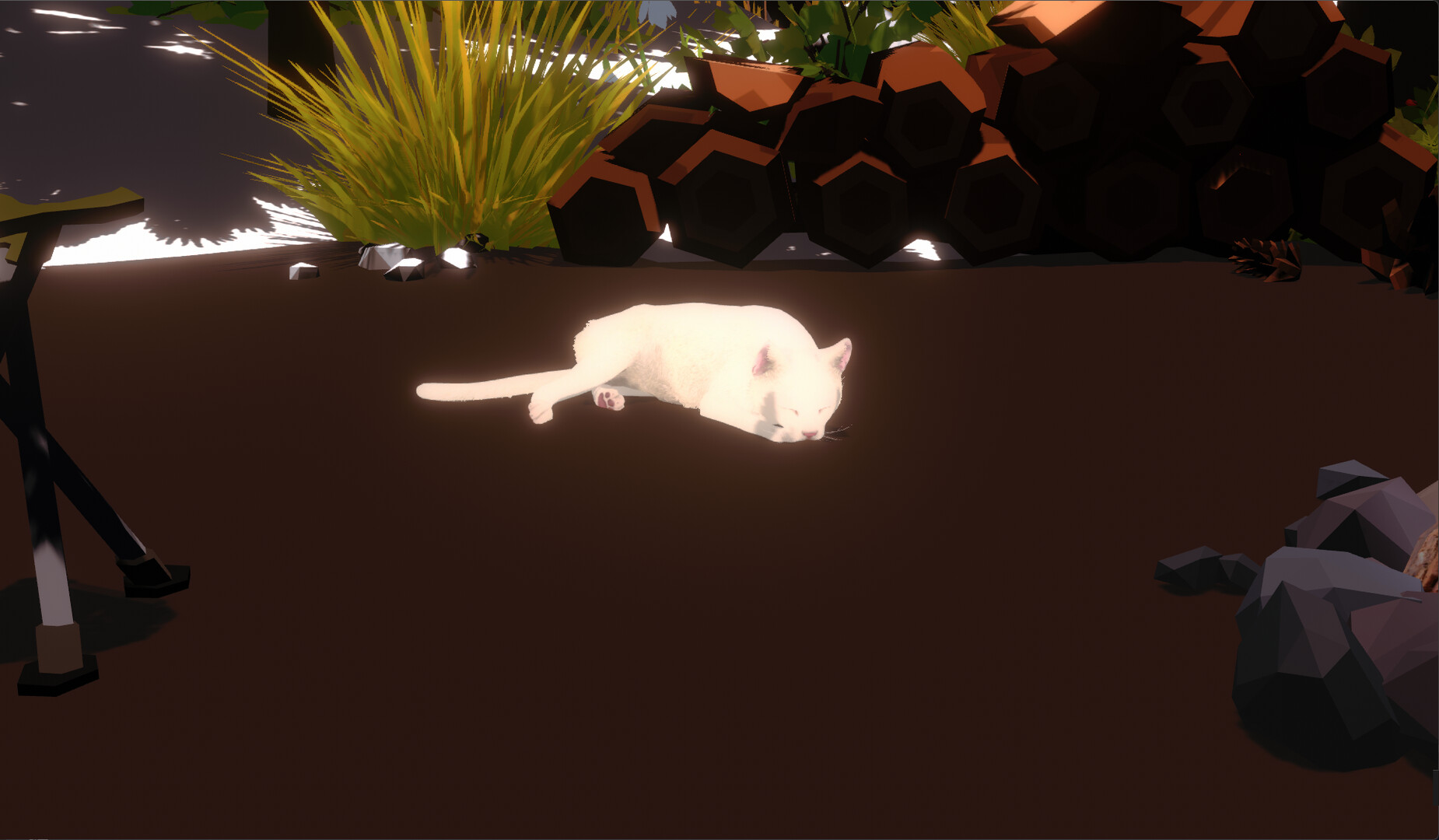
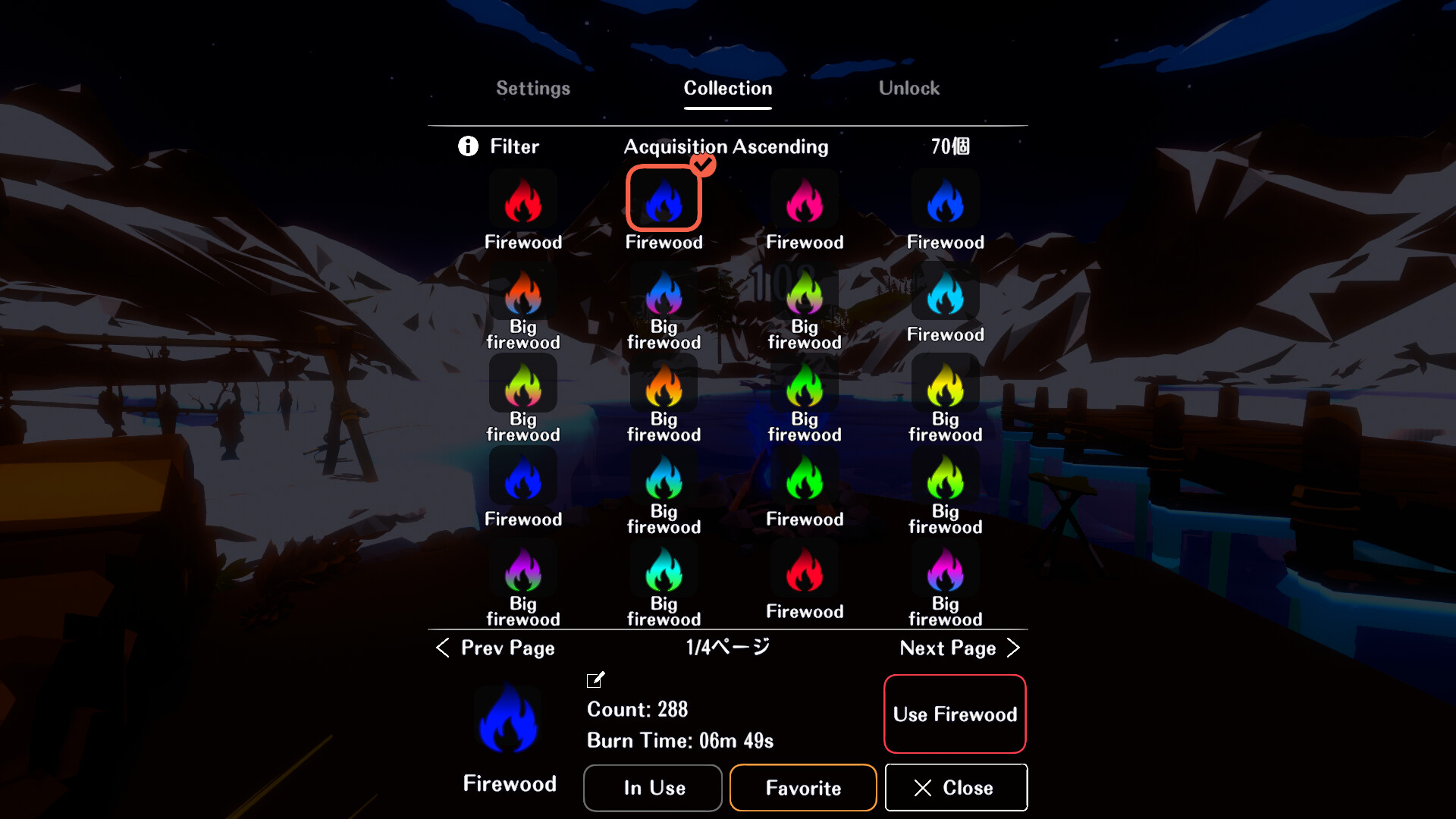
“Campfire and Cat” is a task-focused clicker game where you maintain beautiful campfire flames through actions performed in other software. While realistic campfire sounds and flickering flame visuals relax your mind, the fire grows smaller and eventually dies if clicks or keystrokes stop... This delicate tension gently guides your hands back to the task at hand. And the gentle interactions with cats drawn by the warmth bring healing and focus to your work time. Small Moments with Cats Drawn by the warmth of the flames, a cold-sensitive cat comes to the campfire. By continuing your work and keeping the campfire burning, you can gently warm the cat. In return, the cat might even give you a “thank you message.” Focused on “Healing” and “Concentration” Beautiful campfire visuals: The gentle flickering flames, recreated with particles, calm the mind. Game design that naturally keeps you working: The flames weaken if you stop input (clicks/keys), naturally encouraging continued work. Interaction with cute cats: Gentle interactions with cats drawn by the warmth provide healing during your work time. Visualization of Cumulative Work: Total input counts and accumulated burn time accumulate, providing clear feedback on your effort as a tangible sense of accomplishment. Minimalist Game Design That Doesn't Distract Your Focus There are absolutely no elements that disrupt your concentration, such as “treasure chests received at set intervals.” Rewards are received all at once when you finish your work and launch the game the next day. We have not included features like avatar customization or room editing that risk consuming your time. These features will not be added in future updates either. “Campfire and Cat” is designed to be a game that gives you a gentle push forward when you're facing valuable work—whether it's your job, studies, creative pursuits, or anything else that matters to you.

Content & age ratings2 regional ratings

Regional ratings

DEJUSl
IGRS3
System requirementsMinimum and recommended hardware

Minimum

Minimum: Requires a 64-bit processor and operating system OS: Windows 10 / 11 Processor: Intel Core i5-8400 / AMD Ryzen 5 2600 Memory: 8 GB RAM Graphics: NVIDIA GeForce GTX 2070 / GTX 2060 SUPER DirectX: Version 12 Storage: 15 GB available space

Recommended

Recommended: Requires a 64-bit processor and operating system OS: Windows 10 / 11 Processor: Intel Core i5-12400 / AMD Ryzen 5 5600X Memory: 16 GB RAM Graphics: NVIDIA GeForce RTX 3060 (12GB) DirectX: Version 12 Storage: 15 GB available space

macOS

Minimum: Recommended:

Linux

Minimum: Recommended:
Supported languages2 languages
LanguageFull audio
Japanese
English

A blank audio cell means full audio was not marked in the returned language list.

Screenshots & trailersScreenshots and trailers

Trailers

AchievementsTotal count and selected achievements

26 developer announcements, Dec 2025 to May 2026 · times in UTC

May

  1. Update: Bug Fixes – ver. 1.2.2

    ・Fixed an issue where, in save files with the DLC purchased, carpets would sometimes reappear after restarting the game even if they had been hidden.・Added three new types of carpets via the DLC.

    Patch notes
  2. Update: Bug Fixes – ver 1.2.1

    ・Fixed an issue where the burn time and count for each log were not displayed correctly on the Log Collection screen.・Made other minor UI fixes.

    Patch notes

April

  1. Update: Game Balance Adjustments – ver. 1.2.0

    We have implemented significant balance adjustments to reduce instances where the campfire goes out while you are continuing your work.① Scrolling the mouse wheel now stops the campfire flames from dying down.② The time before the cat…

    rirmor.vr
  2. Update: New Rewards Added – ver 1.1.0

    ・Increased the drop rate of special firewood by 5 times・Added two new types of special firewood ・Fixed an issue where the link to the official Discord server was not working properly when the language setting was set to English・Fixed an…

    Patch notes

February

  1. Update: Bug Fixes_ver1.0.1

    ・Count and burn time are now added to the currently used log even in 2D mode.・Fixed an issue where the log gathering button display position would shift.・Fixed unnatural parts in the English translation.・Fixed an issue where the default…

    Patch notes
  2. Ver1.0 Release

    Ver1.0 Update Details<You can now collect “Special Firewood” while gathering firewood.>When gathering firewood, you now have a very low chance of obtaining “Special Firewood”.When burned together with regular firewood, Special…

    rirmor.vr

January

  1. Update: Feature Added - ver0.9.37

    ・Added a feature to skip the firewood gathering animation.(A skip button now appears during firewood gathering. Pressing it skips the animation that displays one piece of firewood per click.)・Adjusted some background graphics.

    Patch notes
  2. Update: Bug Fixes_ver0.9.36

    <Bug Fixes>・Fixed an issue where the cursor displayed as a resize cursor (arrow) when hovering over the title bar in normal window mode.<Settings Related>・Moved the cat expression icon display setting to the graphics settings.・Added an…

    Patch notes
  3. Update: Feature Added - ver0.9.35

    <Unlock Rewards Added>・Five new unlock rewards have been added.<Bug Fix>・Fixed an issue where, after launching the software, if you closed it without performing any actions for at least one second and then relaunched it after a certain…

    Patch notes

December

  1. Update: Feature Added - ver0.9.34

    ・With the credits open in the bottom-right corner of the title screen, enter “MerryChristmasTakibitoneko” to make it feel like Merry Christmas anytime. (All lowercase is also OK. Restarting the software will revert it.) <Feature Additions>…

    Patch notes
  2. Update: Added Decorations_ver0.9.33

    <Decorations Added>・The game now has a Merry Christmas feel.(The event is scheduled to end around 11 PM on the 26th.We plan to add features that allow you to keep the Merry Christmas feel even after the event ends.)<Bug Fixes>・Fixed an…

    Patch notes
  3. Update: Feature Added - ver0.9.32

    <Feature Addition> ・Pressing “1–9” now allows you to move to a previously saved camera position. (Hold Alt while pressing 1–9 to save up to 9 current camera positions. Hold Ctrl and Alt while pressing 1–9 to delete them.) ・The selection…

    Patch notes
  4. Update: Optimization_ver0.9.31

    <Additional Graphics Settings> ・You can now select the fps value from (30/60/Monitor Sync). Before this update, the fps value was determined based on your monitor. When using a monitor with a high refresh rate, this could increase the…

    Patch notes
  5. アップデート:機能追加_ver0.9.30

    <Window Operation Feature Additions> ・When in borderless mode, moving the cursor to the top-right corner now displays the standard window controls: “Close Button,” “Maximize,” and “Minimize.” <Collection Screen Feature Additions> ・Favorites…

    Patch notes
  6. Update: Bug Fixes_ver0.9.29

    ・Fixed an issue where collecting firewood would cause borderless window switching and window dragging via right mouse button to stop working until the game was restarted.

    Patch notes
  7. Update: Bug Fixes_ver0.9.28

    ・Fixed an issue where Steam did not recognize the game as being played when “Automatically launch Takibi and Neko at PC startup” was enabled and auto-launch was performed. ・To resolve the above issue, we changed the auto-launch…

    Patch notes
  8. Update: Improved Usability_ver0.9.27

    ・Added Alt+T shortcut to toggle “Pin/Unpin Window to Front”.・Added the above functionality to the window operations tutorial.・Fixed an issue where toggling borderless mode with Alt+Enter didn't update the toggle state.・Fixed an issue where…

    Patch notes
  9. Update: Game Balance Adjustments_ver0.9.26

    <Enhanced Settings> ・After displaying the menu icon, it will now automatically disappear when the cursor moves away. ・The option “Make window circular when window frame is hidden” has been changed to “Make window circular when menu is…

    Patch notes
  10. Update: Bug Fix_ver0.9.25

    Fixed an issue where clicking another window at specific times during startupcould prevent window movement via right-click drag.

    Patch notes
  11. Update: Improved Usability_ver0.9.24

    <Camera Controls>・Keyboard camera controls have been changed:Move forward/backward, left/right: WASDMove up: Space or EMove down: Ctrl or Q・Added slight acceleration to camera movement for smoother operation.・Fixed an issue where scrolling…

    Patch notes
  12. Update: Bug Fixes_ver0.9.23

    ・Fixed an issue where software located in file paths containing Japanese characters in folder names could not be counted

    Patch notes
  13. Update: Bug Fixes_ver0.9.22

    ・Fixed an issue where the camera would suddenly move forward or backward when moving the cursor back inside the window frame after using the wheel outside the frame.・Fixed the function to mute all sounds.・Changed some unlock…

    Patch notes
  14. Update: Bug Fixes_ver0.9.21

    A bug occurred where registering mouse input via the RawInput APIprevented the mouse wheel from controlling camera zoom in/out, so this has been fixed.

    Patch notes
  15. Update: Performance Improvements_ver0.9.20

    The counting process has been changed from the WindowsHook method to the RawInput method.Conceptually, it works like this:Before update: Mouse input → Determine whether to count → Other PC operationsAfter update: Mouse input → Other PC…

    Patch notes
  16. Update: Performance Improvements_ver0.9.13

    ・Performance Improvements Fixed issues where input processing would stack up or cursor movement would become sluggish. Reduced processing load during mouse movement.・Fixed a bug where the volume would max out.

    Patch notes
  17. アップデート:パフォーマンス向上_ver0.9.12

    ・Performance Improvements Fixed issues where input processing would stack up or cursor movement would become sluggish. Separated input processing from tasks like updating the count display to speed up input processing.・Made campfires harder…

    Patch notes

All games on this site